What is an EPG on Your TV? A Simple Explanation
An EPG on your TV is essentially a digital TV guide. It stands for Electronic Program Guide, and it shows you what’s on TV right now and what’s coming up soon. Think of it as your TV’s built-in channel lineup and schedule, all in one convenient place.
You’ll usually find the EPG accessible through a dedicated button on your remote control. It helps you quickly see program details, showtimes, and channel information without having to flip through every single channel. Many modern TVs and streaming devices come equipped with a sophisticated EPG that can even offer recommendations based on your viewing habits.
- EPG stands for Electronic Program Guide.
- It’s a digital TV guide showing what’s on now and next.
- Access it via your remote for schedules and channel info.
- Helps you easily plan your viewing.
Ready to stop channel surfing and start smarter watching? Let’s break down exactly what your EPG can do for you.
Understanding Your TV’s Built-In Program Schedule
So, you’ve seen that button on your remote, the one that looks like a little calendar or a grid. That’s your gateway to the Electronic Program Guide, or EPG. Think of it as your personal TV concierge. It knows what’s playing on every channel and when. It’s the easiest way to see your available content at a glance. No more guessing or flipping through dozens of channels hoping to stumble upon something good. Your EPG puts the power of knowing right at your fingertips. It’s a surprisingly advanced tool that has evolved a lot over the years.
How Does the EPG Actually Work?
The EPG system works by receiving data from your TV service provider. This data includes detailed information about every channel and program. It covers what’s currently airing, what’s coming up next, and even what’s scheduled for days ahead. Your TV then interprets this data and displays it in an easy-to-read format on your screen. It’s like a digital newspaper for your television, but much more interactive and up-to-date. Many people don’t realize how much information is being sent to their TV constantly.
The Data Behind the Guide
Each program listed in your EPG comes with a wealth of metadata. This can include the show’s title, a brief description, the airtime, the channel it’s on, and sometimes even the actors or director. For movies, you might see the genre, rating, and runtime. For sports, you could get details about the teams playing. This rich information helps you make informed choices about what to watch. We found that the more descriptive the EPG data, the easier it is for viewers to find something they’ll enjoy.
Receiving the EPG Information
Your television set or set-top box receives this program data in a couple of ways. For cable and satellite TV, it’s often transmitted as part of the broadcast signal itself. Think of it as a hidden stream of data accompanying the video. For streaming services, the EPG data is typically delivered over the internet, much like the video stream. This allows for even faster updates and more dynamic content. The method might differ, but the end result is the same: a clear, organized schedule for your viewing pleasure.
Navigating Your EPG Like a Pro
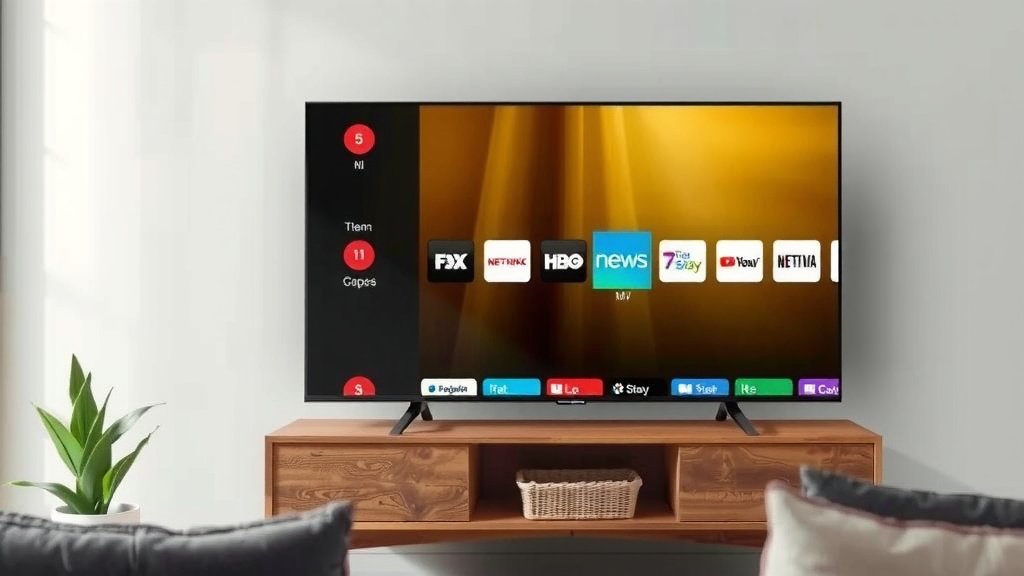
Using your EPG is usually quite intuitive. You’ll typically press a button on your remote labeled “Guide,” “EPG,” “Menu,” or sometimes a grid-like icon. Once activated, you’ll see a screen filled with channels listed down one side and time slots across the top. Currently playing shows will be highlighted, and you can scroll through upcoming programs. It’s designed to be user-friendly, so don’t be afraid to poke around.
Finding What’s On Now and Next
The primary function of the EPG is to show you what’s currently airing and what’s scheduled to begin shortly. You can usually see a few hours of programming for each channel. This is incredibly helpful when you’re trying to catch a specific show or just want to see what’s available in the next hour or two. Many EPGs will even let you see what’s coming up tomorrow or later in the week. It’s your crystal ball for television content.
Exploring Different Channels and Genres
Beyond just seeing what’s on, your EPG helps you explore. You can scroll through different channels to see their individual schedules. Some advanced EPGs allow you to filter by genre. Want to see all the documentaries airing today? Or perhaps all the live sports? Your EPG can often help you find that with a few clicks. This feature transforms your TV guide from a passive list into an active discovery tool.
Using Filters for Better Results
If your EPG has a filtering option, look for it! It’s usually accessed through a “Filter,” “Options,” or “Menu” button while the guide is open. You can often select categories like “Movies,” “Sports,” “News,” “Kids,” or “Drama.” This saves you time by showing only the programs that fit your interests. We found that using these filters can drastically reduce channel surfing time. It’s a small feature that makes a big difference in your viewing experience.
Getting More Program Details
Once you find a program that catches your eye, you can often select it to get more information. This might bring up a detailed synopsis, cast information, episode titles, and parental ratings. Some EPGs even offer direct links to record the program or set a reminder. This level of detail is fantastic for making sure you know exactly what you’re tuning into. It’s the difference between just watching TV and actively choosing your entertainment.
Advanced EPG Features You Might Not Know About
Modern EPGs go far beyond just displaying schedules. They are becoming more intelligent and personalized. Many services are integrating features that learn your preferences. They use algorithms to suggest shows you might like. It’s like having a personal shopper for your TV, but it’s all built right in! This is where the EPG really starts to feel like a smart entertainment hub.
Setting Reminders and Recording Programs
One of the most useful advanced features is the ability to set reminders or record programs directly from the EPG. If you see a show you want to watch later but can’t right now, simply select it and choose “Set Reminder.” Your TV will notify you when it’s about to start. Even better, if you have a DVR (Digital Video Recorder) or a TV with recording capabilities, you can often select a program and choose “Record.” This allows you to build your own personal library of shows and movies. Many experts suggest using this feature to avoid missing out on live events or favorite series (National Association of Broadcasters).
Personalized Recommendations
As mentioned, many EPGs are now powered by recommendation engines. By tracking the shows you watch, rate, or record, the EPG can start suggesting new content. You might see a “Recommended for You” section or find suggestions popping up based on what you’ve just finished. This feature is designed to help you discover shows you might otherwise never find. It’s a great way to broaden your viewing horizons without much effort.
On-Demand and Streaming Integration
The lines between live TV and on-demand content are blurring. Some EPGs now integrate streaming services and on-demand libraries. You might see a movie listed in your guide, and when you select it, you’ll be given the option to watch it live on a particular channel, rent it from a streaming service, or watch it as part of your subscription. This unified interface makes navigating all your entertainment options much simpler. It’s all about bringing your content together in one place. It’s all about bringing your content together in one place. Learn how to connect your TV to WiFi for seamless EPG updates.
EPG and Your Viewing Habits: A Checklist
Ready to make the most of your EPG? Here’s a quick checklist to help you get started:
- Know your EPG button: Find and memorize the button on your remote that opens the guide.
- Browse regularly: Don’t just use it when you know what you want. Spend a minute browsing different channels.
- Use the filter option: If available, filter by genre to find shows you’ll love faster.
- Set reminders: For shows you don’t want to miss but can’t watch immediately.
- Explore program details: Click on shows to read descriptions and learn more before watching.
- Check for recommendations: See if your EPG offers personalized suggestions.
Conclusion
You’ve learned that your TV’s EPG is more than just a schedule; it’s your personal entertainment navigator. It helps you see what’s on now and what’s coming up, all organized neatly. You can use it to discover new shows, get detailed information, and even set recordings. By understanding and using your EPG’s features, you take control of your TV time. Make it a habit to press that guide button regularly and see what your TV has in store for you. Start planning your next viewing session with confidence today!
Frequently Asked Questions
Can I use the EPG if I have a smart TV but don’t subscribe to cable?
Yes, absolutely! Most smart TVs have a built-in EPG that works for over-the-air channels or integrated streaming apps. Even without cable, your EPG can show you schedules for free broadcast channels and sometimes even lists content available through your streaming subscriptions. It helps you see what’s available across different sources.
How do I update my EPG if the information seems wrong?
Usually, your EPG updates automatically. If you notice outdated information, try restarting your TV or set-top box. For cable or satellite, you can often refresh the guide by going into your TV’s settings menu. Sometimes, simply rescanning for channels can also help pull in the latest data.
Are EPGs different on different types of TVs?
EPGs can look and function differently depending on your TV manufacturer, set-top box, or streaming device. While the core purpose remains the same – showing program schedules – the interface and features like recommendations or filters might vary. We found that newer models often have more advanced and user-friendly EPGs.
Why are some EPG listings incomplete or missing descriptions?
The quality of EPG data depends on what the TV channel or network provides to your service provider. Some channels supply very detailed information, including plot summaries and cast lists, while others offer only the title and airtime. This is why you might see a difference in how much detail is available for different shows.
Can I use my EPG to find out what’s on demand?
Many modern EPGs are integrating on-demand content right into the guide. You might see options to watch a show instantly or rent it from a service alongside traditional channel listings. This blending makes it easier to see all your viewing options, live or on-demand, in one place.