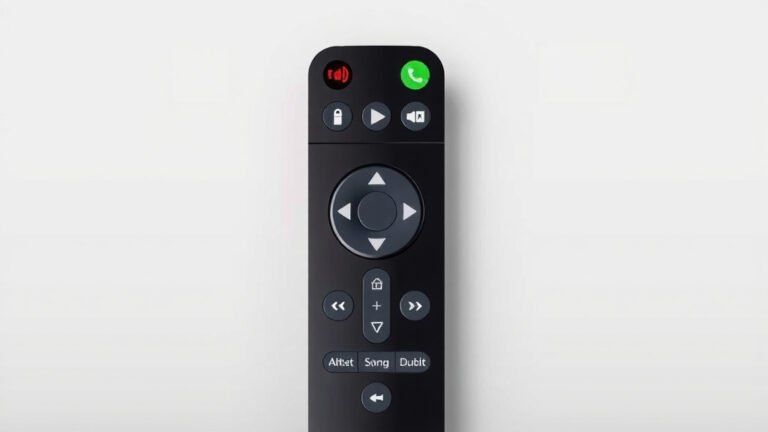
What Is a TV PVR Function Explained
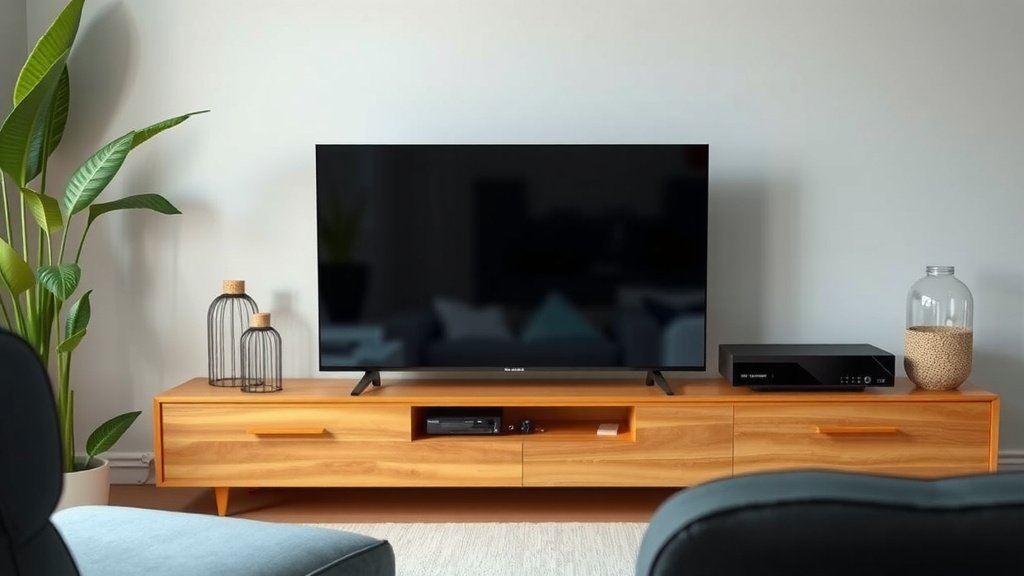
A TV PVR function, which stands for Personal Video Recorder, lets you record live TV shows and watch them later. It’s like having your own personal TV studio right in your living room. This means you never have to miss your favorite programs again.
Think of it as a digital VCR, but much smarter. It allows you to pause live TV, rewind if you missed something, and even fast-forward through commercials when you play back your recordings. This technology transformed how we consume television, giving you more control over your viewing schedule.
- A TV PVR lets you record shows to watch later.
- You can pause, rewind, and fast-forward live TV.
- It gives you control over your viewing habits.
- It’s a modern way to enjoy your favorite programs.
Let’s break down exactly what a TV PVR function is and how it works for you. Let’s break down exactly what a TV tuner is and how it can work for you.
Understanding Your TV’s Recording Power
So, what exactly is this PVR function you keep hearing about? It’s your ticket to taking back control of your TV viewing. Think of it as a super-smart VCR for the modern age. This technology allows your television, or a connected device, to record broadcast television shows onto internal storage or an external drive. This way, you can watch them whenever it suits your schedule, not just when they’re airing.
Gone are the days of rushing home to catch your favorite show or setting clunky timers. The PVR function makes television viewing more flexible and personal. You get to decide what you watch and when you watch it, making your entertainment experience entirely on your terms. It’s about fitting TV into your life, rather than fitting your life around TV.
How Does the PVR Function Actually Work?
At its core, a PVR uses a built-in hard drive or connects to an external storage device. When you tell your PVR to record a show, it digitally captures the video and audio signal from the TV broadcast. This data is then saved onto the storage medium. When you want to watch it, you simply select the recorded program from a list, and the PVR plays it back for you. It’s like having your own personal TV library at your fingertips.
Recording Live Television
The most basic, and arguably most important, feature of a PVR is its ability to record live TV. You can usually do this in a couple of ways: either by selecting a show directly from the on-screen TV guide or by manually setting a recording time and channel. This ensures you never miss an episode, no matter how busy your day gets. It’s incredibly useful for live sports, breaking news, or any program that has a fixed broadcast time.
Timeshifting: Pause, Rewind, and Fast-Forward
This is where the PVR function truly shines and earns its “personal” title. Timeshifting means you can manipulate live TV playback. Did the doorbell ring during a crucial scene? No problem! You can pause live TV and then resume watching exactly where you left off. Missed a key line of dialogue? You can rewind a few seconds or minutes to catch it. And, of course, when you’re watching a recorded program, you can fast-forward through those commercials that interrupt your flow. This level of interaction gives you unprecedented control over your viewing.
Key Features You’ll Love
Beyond basic recording, modern PVR functions often come packed with features designed to enhance your viewing experience. These tools make managing your recorded content and your overall TV time much easier and more enjoyable.
Series Recording
One of the most convenient features is series recording. Instead of setting a recording for each individual episode of your favorite show, you can tell the PVR to record the entire series. The device will then automatically record every new episode that airs. This is a huge time-saver and ensures you stay up-to-date with your binge-worthy dramas or weekly comedies without any effort. You can often set options for recording only new episodes or all episodes, giving you flexibility.
Series Link / Series Pass
This is essentially another name for series recording, often used by different manufacturers. The concept remains the same: set it once, and the PVR will automatically record all upcoming episodes of a specific show. Many systems allow you to set these links directly from the electronic program guide (EPG). You simply highlight the show you want to record and select the “record series” or “series link” option. It’s a set-and-forget convenience that viewers absolutely adore.
Storage Capacity and Management
The amount of TV you can record depends on the storage capacity of your PVR. Some have built-in hard drives ranging from 50GB to over 1TB, while others rely on external USB drives. A larger capacity means you can store more shows and movies without having to constantly delete older recordings. PVRs also typically offer tools to help you organize your recordings, sort them by date or title, and easily delete what you no longer need.
Simultaneous Recording and Viewing
Can you record one show while watching another? For most PVRs, the answer is a resounding yes! If you have a PVR with multiple tuners (the components that receive TV signals), you can record one program while simultaneously watching another live channel. Better yet, you can often record multiple shows at once while still watching a previously recorded program. This capability is a lifesaver for households with different viewing preferences.
PVR vs. DVR: What’s the Difference?
You might hear PVR and DVR used interchangeably, and for good reason – they are essentially the same thing. PVR stands for Personal Video Recorder, and DVR stands for Digital Video Recorder. Both terms refer to the technology that allows you to record, store, and play back television programs. The terms are often used by different manufacturers or in different regions, but the function is identical. So, whether you see PVR or DVR, you know you’re getting the power to record TV.
Who Benefits Most from a PVR?
Honestly, almost anyone who watches television can benefit from a PVR function. However, it’s particularly helpful for:
- Busy individuals and families: If your schedule is unpredictable, a PVR lets you catch up on shows you miss.
- Fans of live events: You can record games or concerts and rewatch key moments.
- Those who dislike commercials: Fast-forwarding through ads is a major perk.
- Anyone wanting more control: If you prefer watching on your own schedule, a PVR is ideal.
Things to Consider for Your PVR Needs
When thinking about using a PVR, or if your TV comes with one, keep a few points in mind to make the most of its capabilities:
- Storage space is key for how much you can record.
- Tuner count matters for simultaneous recording.
- Ease of use for the program guide and recording menus.
- Reliability of the recording function over time.
- Series linking convenience for ongoing shows.
- Playback options like pause, rewind, and fast-forward.
Conclusion
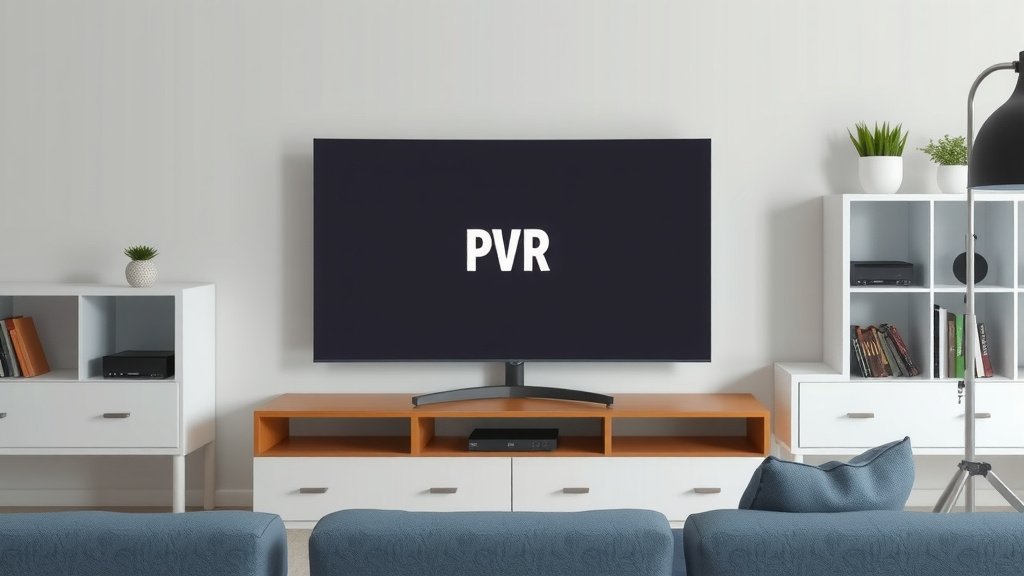
You now understand how a TV PVR function puts you in charge of your viewing schedule. It’s more than just a recording device; it’s your personal entertainment hub. You can easily record shows, pause live TV, and skip commercials. This flexibility means you can enjoy your favorite programs on your own terms. Ready to take control? Check if your current TV has a PVR function or explore options for adding one. You’ll wonder how you ever watched TV without it.
Frequently Asked Questions
Do I need a special TV to use the PVR function?
Not necessarily. Many modern smart TVs come with a built-in PVR function. If your TV doesn’t have one, you can often connect an external device like a set-top box or a streaming device that offers PVR capabilities. You’ll need to check your TV’s specifications or your cable/satellite provider’s equipment.
How much storage do I need for recordings?
The amount of storage you need depends on how much you plan to record. A few hours of HD content can take up a significant amount of space. Many built-in PVRs offer hundreds of gigabytes, while external drives can be a terabyte or more. Consider recording only shows you can’t live without to manage space.
Can I record multiple shows at the same time?
Yes, many PVRs have multiple tuners, allowing you to record more than one show simultaneously. This is a great feature if multiple people in your household want to record different programs at the same time. The number of tuners your PVR has will determine how many recordings can happen at once.
What’s the difference between PVR and a streaming service’s cloud recording?
A PVR records directly to a physical storage device (internal or external) connected to your TV. Cloud recording, offered by many streaming services, saves your recordings online to a remote server. Cloud recording often has expiration dates for recordings and may require a subscription, while PVR storage is limited only by the device’s capacity.
Will a PVR function work if my internet goes out?
Yes, the core PVR function of recording and playing back shows works independently of your internet connection. As long as your TV is receiving a broadcast signal (via antenna or cable/satellite), you can record and watch your saved programs. Internet is typically only needed for features like the electronic program guide or smart TV apps.