What is a TV tuner and how does it work
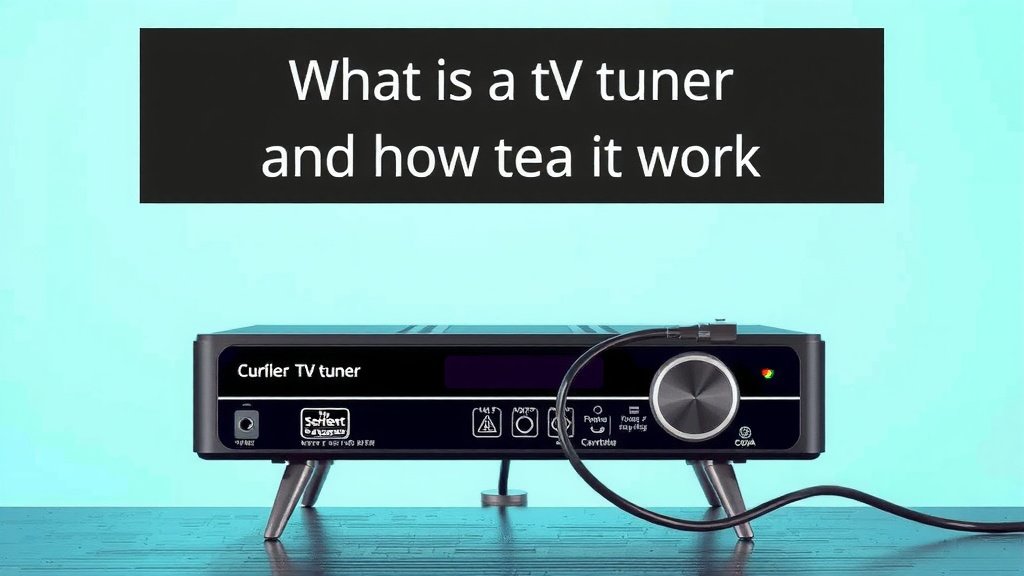
A TV tuner is a device that lets your computer or other gadget receive broadcast television signals. Think of it as a special adapter that tunes into TV channels, just like a traditional TV does. It’s what allows you to watch live TV on your computer screen or record shows directly to your hard drive. You can often use them for over-the-air (OTA) broadcasts or even cable signals.
Essentially, a TV tuner acts as the bridge between broadcast signals and your viewing device. Without one, your computer wouldn’t understand how to pick up TV waves. We found that having a TV tuner opens up a lot of possibilities, from watching local news to capturing favorite episodes. It’s a handy piece of tech for anyone wanting more control over their TV watching experience.
- A TV tuner receives broadcast TV signals.
- It lets you watch live TV on your computer.
- You can also record shows using a tuner.
- It works for over-the-air and some cable signals.
- It’s the key component for a digital TV experience on non-TV devices.
Let’s break down exactly what a TV tuner is and how it can work for you.
So, you’ve heard about TV tuners and are wondering if they’re the missing piece for your home entertainment setup. Essentially, a TV tuner is a gadget that allows a device, often a computer, to “tune in” to television signals. Think of it as giving your computer a special antenna and a translator for broadcast TV. It’s the technology that enables you to watch live television on your PC monitor or even record shows directly to your digital storage.
Understanding How Your Device Becomes a TV
This is where the magic happens. A TV tuner acts as a critical interface. It takes the raw television signals that are broadcast through the air or sent via cable and converts them into a digital format your computer can process. Without this conversion, your computer would just see a jumble of data. We found that this translation process is key to making live TV accessible on non-traditional screens.
The Signal Journey: From Airwaves to Your Screen
Imagine TV signals as invisible radio waves carrying information. These waves travel from broadcast towers or cable providers. Your TV has a built-in tuner to catch these waves. If you’re using a computer, you’ll need an external or internal TV tuner to perform that same function. It’s like giving your computer the ears it needs to hear the TV broadcast.
Types of Signals a Tuner Can Handle
TV tuners aren’t all created equal. They’re designed to pick up different types of signals. The most common ones you’ll encounter are:
- Over-the-Air (OTA) Signals: These are free, local channels broadcast using an antenna. Many people are rediscovering OTA television for its diverse local programming.
- Cable Signals: Some tuners can also pick up channels from your cable TV subscription. This is often referred to as clear-QAM tuning. It usually works for unencrypted basic cable channels.
- Satellite Signals: Tuners are generally not designed for satellite signals, which require specialized satellite dishes and receivers.
We found that understanding your local broadcast options is the first step in choosing the right tuner.
Internal vs. External TV Tuners: What’s the Difference?
When you’re looking at TV tuners, you’ll notice they come in two main forms. The choice often depends on your device and how you prefer to connect things.
Internal TV Tuners: The Sleeper Agents
These tuners are designed to be installed directly into your computer. They are often PCIe cards that you slot into a motherboard. For desktop users, an internal tuner offers a very clean setup. It disappears inside the computer case, leaving no extra cables. Many experts suggest this is the most stable and integrated solution if you have a desktop PC.
External TV Tuners: The Plug-and-Play Pals
External tuners are much more common for the average user. They typically connect to your computer via a USB port. This makes them incredibly easy to set up. You just plug them in, install any necessary software or drivers, and you’re usually good to go. We found that these are fantastic for laptops or for anyone who prefers a setup that doesn’t involve opening up their computer.
Form Factors for External Tuners
External tuners come in a few different shapes and sizes. Some are small dongles that plug directly into a USB port. Others are slightly larger boxes with their own power supplies. The size difference often relates to the tuner’s capabilities or whether it includes additional features like built-in decoders or remote controls. It’s all about finding what fits your space and needs best.
What Can You Actually Do With a TV Tuner?
Beyond just watching live TV, a TV tuner opens up a world of possibilities for how you interact with television content. It turns your computer into a versatile media hub.
Live TV Viewing on Your Computer
This is the most direct benefit. You can watch live television shows, news, and sports right on your computer screen. This is especially handy if you don’t have a TV in a particular room or if you want to multitask. Imagine catching up on your favorite show while working at your desk. We found that many users enjoy the flexibility this offers.
Recording and Time-Shifting: Your Personal DVR
Many TV tuners come with software that allows you to record broadcasts. This effectively turns your computer into a digital video recorder (DVR). You can schedule recordings of your favorite shows to watch later. This is also known as time-shifting. Did you miss the start of a program? No problem! You can pause live TV and resume it later. Many guidelines for digital media consumption suggest recording options for maximum viewing convenience (Nielsen).
Managing Your Media Library
Recorded shows are saved as digital files on your computer’s hard drive. This means you can build your own personal library of television content. You can then organize, edit, or even back up these recordings. It gives you a level of control that traditional cable boxes often don’t provide. You’re the curator of your own TV content.
Here’s a quick checklist to see if a TV tuner is right for you:
- You want to watch live local TV on your computer.
- You’d like to record TV shows to watch later.
- You’re interested in building a personal library of TV content.
- You want to watch TV without a separate television set in a room.
- You’re comfortable with basic software installation and setup.
- You want more control over your viewing schedule.
Conclusion
You’ve learned that a TV tuner is your key to bringing broadcast television into your digital life. It’s the device that translates those invisible signals into something your computer can understand and display. Whether you’re hoping to catch local news over-the-air or want to record your favorite shows for later, a tuner makes it possible. You can transform your computer into a personalized viewing and recording station. Ready to explore your options? Start by checking what kind of signals are available in your area to choose the perfect tuner for your setup.
Frequently Asked Questions
Can I use a TV tuner with my smart TV?
Most smart TVs have built-in tuners, so they don’t typically need an external one for basic over-the-air or cable channels. A TV tuner is primarily for devices like computers or streaming boxes that lack this built-in functionality.
Do I need an antenna for a TV tuner?
Yes, if you plan to receive over-the-air (OTA) broadcast signals, you will need an antenna. The type of antenna you need will depend on your location and the strength of the broadcast signals in your area.
Are TV tuners still relevant with streaming services?
Yes, TV tuners are still very relevant, especially for accessing free local channels and for users who want to record live TV without paying for a subscription. They offer a way to expand your viewing options beyond just streaming.
What software do I need to use a TV tuner?
Most TV tuners come with their own proprietary software or are compatible with media center applications like Plex or Windows Media Center. This software allows you to scan for channels, watch live TV, and schedule recordings.
Can a TV tuner record encrypted cable channels?
Generally, no. Most TV tuners are designed to work with unencrypted cable signals (clear-QAM) for basic channels. Recording encrypted premium cable channels usually requires a subscription and a specific cable box or card.