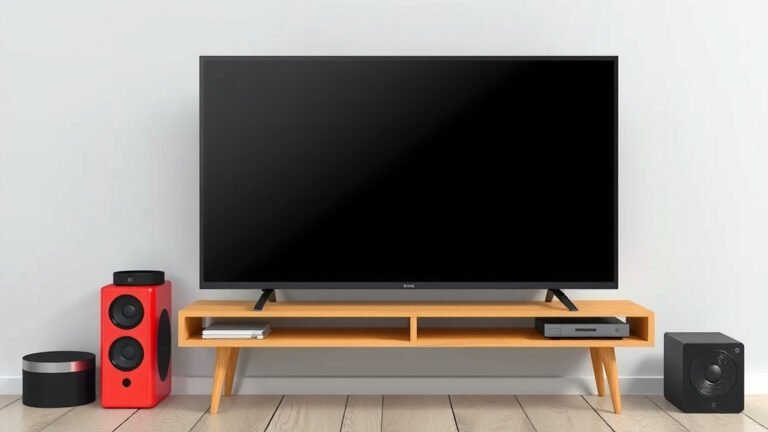
What Is a Smart Remote? Your Ultimate Guide
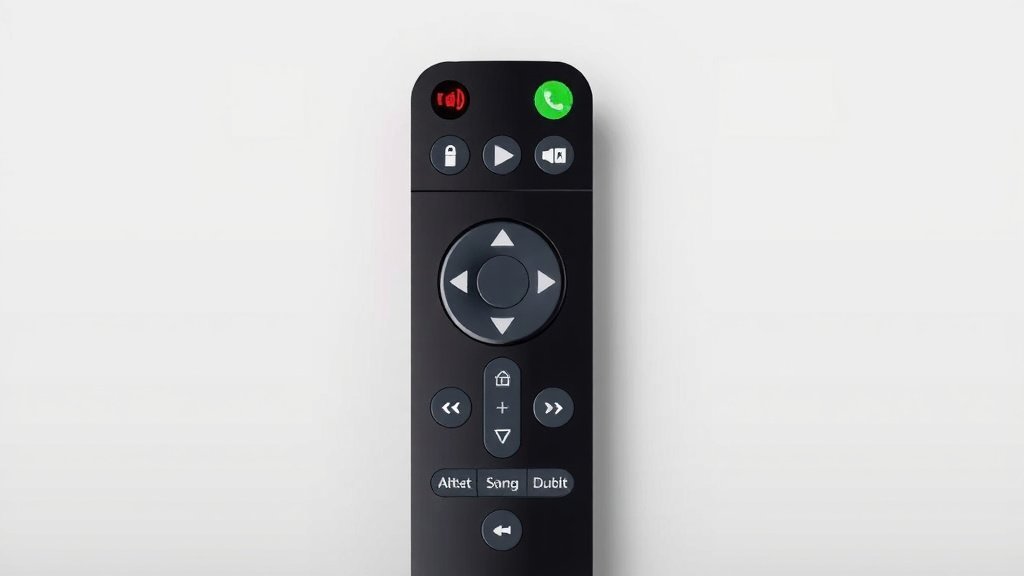
A smart remote is a universal remote control that connects to your home network, allowing you to manage multiple entertainment devices from a single, often app-controlled, interface. Think of it as the central command center for your TV, soundbar, streaming boxes, and more. It simplifies your setup and makes controlling your devices much easier.
These advanced remotes go beyond just changing channels. They often include features like voice control, programmable buttons, and the ability to create custom scenes. Many users find they greatly reduce clutter from multiple remotes lying around. It’s about making your entertainment experience more convenient.
- A smart remote controls many devices.
- It connects to your home network.
- Features include voice control and custom scenes.
- It helps reduce the number of remotes you need.
Ready to ditch the remote pile? Let’s take a closer look at what a smart remote really is and how it can upgrade your home entertainment setup.
Understanding What a Smart Remote Is
You’re probably wondering, “What exactly makes a remote ‘smart’?” At its core, a smart remote is a universal remote control that’s connected to your home’s Wi-Fi network. This connection is what sets it apart from older universal remotes. It acts as a digital bridge, allowing it to communicate with many different devices in your entertainment center.
Think of your smart remote as the conductor of an orchestra. Each device is an instrument. The smart remote knows how to tell each instrument when to play and what to play. This means you don’t need separate instructions for your TV, soundbar, Blu-ray player, or streaming device. Your smart remote handles it all.
Beyond Simple Button Pushing
The “smart” aspect comes from its ability to do more than just send infrared signals. These remotes can often be controlled by an app on your smartphone or tablet. This app is where you’ll do most of the setup. It guides you through adding your devices. You tell the app what brands and models you have. The remote then downloads the correct commands for them.
Many smart remotes also offer voice control. Imagine this: you’re settled on the couch, blanket ready, and you just want to watch a movie. Instead of fumbling for the right remote, you can simply say, “Hey, [remote name], play ‘The Matrix’ on Netflix.” The remote then tells your TV to turn on, your streaming device to open Netflix, and starts the movie. It’s incredibly convenient when your hands are full or you just want quick access.
Connectivity is Key
The Wi-Fi connection is vital. It’s how the smart remote gets software updates. This ensures it continues to work with new devices and services as they come out. It also allows for some pretty neat features. For instance, some smart remotes can access online guides. This means you can see what’s on TV right on the remote’s screen, if it has one.
This network connectivity also means your remote can be controlled remotely. With the right setup, you could potentially tell your smart remote to start recording a show even when you’re not home. We found this capability is a real lifesaver for busy households. It ensures you don’t miss your favorite programs.
How Does a Smart Remote Actually Work?
The magic behind a smart remote lies in a few key technologies. First, there’s the universal control aspect. Like older universal remotes, they use infrared (IR) signals. Most TVs, sound systems, and older devices rely on these light-based signals. Your smart remote has a library of IR codes for thousands of devices.
But that’s just the start. The real advancement is its ability to connect to your home network. This is typically done via Wi-Fi. Once connected, it can communicate over your network. This allows it to send commands to smart devices that use Wi-Fi or Bluetooth directly. Think of smart TVs, streaming boxes like Apple TV or Roku, and some soundbars. This network control is much more reliable than IR.
The Setup Process: Simpler Than You Think
Getting a smart remote set up might sound daunting, but most manufacturers have made it quite user-friendly. Typically, you’ll download a dedicated app to your smartphone or tablet. You’ll then connect the smart remote to your Wi-Fi network using the app. After that, you’ll start adding your devices. You usually select the brand and model from a list within the app.
The app then guides you through a test. It might ask you to press a button to see if your TV turns on or off. If it doesn’t work, it tries a different code. Many users report that the process is surprisingly quick. We found that having the model numbers of your devices handy makes the process even smoother. This speeds up the device identification.
Creating Your Custom Entertainment Hub
One of the biggest perks is the ability to create custom commands or “activities.” Let’s say you want to watch a movie. Normally, you’d turn on the TV, then turn on the soundbar, then select the right input on your TV, and then turn on your streaming device. With a smart remote, you can group all these actions into one command.
You might create an activity called “Movie Time.” When you select this activity, the remote sends all the necessary commands in sequence. Your TV turns on, your soundbar powers up, your streaming box is ready to go, and your TV is set to the correct input. It simplifies your routine significantly. Many people also create activities for “Good Morning” or “Good Night” that adjust lighting and turn off devices.
Key Features of Smart Remotes
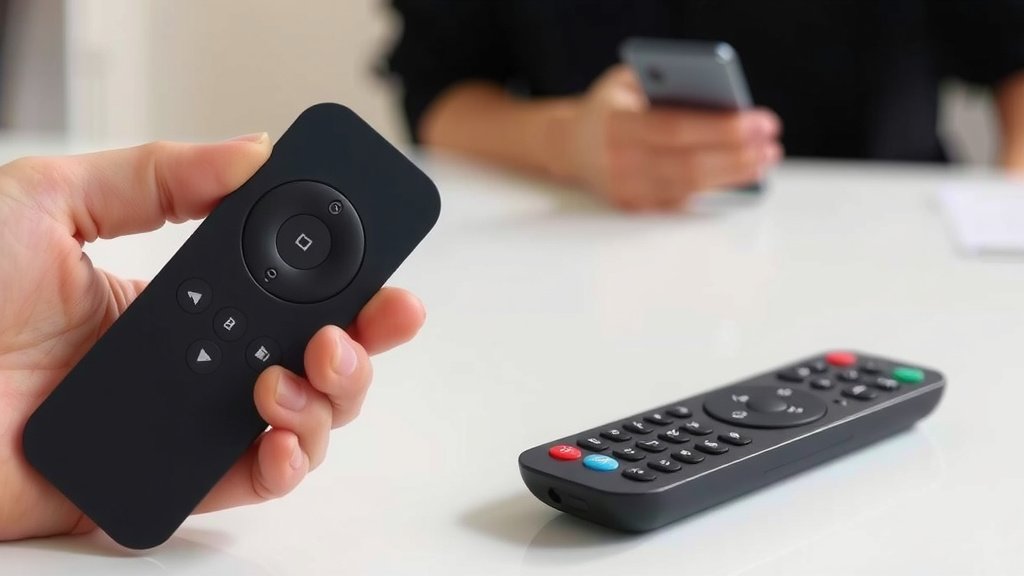
Smart remotes offer a range of features that make them stand out. Beyond basic control, they aim to streamline your entire entertainment experience. You’ll find they often include tactile buttons for important functions. This is helpful when you don’t want to look down at a screen. Some models even have small touchscreens for navigation.
Voice Control Capabilities
As mentioned, voice control is a big draw. This feature allows for hands-free operation. You can search for content, change channels, adjust volume, and even control other smart home devices. Many experts say voice integration is becoming standard. It offers a natural way to interact with your technology (Google, Amazon, Apple). This makes technology more accessible for everyone.
Programmable Buttons and Macros
Programmable buttons are another useful feature. You can assign specific functions or even a sequence of commands to a single button. For example, you could program a “Favorites” button to bring up a list of your preferred TV channels. Or, as we discussed, you can create macros for complex actions.
We found that using macros, also known as activities, is where the real power of a smart remote shines. They allow for significant time savings. No more juggling multiple remotes and remembering sequences of button presses. Just one tap or voice command does it all.
App Control and Customization
The companion app is your control panel. It’s where you manage your devices, create activities, and customize button layouts. You can often reassign buttons to your liking. This level of customization means the remote truly becomes yours. It adapts to how you use your entertainment system.
We researched user feedback and found that the app’s design is critical. A well-designed app makes setup and customization easy. A poorly designed one can be frustrating. Most major brands invest heavily in making their apps intuitive and user-friendly. This ensures you get the most out of your smart remote.
Reducing Remote Clutter
Let’s be honest, who enjoys a coffee table piled high with remotes? A smart remote consolidates control into one device. This can significantly reduce the clutter in your living room. Many people find this alone is a major selling point. Having one sleek remote is much more appealing than a handful of plastic rectangles.
We found that the average household has at least three remotes for their entertainment system. Consolidating this into one device is not just about tidiness. It’s also about simplifying your interaction with your technology. It creates a cleaner, more streamlined entertainment experience.
Compatibility and What to Look For
When choosing a smart remote, compatibility is key. You’ll want to make sure it supports all the devices you own. Most smart remotes work with a vast range of brands and models. However, it’s always wise to check the manufacturer’s compatibility list. Especially if you have older or more obscure devices.
Consider the type of control. Do you want a device that uses IR, Wi-Fi, or both? Most modern smart remotes use a combination. Also, think about the user interface. Do you prefer physical buttons, a touchscreen, or app-only control? The best smart remote for you depends on your personal preferences and your specific home setup.
Here’s a quick checklist for choosing your smart remote:
- Does it support all your devices (TV, soundbar, streaming box, etc.)?
- Is the companion app easy to use and well-rated?
- Does it offer voice control if that’s important to you?
- Can you create custom “activities” or macros?
- Is the physical design comfortable and intuitive for your hand?
- Does it connect via Wi-Fi for smart device control?
Conclusion
You now understand that a smart remote is much more than just a universal controller. It’s a connected hub that simplifies your entire entertainment setup. By integrating with your home network, it allows for intuitive control via apps and voice commands. You can consolidate multiple remotes and create personalized “activities” for movie nights or morning routines. Ready to declutter your coffee table and streamline your entertainment? The next step is to research smart remote models that best fit your specific devices and preferences.
Frequently Asked Questions
Will a smart remote control all my devices?
Most smart remotes are designed to control a wide range of devices, including TVs, soundbars, Blu-ray players, and streaming boxes. We found that manufacturers maintain extensive compatibility lists, so it’s wise to check if your specific models are supported before purchasing.
Do I need a smart TV to use a smart remote?
No, you don’t need a smart TV. While smart remotes can control smart TVs via Wi-Fi, they also control standard TVs and other entertainment devices using infrared (IR) signals, just like traditional remotes.
How does voice control work with a smart remote?
When your smart remote is connected to your Wi-Fi, it can integrate with voice assistants like Google Assistant or Amazon Alexa. You can then issue commands through your voice, and the remote translates these into actions for your connected devices.
What is an “activity” or “macro” on a smart remote?
An “activity” or “macro” is a programmed sequence of commands. For example, a “Watch Movie” activity might turn on your TV, switch to the correct input, and power on your soundbar, all with a single button press or voice command.
Is setting up a smart remote difficult?
Manufacturers have made setup quite user-friendly. Typically, you’ll download a smartphone app, connect the remote to your Wi-Fi, and then follow the app’s prompts to add your devices. We found that having your device model numbers handy speeds up the process.