What Is a UHD TV? Understanding 4K Resolution and Beyond
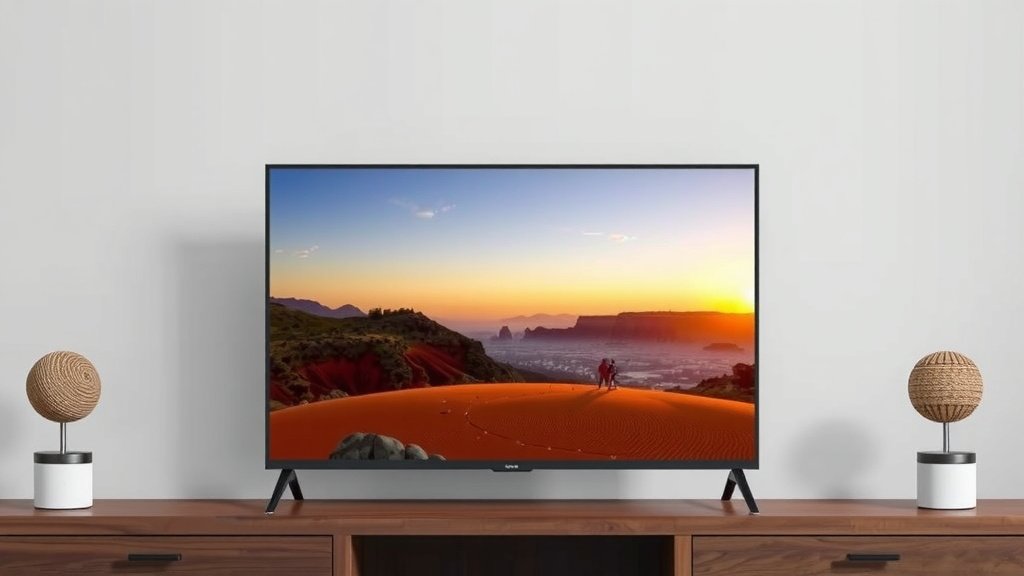
A UHD TV is a television that offers a significantly sharper picture than older HD TVs. UHD stands for Ultra High Definition, and it means the screen has a resolution of 3840 pixels horizontally and 2160 pixels vertically. This incredibly high pixel count delivers much more detail and vibrant colors to your viewing experience. You’ll notice a big difference!
This advanced resolution is often called 4K, though technically it’s a bit different. The key takeaway is that you get a picture that’s four times clearer than a standard Full HD TV. Many experts agree that UHD technology provides a more immersive and realistic viewing experience, making your favorite movies and shows pop off the screen. It’s a real upgrade for your home theater.
- UHD stands for Ultra High Definition.
- It has a resolution of 3840 x 2160 pixels.
- This is much sharper than older HD TVs.
- You’ll see more detail and better colors.
- It’s often referred to as 4K TV.
Ready to understand what makes UHD TVs so special and how they compare to other options? We’ve got you covered with all the details you’ll need.
Understanding Ultra High Definition Displays
So, what exactly makes a UHD TV stand out? It all comes down to pixel count. Think of pixels as tiny dots that make up the image on your screen. The more dots you have packed into the same space, the more detail and clarity you can achieve. A UHD TV boasts a resolution of 3840 pixels across and 2160 pixels down.
When you multiply those numbers, you get over 8 million pixels! That’s a massive amount of visual information. For comparison, a Full HD TV, the standard before UHD, has about 2 million pixels. That means a UHD TV has roughly four times the number of pixels. This huge difference translates directly to a much sharper and more lifelike picture for you.
The Pixel Power: How UHD Achieves Its Sharpness
Let’s break down the resolution numbers a bit more. You’ll often hear UHD referred to as 4K. While they are very similar and often used interchangeably, there’s a slight technical difference. True 4K resolution, as used in digital cinema, is 4096 pixels wide. However, the 3840 x 2160 pixel count of UHD TVs is what’s most common in consumer electronics.
The key takeaway for you is the incredible detail. Because there are so many more pixels, images appear smoother, textures are more defined, and fine lines are crisper. You’ll notice subtle details in movies, from the pores on an actor’s face to the individual blades of grass on a sports field. It truly makes a difference in realism.
Why More Pixels Mean a Better Picture
Imagine looking at a photograph printed on a very coarse paper versus one printed on fine, glossy paper. The fine paper holds much more detail, right? That’s similar to how more pixels on a TV screen work. The extra pixels on a UHD TV allow it to display finer details without making the image look blocky or pixelated. This is especially noticeable when you’re sitting closer to the screen.
Many experts suggest that the increased pixel density of UHD allows for a more immersive experience. Your eyes can focus on more subtle elements. It’s like going from a standard definition window to a crystal-clear panoramic view. You can literally see more of the scene as the director intended.
UHD vs. HD vs. Full HD: What’s the Difference?
You’ve probably seen labels like HD, Full HD, and UHD on TVs. Understanding these terms helps you choose the best option for your home.
- HD (High Definition): This typically refers to a resolution of 1280 x 720 pixels. It was a big step up from standard definition but looks quite soft by today’s standards.
- Full HD (FHD): This is the resolution we discussed earlier: 1920 x 1080 pixels. It offers a noticeably sharper image than HD and was the standard for many years.
- UHD (Ultra High Definition): As we know, this is 3840 x 2160 pixels. It’s a significant leap in clarity over Full HD.
We found that most modern content is now produced in Full HD or higher. If you’re investing in a new TV, a UHD model ensures you can enjoy the best possible quality from current and future programming. It’s about future-proofing your entertainment setup.
Beyond Resolution: Other Factors That Make UHD Shine
While pixel count is the star of the UHD show, there are other technologies that work hand-in-hand with the higher resolution to create a stunning picture. These enhancements boost color, contrast, and overall image quality, making your viewing experience even more enjoyable.
High Dynamic Range (HDR): Bringing Colors to Life
Have you ever watched a scene where the bright parts are almost blindingly white, and the dark parts are just black blobs? HDR aims to fix that. It allows the TV to display a much wider range of brightness levels and colors. This means you get brighter whites, deeper blacks, and a more realistic contrast between light and dark areas.
HDR content provides colors that are more vibrant and lifelike. You’ll see subtle gradations in shades that weren’t visible before. Research shows that HDR significantly improves perceived picture quality by making images appear more natural and detailed (Society of Motion Picture and Television Engineers).
Wider Color Gamut: More Shades to See
Closely related to HDR is the concept of a wider color gamut. Think of a color gamut like the box of crayons you had as a kid. Some boxes have a basic set of colors, while others have dozens of shades, metallic colors, and pastels. A wider color gamut on a UHD TV means it can display a much larger spectrum of colors.
This capability allows for more subtle color transitions and richer hues. You might notice more natural skin tones or more vivid landscapes. Many experts agree that wider color gamuts, combined with HDR, create an image that’s closer to what the human eye can see in real life.
Upscaling: Making Older Content Look Better
Not all the content you watch will be in native UHD resolution. What happens when you watch a Full HD movie or a standard definition show on your UHD TV? This is where upscaling comes in. Your TV’s processor analyzes the lower-resolution image and intelligently adds pixels to fill in the gaps.
We found that the quality of upscaling can vary between different TV models. Better upscaling technology can make older content look surprisingly good on a UHD screen, reducing blurriness and enhancing details. It’s a clever way to make sure your older favorites still look great.
Choosing Your Next TV: UHD and Beyond
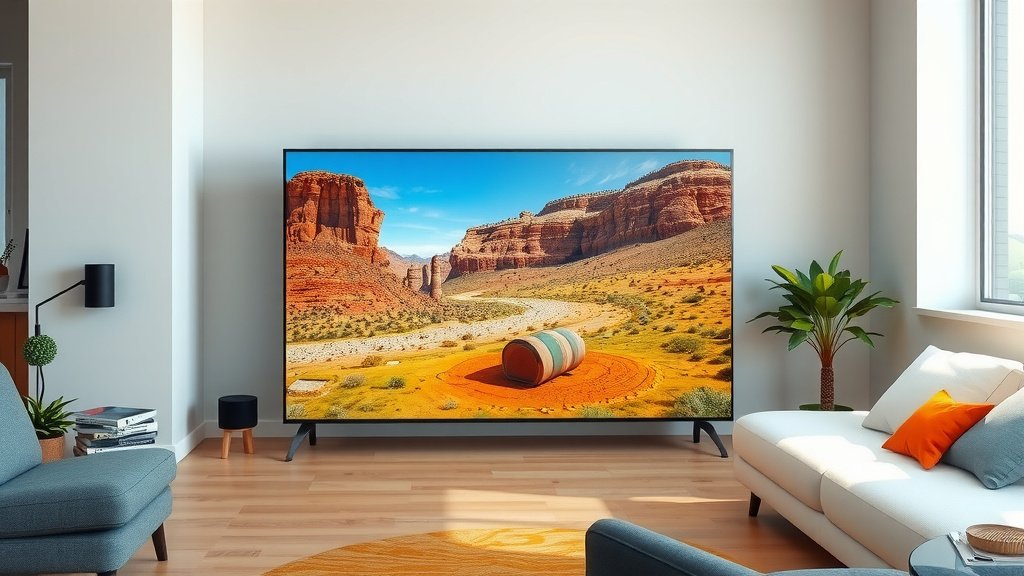
When you’re in the market for a new television, UHD is definitely the standard to aim for. The difference in picture quality compared to older HD sets is simply remarkable. You’re getting a more immersive and visually stunning experience for your favorite movies, shows, and games.
Here’s a quick checklist to remember what makes UHD special:
- Pixel Power: 3840 x 2160 resolution means four times the detail of Full HD.
- Sharper Images: Enjoy smoother lines and finer textures.
- Vibrant Colors: Often paired with HDR for a wider color range.
- Deeper Contrast: Better distinction between light and dark scenes.
- Future-Proofing: Ensures compatibility with modern content.
- More Immersion: Gets you closer to the action on screen.
Investing in a UHD TV is a fantastic way to upgrade your home entertainment. You’ll be amazed at how much more detail and vibrancy you can see on your screen.
| TV Type | Resolution (Pixels) | Approximate Pixel Count |
|---|---|---|
| HD | 1280 x 720 | ~1 Million |
| Full HD (FHD) | 1920 x 1080 | ~2 Million |
| UHD (4K) | 3840 x 2160 | ~8 Million |
Conclusion
You now understand that UHD TVs offer a dramatically clearer picture thanks to their 3840 x 2160 resolution. This leap in pixel count means four times the detail of Full HD, bringing a new level of realism to your favorite content. Beyond just sharpness, technologies like HDR and wider color gamuts further enhance colors and contrast, making your viewing experience truly immersive. Think of it as upgrading from a standard window to a panoramic view.
Ready to see the difference for yourself? Your next step is to explore UHD TV models that fit your budget and room size. You’ll be amazed by the visual upgrade!
Frequently Asked Questions
Is UHD TV the same as 4K TV?
While often used interchangeably, UHD (Ultra High Definition) technically refers to a resolution of 3840 x 2160 pixels. True 4K resolution, used in cinema, is slightly wider at 4096 pixels. For consumer TVs, the 3840 x 2160 found in UHD sets is what most people mean when they say 4K.
Do I need special cables for a UHD TV?
For the best experience, especially with 4K content and HDR, you’ll want to use HDMI 2.0 or newer cables. Older HDMI cables might not have the bandwidth to support the high resolution and frame rates that UHD can offer.
Will my old Blu-rays and DVDs look good on a UHD TV?
Yes, your older content will still play. However, it won’t look as sharp as native UHD content. Your UHD TV uses a process called upscaling to intelligently fill in the missing pixels, making lower-resolution sources look better than they would on an older, non-UHD TV.
What is HDR and why does it matter for UHD TVs?
HDR stands for High Dynamic Range. It works with UHD’s resolution to improve contrast and color. You get brighter whites, deeper blacks, and a wider spectrum of colors, making images look more vibrant and lifelike.
Can I watch UHD content on a UHD TV if my internet is slow?
Native UHD content, especially 4K streaming, requires a fast internet connection. If your internet is slow, streaming services will often automatically adjust the quality to a lower resolution to avoid buffering. You might need to consider buying UHD Blu-rays or looking for content on physical media.