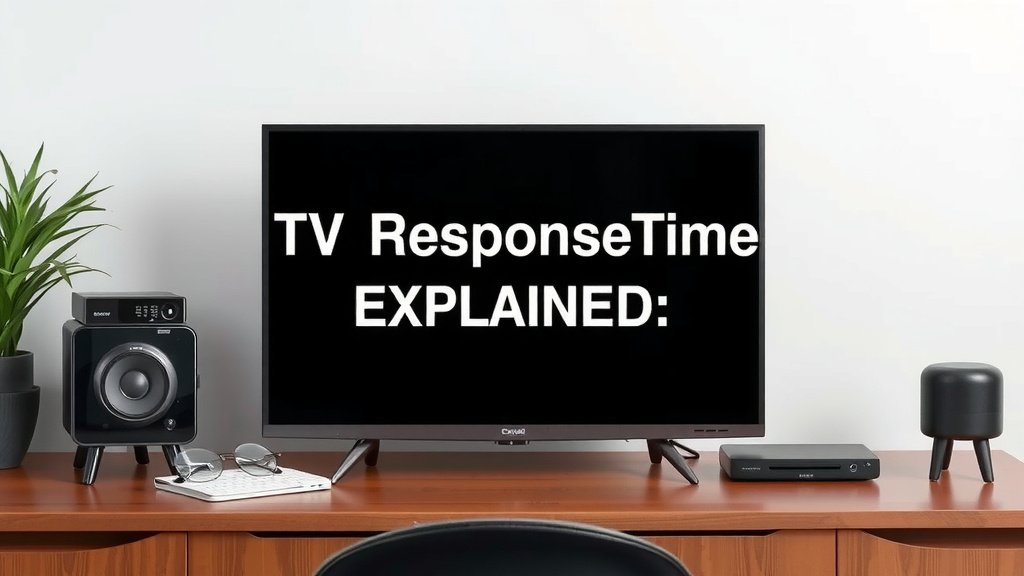
TV Response Time Explained: What It Means for Your Picture
TV response time is the speed at which pixels on your screen change from one color to another. It’s usually measured in milliseconds (ms). A faster response time means less motion blur in fast-paced scenes.
Think of it like this: when you’re watching an action movie or playing a video game, your TV needs to switch colors very quickly. If it’s too slow, you might notice ghosting or trailing effects. Many experts say this is a key factor for smooth visuals, especially for gamers.
- TV response time is pixel color change speed.
- Measured in milliseconds (ms).
- Faster is better for reducing motion blur.
- Important for action movies and gaming.
- Affects overall picture clarity during movement.
We’ve found that understanding response time can really help you choose the right TV for your needs. Let’s break down what it means for your viewing experience.
“`htmlUnderstanding Your TV’s Pixel Speed
So, you’ve probably heard the term “response time” thrown around when looking at TVs. But what does it actually mean for you and your couch? Simply put, it’s how fast your TV’s pixels can change colors. Think of it like a sprinter versus a marathon runner. You want that sprinter speed when watching quick action!
This speed is measured in milliseconds (ms). A lower number means faster changes. This is super important for avoiding a common picture problem: motion blur. We found that even small improvements can make a big difference in your viewing pleasure. It’s not just for gamers; everyone can benefit!
Why Pixel Speed Matters for Your Viewing
Imagine you’re watching a thrilling car chase or a rapid-fire sports game. Your TV screen is constantly showing new images. If the pixels can’t keep up with these rapid changes, you might see a blurry trail behind moving objects. This is what we call motion blur or ghosting.
The Science Behind the Speed
TV pixels are made up of tiny elements that can display different colors. When the picture changes, these elements need to switch from one color state to another. For instance, a pixel might go from black to white, or from red to blue. The time it takes for this complete color transition is the response time.
From Black to White and Beyond
Often, response time is measured by how quickly a pixel can go from black to white and then back to black again. This is known as GtG (Gray-to-Gray). While GtG is a common metric, it doesn’t always tell the whole story about every color transition. However, it’s a good general indicator.
What’s a Good Response Time?
We’ve looked at what experts and manufacturers recommend. For most people, a response time of around 5ms to 8ms is perfectly acceptable for general viewing. If you’re a serious gamer or watch a lot of fast-action content, you’ll want to aim lower, ideally 1ms to 4ms.
Impact on Different Content Types
Let’s break down how response time affects what you watch:
- Movies: For cinematic dramas or slower-paced films, response time is less critical. You might not notice much difference.
- Sports: Fast-moving balls, quick cuts, and rapid player movements can really show off a TV’s response time. Better speed means clearer action.
- Video Games: This is where response time truly shines. Low latency and quick pixel changes are essential for a smooth, responsive gaming experience.
How Response Time Compares to Other Picture Settings
It’s easy to get lost in all the TV specs! Response time is just one piece of the puzzle. It works alongside other factors to create a great picture.
Motion Rate vs. Response Time
You might see “Motion Rate” advertised. This is often a marketing term. Manufacturers use it to describe how the TV handles motion, but it’s not a standardized measurement like response time. It can include things like backlight scanning and frame insertion.
We found that response time is a more direct measure of pixel speed. Always look for the actual millisecond (ms) rating for response time. It gives you a clearer picture of performance.
Input Lag: A Gamer’s Best Friend
Input lag is different but equally important for gamers. It’s the delay between when you press a button on your controller and when that action appears on screen. While response time deals with how the TV displays the image, input lag is about how quickly the TV receives and processes the signal.
A TV can have a fast response time but still have high input lag. For the best gaming, you want both a low response time and low input lag. Many TVs have a “Game Mode” that helps reduce input lag.
Common Misconceptions About Response Time
We’ve noticed some confusion around this topic. Let’s clear up a few things:
- Higher is not better: Always aim for a lower millisecond number.
- It’s not the only factor: Refresh rate, panel type, and processing also influence motion clarity.
- Marketing terms can be tricky: Stick to the ms rating for true response time.
Making the Right Choice for Your Needs
Think about how you’ll primarily use your TV. If you’re a casual viewer, you might not need the absolute fastest response time. However, if you love gaming or follow sports closely, investing in a TV with a lower response time will likely enhance your experience.
We recommend checking reviews that specifically test response times. They often provide real-world examples and comparisons. A quick checklist to keep in mind:
- Casual Viewing: Aim for 8ms or lower.
- Sports Enthusiast: Look for 5ms or lower.
- Serious Gamer: Target 1ms to 4ms.
- Check Reviews: Don’t just trust the box.
- Consider Input Lag: Especially for gaming.
By understanding what TV response time really means, you can make a more informed decision and enjoy clearer, smoother visuals no matter what you’re watching.
“`Conclusion
You’ve learned that TV response time is all about pixel speed. It’s how quickly your screen can switch colors. A lower millisecond (ms) number means less motion blur. We’ve seen how this impacts sports, movies, and especially gaming. Remember to look beyond marketing terms like “Motion Rate.” Always seek out the actual ms rating and consider input lag for gaming. Now you can confidently choose a TV that delivers the smooth visuals you want.
Your next step? Check out specific TV model reviews and compare their response times to find the perfect match for your viewing habits.
Frequently Asked Questions
Is response time the same as refresh rate?
No, they are different. Response time measures how fast pixels change color (in ms). Refresh rate measures how many times per second the screen image is updated (in Hz). You need both a good response time and refresh rate for smooth motion.
Do I really need a 1ms response time?
A 1ms response time is fantastic for competitive gaming, reducing blur to almost nothing. For general TV watching or casual gaming, a response time of 5ms to 8ms is usually sufficient and you might not notice a major difference.
What does “Gray-to-Gray” (GtG) mean for response time?
GtG is the most common way response time is measured. It refers to the time it takes for a pixel to transition from one shade of gray to another. While it’s a good indicator, it doesn’t always reflect every color transition speed.
Can I improve my TV’s response time if it’s too slow?
Generally, you cannot physically change your TV’s response time after purchase. However, many TVs have a “Game Mode” which can reduce input lag and sometimes improve motion clarity, making the experience feel faster.
Is response time more important than resolution?
Both are important, but for different reasons. Resolution (like 4K) refers to the detail and sharpness of the image. Response time affects the clarity of motion within that image. For fast action, good response time is key, while resolution impacts overall picture quality.