How to Replace a TV Remote: Options That Actually Work
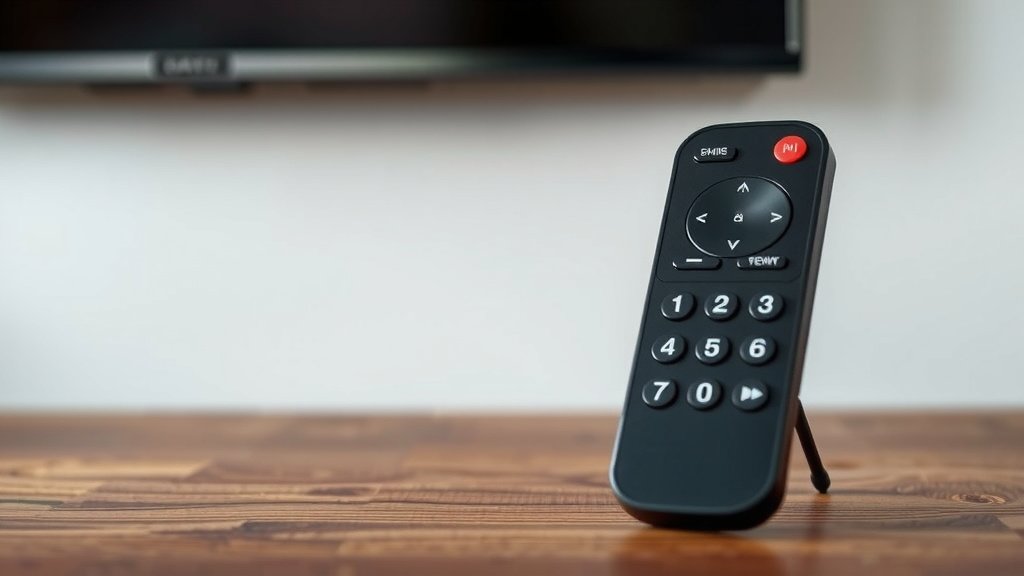
The easiest way to replace a TV remote is to buy a universal remote, use your TV brand’s official replacement, or pair a new remote through your TV’s settings. Some TVs even let you use a smartphone app as a backup. So yes, you have options, and none of them require tech skills.
We researched the most common ways people lose or break their remotes, and we found that most fixes take under 10 minutes. Whether yours is dead, lost, or chewed by the dog (it happens), the solution is usually simple. Many experts say a universal remote is the quickest fix for almost any TV brand.
Quick recap before we dive in:
- Check if your remote is actually broken before replacing it.
- Find the right replacement using your TV’s model number.
- Universal remotes work with most TV brands out of the box.
- Some TVs pair new remotes through a simple settings menu.
- Smartphone apps can work as a temporary remote too.
Below, we walk you through each option step by step, so you can get back to binge-watching without fighting over a broken clicker.
Replacing Your TV Remote Without the Headache
The fastest fix is a universal remote, which works with most TV brands right out of the box. Before you spend a dime, though, rule out a few common problems. We found that many “dead” remotes just need fresh batteries or a quick cleaning.
First, Make Sure the Remote Is Actually Dead
Here’s a fun trick. Point your remote at your smartphone’s camera and press a button while looking at the screen. If you see a light flashing from the remote’s tip, the remote works and your TV may be the real problem.
Still no light? Swap in fresh batteries first. It sounds obvious, but we found that weak batteries cause most remote complaints. Corroded battery terminals are another sneaky culprit. Clean them gently with a cotton swab and a little vinegar, then dry them well.
Quick Troubleshooting Checklist
- Put in brand-new batteries, not ones from the junk drawer.
- Check the battery terminals for corrosion or dirt.
- Test the remote with your phone camera to see the infrared flash.
- Remove anything blocking the TV’s sensor, like a soundbar.
- Power cycle the TV by unplugging it for 60 seconds.
- Try the remote from a different angle or distance.
Option 1: Order the Official Replacement
The safest bet is a direct replacement from your TV’s manufacturer. It looks and works exactly like your old one, with no setup required. Just find your TV’s model number, usually on a sticker on the back of the set, and search for that model plus “remote.”
Costs typically run between $15 and $50 depending on the brand. Smart remotes with voice control cost more. Many experts say official replacements are worth it for smart TVs, because every feature works the day it arrives.
Option 2: Grab a Universal Remote
A universal remote is the Swiss Army knife of clickers. It’s programmed to work with hundreds of TV brands, and often your soundbar and streaming box too. We found that basic models start around $10, while premium ones with backlit buttons and voice control can top $50.
Setup is usually painless. You either enter a short code for your TV brand or let the remote auto-scan until the TV responds. Most packages include a code list, and brand websites have updated versions.
Choosing the Right Universal Remote
| Remote Type | Best For | Typical Price |
|---|---|---|
| Basic universal | One TV, simple controls | $10–$20 |
| Multi-device universal | TV, soundbar, and cable box | $20–$40 |
| Voice/Smart universal | Smart TVs and streaming apps | $40–$60+ |
Option 3: Pair a New Remote Through Your TV Settings
Smart TVs often skip the code dance entirely. If you bought a replacement remote for the same brand, pairing usually happens through a settings menu. It feels like connecting Bluetooth headphones, only slower and with fewer beeps.
Most brands follow a similar path, so check the settings section of your TV’s menu for “Remote” or “Bluetooth.” Your TV’s manual, also available on the manufacturer’s website, lists the exact steps.
Option 4: Use Your Phone as a Backup
Need a fix tonight while the real replacement ships? Your phone can help. Many smart TV brands offer official apps that turn your phone into a full remote over Wi-Fi. You’ll need both devices on the same home network.
For older TVs, some phones have a built-in infrared blaster. We found that fewer phones include this now, so check your model before counting on it. Either way, a phone app is a great temporary solution, not a forever one. Nobody wants to pause a movie to answer a text and lose their volume button.
Where to Buy a Replacement Remote
You’ve got four main places to shop, each with trade-offs. Buying direct from the manufacturer gives you the best fit. Big-box electronics stores let you walk out with something today. Online marketplaces offer the widest selection, including used originals at lower prices.
- Manufacturer’s website — guaranteed compatibility, usually shipped within days.
- Electronics stores — instant purchase and easy returns in person.
- Online marketplaces — lots of options, but check seller reviews first.
- Streaming device makers — if you mostly use a Roku or Fire Stick, their remotes may matter more than your TV’s.
Common Remote Problems and Easy Fixes
Sometimes the remote isn’t broken, just moody. Sticky buttons often come from spilled drinks or greasy snacks. We found that opening the remote and cleaning the circuit board with isopropyl alcohol solves this more often than not.
Unresponsive buttons can also mean worn-out rubber pads underneath. Battery door issues are common too. A small piece of folded tape under a loose door keeps it snug. It’s not pretty, but neither is duct-taping your phone to the coffee table.
When to Repair vs. When to Replace
Here’s our simple rule. If the fix costs more than half of a new remote, replace it. Basic universal remotes are cheap enough that a full afternoon of repair rarely pays off. Many experts say the same about remotes with cracked housing or water damage, since internal corrosion tends to return.
One honest note: remotes are choking hazards for small kids and pets, and button batteries are especially dangerous if swallowed. If a child or pet has swallowed a battery, seek emergency care right away (Mayo Clinic). Safety first, movie night second.
Keeping Your New Remote Alive Longer
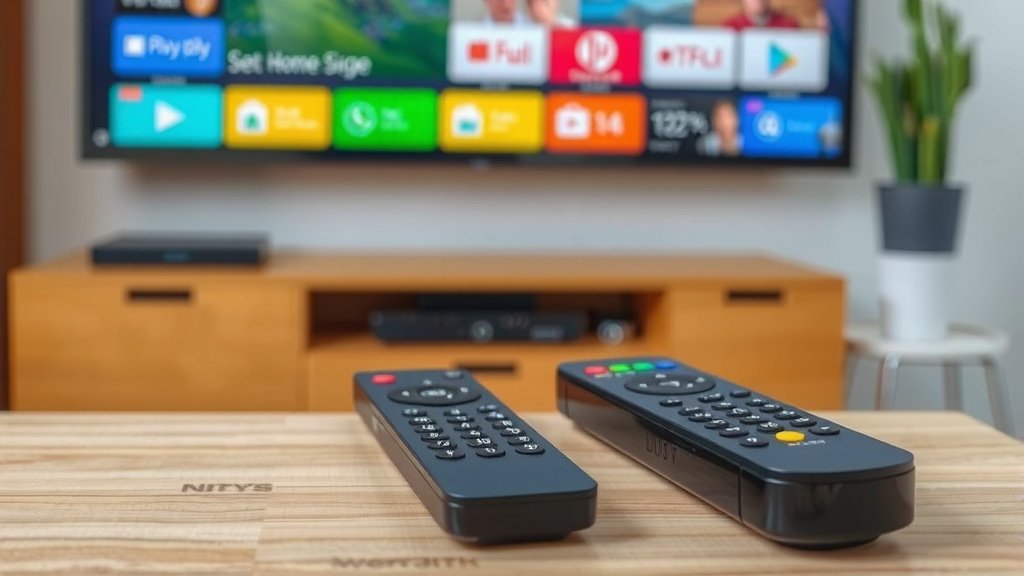
Now that you’ve got a working remote, protect it. Keep it away from the couch cushions’ hungry gap and the dog’s favorite chew spot. A lanyard or adhesive hook near the TV stand works wonders.
Also, use quality batteries and replace both at the same time. Mixing old and new batteries can cause leaks that corrode the terminals. The Environmental Protection Agency recommends taking used batteries to a local recycling drop-off rather than tossing them in the trash (EPA). Small habits, longer remote life. Now go enjoy that show, clicker in hand.
Conclusion
Replacing a TV remote comes down to picking the right path for your situation. An official replacement gives you perfect compatibility, a universal remote saves you money, and your phone can bridge the gap while you wait. Before you buy anything, though, run through the quick checks we covered. You might save yourself the trip. Our research found that most “broken” remotes just need fresh batteries and a good cleaning. Once you’ve got your new clicker in hand, jot down your TV’s model number somewhere you’ll find it again. Then grab a spare set of batteries and settle in. Your next movie night shouldn’t start with a scavenger hunt.
Frequently Asked Questions
How do I find my TV’s model number?
Check the sticker on the back of your TV, usually near the ports. If it’s wall-mounted and you can’t reach it, check the original box, the receipt, or the settings menu under “About” or “Support.”
Can I use one remote for two different TVs?
Yes, if it’s a multi-device universal remote. These models store separate codes for each TV, and you switch between them with a mode button. Basic single-TV remotes won’t do this.
Do universal remotes work with streaming apps like Netflix?
Many mid-range and premium models include shortcut buttons for popular streaming apps. Cheaper basic remotes may only handle power, volume, and channel controls, so check the button layout before you buy.
Will a new remote work if my TV is old?
Usually, yes. Universal remotes cover brands that have been around for decades. If your TV is a rare or discontinued brand, an official replacement from the manufacturer may be your safest bet, or you can check the manufacturer’s support page directly.
How long do TV remotes typically last?
With normal use and fresh batteries, most remotes last five to ten years. Heavy button wear, spilled drinks, and battery leaks are the usual culprits that cut that lifespan short.