What Is Roku TV? Your Guide to Smart Streaming
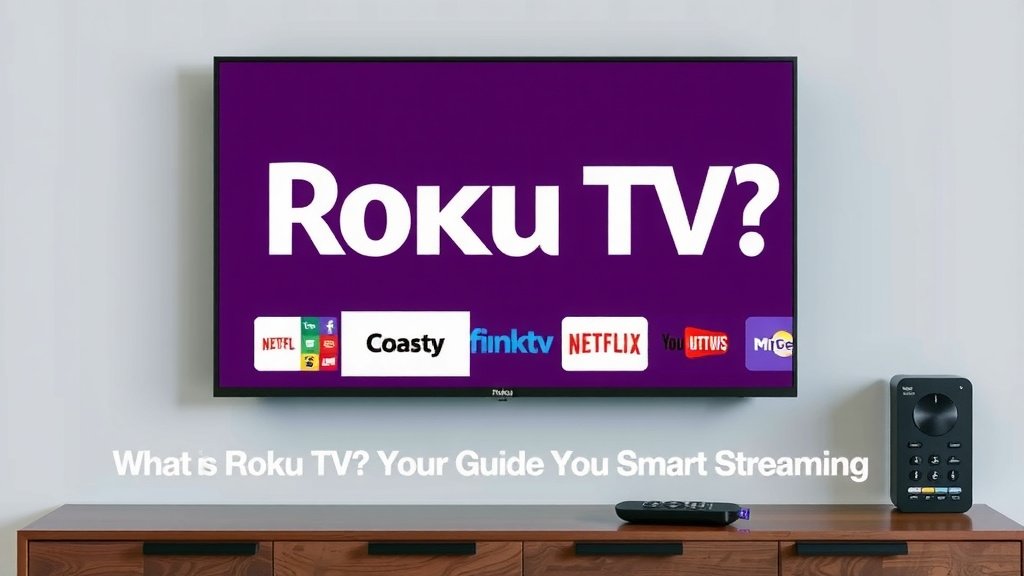
Roku TV is a smart television that has built-in streaming capabilities. It lets you watch your favorite shows and movies without needing a separate device. Think of it as a TV that already has Netflix, Hulu, and other streaming apps ready to go. This makes streaming content easier than ever before.
Unlike other smart TVs, Roku TV focuses heavily on a simple and user-friendly interface. It’s known for its wide app selection and easy navigation. We found that many people appreciate its straightforward setup. It’s a great way to get all your entertainment in one place, offering a streamlined viewing experience.
- Roku TV is a smart TV with built-in streaming.
- It has a simple interface and many apps.
- You don’t need extra streaming devices.
- It makes watching shows and movies easy.
- Great for cord-cutters and beginners.
Let’s dive into what makes Roku TV such a popular choice and how it can transform your home entertainment setup.
Understanding Your Roku TV Experience
Roku TV is a smart television that comes with the Roku operating system built right in. You don’t need to buy a separate streaming stick or box. This means you can start watching your favorite streaming apps immediately. It’s designed to make getting your entertainment simple. Think of it as your all-in-one entertainment hub.
What Makes Roku TV Different?
Many smart TVs offer streaming, but Roku TV stands out. Its operating system is famously easy to use. We found that most people can navigate it without any trouble. It’s not cluttered with fancy features you’ll never use. Roku focuses on providing access to a wide range of streaming channels and apps. This makes it a top choice for both tech-savvy users and those new to smart TVs.
The Roku Interface: Simplicity is Key
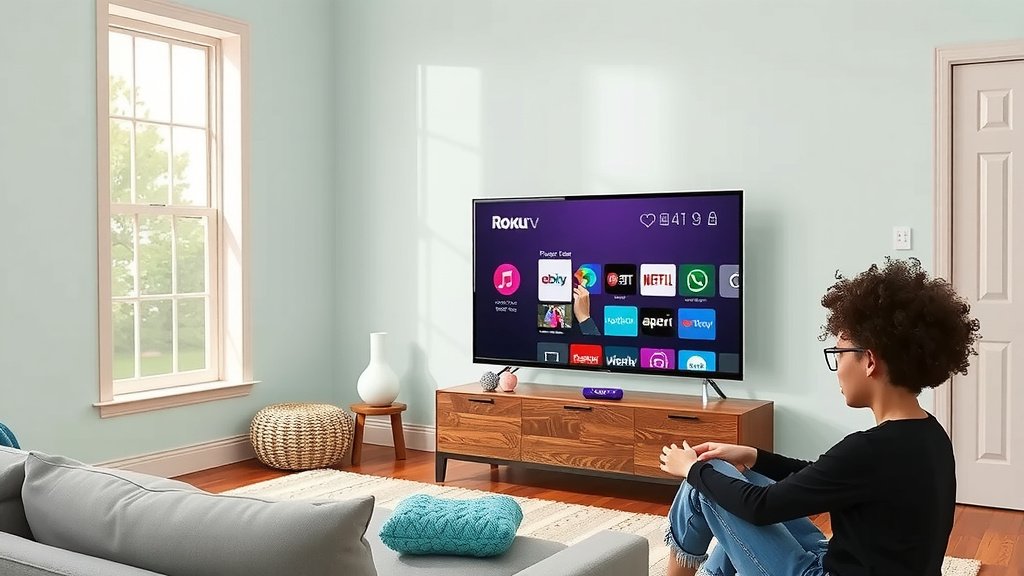
When you turn on your Roku TV, you’ll see a straightforward home screen. It looks like a grid of icons. Each icon represents an app or input. You can easily add or remove channels. You can also arrange them in any order you like. This personalized layout makes finding what you want to watch quick and easy. It’s a far cry from confusing menus on some other devices.
A World of Content at Your Fingertips
One of the biggest draws of Roku TV is its vast selection of apps. You can access all the popular streaming services. This includes Netflix, Hulu, Disney+, Amazon Prime Video, and many more. Beyond the big names, Roku offers thousands of free channels too. You can find live news, sports, movies, and TV shows. There’s always something new to discover.
Where to Find Your Favorite Shows
Major streaming services are usually found right on your home screen. For smaller or niche apps, you can visit the Roku Channel Store. It’s like an app store, but just for your TV. You can search by name or category. We found that adding new channels takes just a few clicks. It’s a quick process that adds more entertainment options to your device.
Free Entertainment Options
Did you know you can watch a lot of content for free on Roku? Channels like The Roku Channel itself offer movies and live TV without a subscription. Pluto TV and Tubi are also available. They stream thousands of movies and shows. You might be surprised by the amount of free, quality content you can access.
Setting Up Your Roku TV
Getting started with your Roku TV is generally a breeze. Once you plug it in, you’ll be guided through the setup process. It usually involves connecting to your Wi-Fi network. You’ll also be asked to create or log in to a Roku account. This account helps manage your apps and preferences. Many experts suggest having your Wi-Fi password ready beforehand (Roku Support).
What You’ll Need for Setup
- A working Wi-Fi network
- Your Wi-Fi password
- A valid email address for your Roku account
- A remote control (usually included)
The First Steps After Setup
Once setup is complete, you can start personalizing your experience. The first thing most people do is add their favorite streaming apps. You can also adjust picture settings. Many users find that calibrating the picture makes a big difference. Checking for software updates is also a good idea. Keeping your TV software current ensures you have the latest features and security.
Roku TV vs. Other Smart TV Platforms
You might be wondering how Roku TV compares to other smart TV brands like Samsung (Tizen) or LG (webOS). While other platforms are good, Roku often gets praised for its simplicity and speed. We found that Roku’s interface tends to feel a bit snappier. It also has a more extensive app store compared to some competitors.
App Availability and Updates
Roku is known for being quick to add new apps. When a new streaming service launches, it’s often available on Roku early on. Updates to the operating system are also frequent. These updates bring new features and improve performance. Many sources point to Roku’s consistent software support as a major advantage (TechRadar).
A Comparison Table: Roku TV vs. Competitors
Here’s a quick look at how Roku TV stacks up:
| Feature | Roku TV | Other Smart TV Platforms (General) |
|---|---|---|
| User Interface | Very simple, grid-based, easy to navigate. | Can be more complex, varied designs. |
| App Selection | Vast, includes most major and many niche apps. | Good selection, but can vary by brand. |
| Setup Process | Streamlined and guided. | Generally easy, but some can be more involved. |
| Performance | Often considered fast and responsive. | Can vary widely by TV model and brand. |
| Customization | Easy to rearrange channels and personalize. | Offers customization, but can be less intuitive. |
Is Roku TV Right for You?
If you’re looking for a smart TV that is easy to use and packed with content, Roku TV is a strong contender. It’s ideal for families, individuals who want a no-fuss entertainment experience, and those who are cutting the cord. The simple interface means anyone can learn to use it quickly. Plus, the sheer variety of channels means you’re unlikely to run out of things to watch.
A Checklist for Your Roku TV Journey
Here’s a quick checklist to get you started:
- Connect to your home Wi-Fi network.
- Sign in or create your Roku account.
- Add your favorite streaming apps first.
- Explore the Roku Channel Store for more options.
- Adjust picture settings for the best viewing.
- Check for any available software updates.
Conclusion
You now understand that Roku TV is a smart TV designed for simplicity and easy streaming. It skips the confusing menus found on other smart TVs. Instead, you get a straightforward interface packed with apps. From major streaming services to free channels, your next binge-watch is always accessible. Setup is quick, letting you start watching within minutes. If you want an all-in-one entertainment hub that’s effortless to use, Roku TV is an excellent choice. Consider visiting a store or checking online retailers to find the Roku TV model that best fits your home entertainment needs.
Frequently Asked Questions
Do I need to pay for a Roku account?
You do need to create a Roku account to set up your TV and manage apps. However, creating an account itself is free. You only pay for the streaming services you choose to subscribe to, like Netflix or Hulu.
Can I use Roku TV without Wi-Fi?
No, you cannot use Roku TV without a working Wi-Fi connection. The built-in streaming capabilities rely on internet access to download apps and stream content.
How often does Roku TV get software updates?
Roku TVs typically receive software updates automatically when connected to the internet. These updates often add new features or improve performance, ensuring your TV stays current.
Is Roku TV good for watching live TV?
Yes, Roku TV is great for live TV. You can access live news and sports through apps like The Roku Channel, Pluto TV, and various network-specific apps. Many traditional cable channels also offer live streaming through their own apps.
Can I connect my game console or Blu-ray player to a Roku TV?
Absolutely. Roku TVs have HDMI ports just like any other television. You can easily connect your game consoles, Blu-ray players, or any other device that uses HDMI to enjoy your content.