HDMI 2.1 Port Explained: What You Need to Know
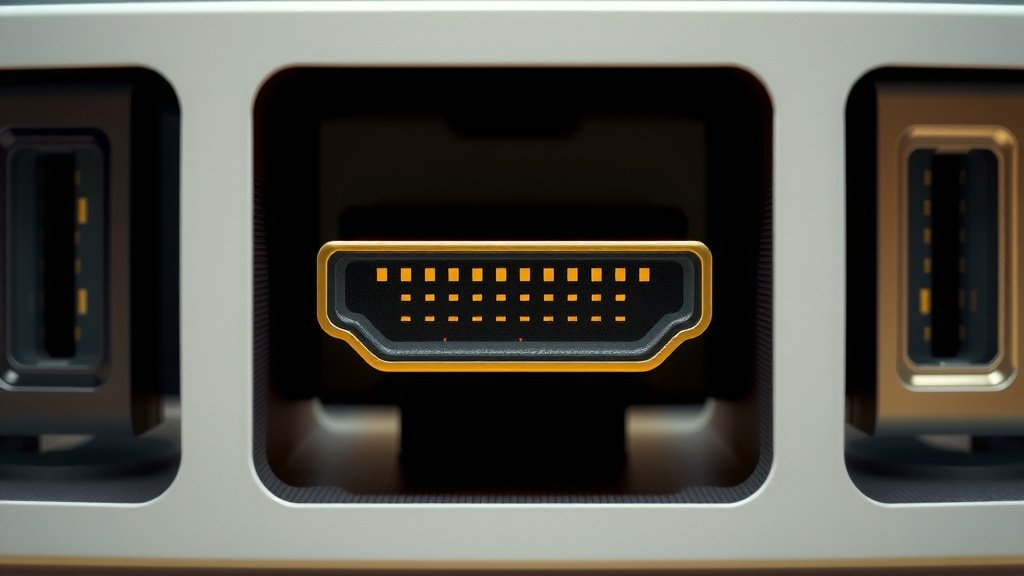
An HDMI 2.1 port is a newer, faster connection for your devices. It allows for higher video resolutions and refresh rates. Think super crisp images and smoother motion on your TV or monitor.
This latest HDMI version supports things like 4K at 120Hz or even 8K at 60Hz. Gamers will love the reduced lag and better visual quality. It’s designed to keep up with the demands of modern entertainment and gaming consoles. It’s a big upgrade from older HDMI ports.
- HDMI 2.1 is the latest standard.
- It offers much higher bandwidth than older versions.
- This means better picture quality and smoother motion.
- Great for 4K and 8K TVs, plus modern gaming.
Ready to see what makes this connection so special? Let’s break down the cool features and benefits of HDMI 2.1.
Understanding the Latest HDMI 2.1 Connection
So, you’ve heard about HDMI 2.1 and are wondering what all the buzz is about. Simply put, it’s the most recent standard for connecting your audio and video devices. Think of it as the superhighway for your entertainment system, allowing much more data to travel much faster.
This improved performance means you can enjoy stunning visuals and smoother action than ever before. It’s designed for the latest technology, ensuring your new TV or gaming console can really shine.
What Does HDMI 2.1 Actually Do?
At its core, HDMI 2.1 offers a massive boost in bandwidth. This is the total amount of data that can be sent over the connection at any given time. Older HDMI versions, like 2.0, had limitations. HDMI 2.1 blows past those limits, offering up to 48 Gbps.
Why is this big deal? More bandwidth means your devices can send and receive higher quality signals. This translates directly to better pictures and sound. It’s like upgrading from a narrow country road to a wide, multi-lane freeway for your video signal.
Comparing Bandwidth: A Clear Picture
Let’s put this into perspective. HDMI 2.0 offers a maximum bandwidth of 18 Gbps. That’s pretty good, but it starts to strain when you push it with modern content. HDMI 2.1, with its 48 Gbps, has more than double the capacity. This extra room is essential for the newest features.
| HDMI Version | Maximum Bandwidth |
|---|---|
| HDMI 2.0 | 18 Gbps |
| HDMI 2.1 | 48 Gbps |
Key Features Driving the Upgrade
This higher bandwidth supports several exciting new features. These are the real stars of the HDMI 2.1 show, designed to make your viewing and gaming experiences much more immersive.
Higher Resolutions and Refresh Rates
One of the most talked-about benefits is the support for higher resolutions at faster refresh rates. You can now get 4K resolution at a silky-smooth 120 frames per second (Hz). For those wanting the absolute pinnacle of picture quality, HDMI 2.1 supports 8K resolution at 60Hz.
Why does this matter? A higher refresh rate means motion looks incredibly fluid. Fast-paced scenes in movies or sports appear clearer. Gamers will notice a huge difference in how responsive and realistic their games feel. You get sharper images with less choppiness.
Dynamic HDR for Better Contrast
HDMI 2.1 also brings Dynamic HDR. This is a big step up from standard HDR. Instead of applying one set of adjustments for the entire movie or show, Dynamic HDR can adjust the picture scene by scene, or even frame by frame.
What does this mean for you? You’ll see incredibly accurate contrast, with deep blacks and brilliant whites. Colors will pop with more vibrancy. The overall picture will have more depth and realism, making your favorite content look more lifelike.
Enhanced Audio Return Channel (eARC)
For the audiophiles out there, HDMI 2.1 includes an improved audio experience with eARC. This stands for Enhanced Audio Return Channel. It allows for higher bandwidth audio transmission over the HDMI cable.
What’s the advantage? eARC supports uncompressed, high-bitrate audio formats like Dolby Atmos and DTS:X. These are the types of audio that can make a home theater sound like a professional cinema. Older HDMI versions had limitations on the quality of audio that could be sent back from your TV to your soundbar or receiver.
Variable Refresh Rate (VRR) for Smooth Gaming
Gamers, this one is for you! Variable Refresh Rate (VRR) is a game-changer. It synchronizes your display’s refresh rate with the frame rate output of your gaming console or PC. This means the display only refreshes when new frames are ready.
The result? No more screen tearing or stuttering. Games will feel incredibly smooth and responsive. VRR eliminates the visual glitches that can pull you out of the gaming experience. It’s a major reason why gamers are excited about HDMI 2.1.
Quick Media Switching (QMS)
Have you ever noticed a slight black screen delay when switching between streaming apps or different video sources? HDMI 2.1’s Quick Media Switching (QMS) aims to eliminate that. It allows your display to switch between different frame rates without showing a blank screen.
This means a more continuous and uninterrupted viewing experience. When you move from a show at 24Hz to a trailer at 30Hz, the transition will be smoother. It’s a small but welcome improvement for convenience.
Quick Frame Transport (QFT) for Less Lag
Another feature benefiting gamers and those sensitive to input lag is Quick Frame Transport (QFT). This technology helps reduce display latency. It does this by increasing the speed at which frames are transported from your device to your display.
What does this mean in practice? You’ll experience lower input lag. Your commands will register faster on screen, which is critical in fast-paced games. It helps make the connection feel more responsive.
Do You Need HDMI 2.1? A Quick Checklist
Wondering if upgrading to HDMI 2.1 is worth it for your setup? Consider these points:
- You have a 4K or 8K TV that supports high refresh rates.
- You own a next-generation gaming console (like PlayStation 5 or Xbox Series X/S).
- You use a high-end gaming PC with a compatible graphics card.
- You want the best possible audio quality with eARC.
- You’re looking to reduce screen tearing and input lag in games.
- You appreciate the advanced features like Dynamic HDR.
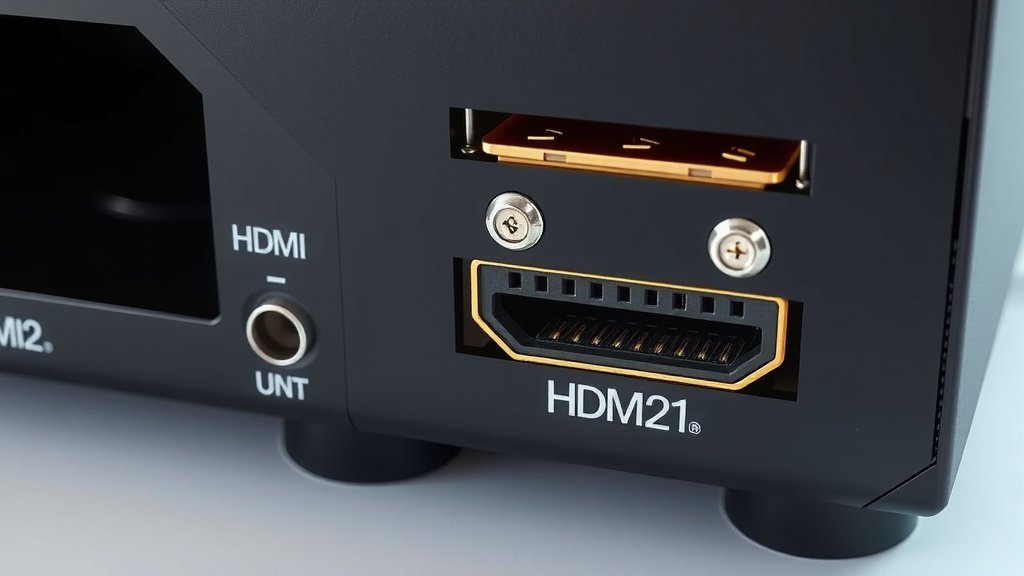
Conclusion
You’ve learned that HDMI 2.1 is your ticket to the best in modern entertainment and gaming. It provides the higher bandwidth needed for stunning 4K and 8K visuals at smooth refresh rates. Features like Dynamic HDR and VRR make everything look and feel more realistic and responsive.
Whether you’re a gamer seeking lag-free action or a movie buff craving cinematic quality, HDMI 2.1 delivers. If your setup includes newer devices, now is the time to ensure you’re using HDMI 2.1 cables and ports to experience all these benefits. Upgrade your connection, upgrade your experience!
Frequently Asked Questions
Do I need new cables for HDMI 2.1?
Yes, you will need “Ultra High Speed” HDMI cables to take full advantage of HDMI 2.1’s capabilities. Older cables, even if they fit, might not support the full 48 Gbps bandwidth required for features like 8K video or high refresh rates.
Can my older TV use HDMI 2.1 features?
Your older TV likely cannot support the full features of HDMI 2.1. To benefit from resolutions like 4K at 120Hz or 8K, your TV must have HDMI 2.1 ports built-in. However, some newer TVs might have one or two HDMI 2.1 ports.
What’s the difference between HDMI 2.0 and HDMI 2.1?
The main difference is bandwidth. HDMI 2.0 offers 18 Gbps, while HDMI 2.1 offers 48 Gbps. This increased bandwidth allows HDMI 2.1 to support higher resolutions, faster refresh rates, and advanced features like VRR and eARC.
Is HDMI 2.1 important for sound quality?
Yes, HDMI 2.1’s eARC (Enhanced Audio Return Channel) is a significant upgrade for sound. It supports high-bitrate, lossless audio formats like Dolby Atmos and DTS:X. This means you can get truly immersive surround sound from your TV to your soundbar or receiver.
Will HDMI 2.1 improve my internet speed?
No, HDMI 2.1 does not affect your internet speed. It is a connection standard for audio and video signals between devices like TVs, consoles, and Blu-ray players. Internet speed relies on your network connection, not your HDMI port.