How to Measure TV Size: A Simple Guide
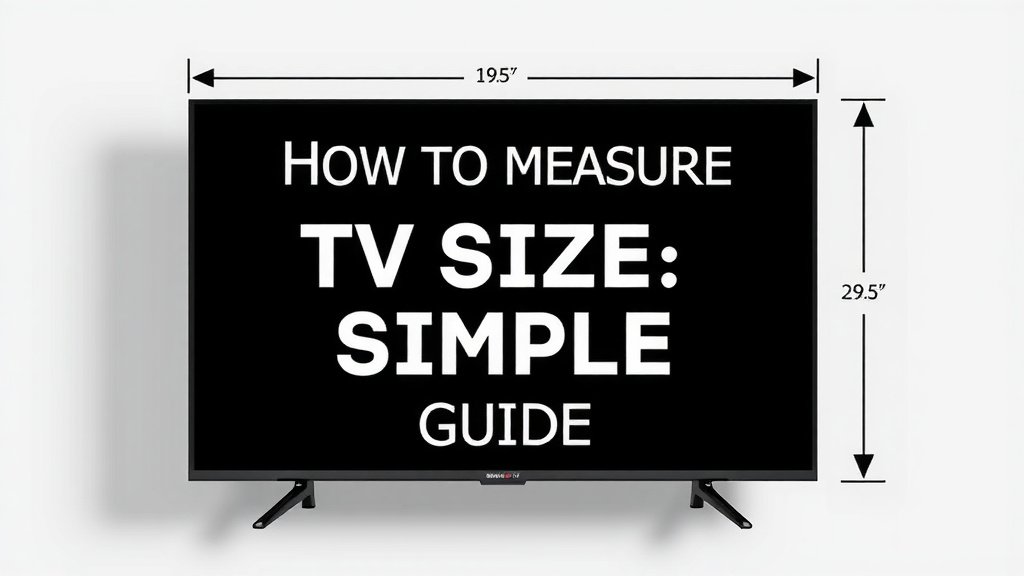
Measuring your TV size is simpler than you think. You’ll need a measuring tape and to measure from the top-left corner to the bottom-right corner of the screen diagonally. This measurement will tell you the screen’s size in inches.
This diagonal measurement is how manufacturers determine and advertise TV sizes. It’s not the width or height of the entire television set. So, if you’re trying to figure out if a new TV will fit your space, knowing the diagonal screen size is key for comparison. We’ll show you how to get this measurement accurately.
- Measure your TV screen diagonally.
- Use a standard measuring tape for this.
- Measure from one corner to the opposite corner.
- This gives you the screen size in inches.
- Don’t measure the TV’s frame.
Let’s walk through exactly how to measure your TV size step by step, so you can make the best choice for your viewing space.
Getting the Right TV Screen Measurement
So, you’re wondering how to measure your TV size, huh? It’s a common question, and thankfully, it’s not complicated. The size of a TV is always measured diagonally across the screen. Manufacturers use this single number to tell you how big the TV is. This means you’ll be measuring from one corner to the opposite corner. It’s important to remember you’re only measuring the viewable screen area, not the frame or the stand.
What You’ll Need for Accurate TV Measurement
You really only need one tool to get this done correctly. Grab a standard measuring tape. It can be a cloth one, a metal retractable one, or even a sturdy ruler if that’s all you have. Just make sure it has clear inch markings. Some people might think of using their phone’s measuring app, but for a precise measurement of your TV screen, a physical tape measure is usually more reliable.
Step-by-Step Guide to Measuring Your TV
1. Power Off Your Television
First things first, turn your TV off. This isn’t just for safety; it also helps you see the screen clearly. With the screen black, you can easily spot the edges of the actual display. You don’t want to accidentally include any black bars from a menu or an input selection screen in your measurement. A dark screen makes it easier to find the precise corners.
2. Locate the Starting Point
Imagine you’re drawing a line from one corner to the other. You’ll want to start your tape measure at the very edge of the screen. Let’s say you choose the top-left corner. Be precise; find the absolute furthest point of the screen display in that corner. Don’t measure from the plastic bezel or frame surrounding the screen. That’s outside the actual picture area.
3. Measure Diagonally to the Opposite Corner
Now, stretch your measuring tape across the screen. You want to pull it taut, so it lies flat and doesn’t sag in the middle. Guide the tape measure from that starting corner (say, the top-left) straight across to the opposite corner. This would be the bottom-right corner. Ensure the tape is perfectly diagonal and not drifting up or down.
4. Read the Measurement in Inches
Once the tape is in place from corner to corner, read the measurement where the tape meets the opposite corner. This number is your TV’s screen size. It will be listed in inches. Most TVs sold in the US are advertised by their diagonal screen size, so this number is usually what you’re looking for. If you get a measurement like 54.7 inches, that TV is likely advertised as a 55-inch TV.
5. What If My Measurement Isn’t a Round Number?
It’s very common not to get a perfect, whole number. TV screen sizes are often rounded up or down to the nearest whole inch for marketing purposes. So, if you measure 54.7 inches, the TV is almost certainly a 55-inch model. If you measure 42.1 inches, it’s likely a 42-inch TV. Don’t be alarmed if your measurement isn’t exact; it’s usually just the result of rounding.
Why Diagonal Measurement Matters
You might be asking, “Why don’t they just measure the width or height?” Well, think of it like this: every TV screen has a specific aspect ratio, usually 16:9 for modern TVs. This ratio defines the relationship between its width and height. By measuring diagonally, you get a single, consistent number that represents the overall size, regardless of minor variations in width or height that still fit that 16:9 ratio. It’s the easiest way to standardize size.
Distinguishing Screen Size from TV Dimensions
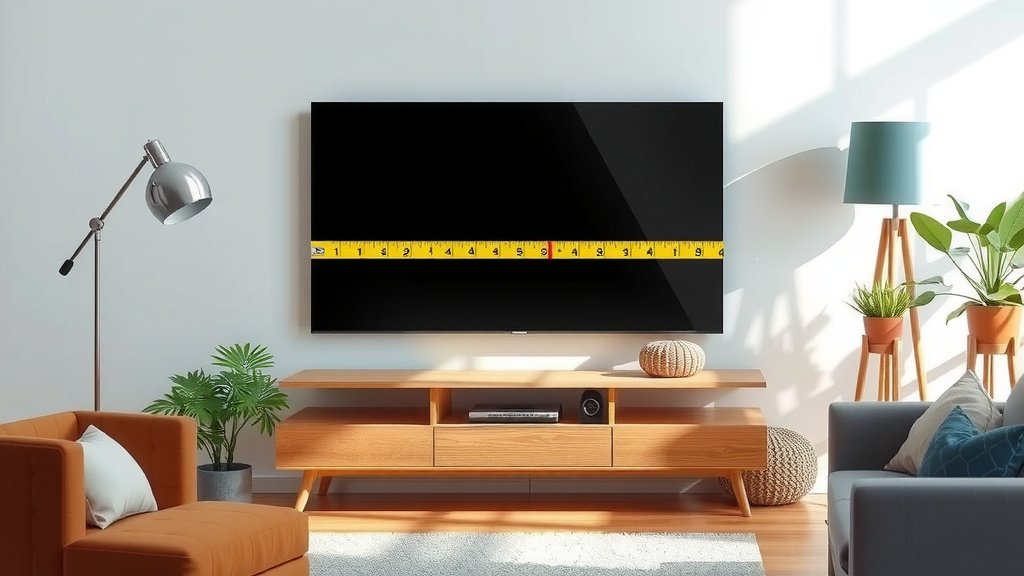
It’s a frequent point of confusion. The screen size (e.g., 55 inches) is only part of the story. Your TV also has physical dimensions: its total width, height, and depth, including the frame and stand. If you’re trying to see if a new TV will fit on your existing TV stand or in a media console, you’ll need to measure those outer dimensions. The screen size measurement tells you the diagonal screen only, not the whole unit.
Checking Your TV’s Outer Dimensions
To get the outer dimensions, you’ll need your measuring tape again. Measure the entire TV from left to right for the width. Then, measure from the very top of the TV to the very bottom for the height. Finally, measure the depth from the front edge to the back. These measurements are essential if you’re fitting the TV into a specific space, like a cabinet or against a wall with shelves. These numbers are not part of the advertised screen size.
Common TV Sizes and Their Diagonal Measurements
Knowing the common sizes can help you confirm your measurements. Manufacturers usually offer TVs in standard diagonal screen sizes. Here’s a quick look:
| Advertised Size (Diagonal Inches) | Approximate Diagonal Measurement |
|---|---|
| 32″ | 31.5″ – 32″ |
| 40″ | 39.5″ – 40″ |
| 43″ | 42.5″ – 43″ |
| 50″ | 49.5″ – 50″ |
| 55″ | 54.5″ – 55″ |
| 65″ | 64.5″ – 65″ |
| 75″ | 74.5″ – 75″ |
As you can see, your actual measurement should be very close to the advertised size. If you’re off by more than half an inch, you might want to measure again just to be sure.
Quick Checklist for Measuring Your TV
- Turn your TV off.
- Use a tape measure.
- Measure diagonally across the screen.
- Start at one corner, end at the opposite.
- Record the measurement in inches.
- Remember this is screen size, not the whole TV.
Conclusion
You’ve now got a solid grasp on how to accurately measure your TV screen. Remember, it’s always the diagonal measurement from corner to corner of the viewable screen area. This simple step ensures you’re comparing apples to apples when looking at new TVs or confirming your current one. Knowing this number helps you avoid confusion with the TV’s outer dimensions. Take that tape measure and get your TV’s diagonal size verified. This knowledge will help you make the best viewing choice for your space!
Frequently Asked Questions
Why do TV manufacturers measure diagonally?
Manufacturers measure diagonally to have a single, consistent number for screen size. This method works regardless of the TV’s aspect ratio. It simplifies how everyone talks about and compares TV sizes.
Can I use my phone’s measuring app to measure my TV?
While phone measuring apps can be convenient, they are generally less reliable for precise measurements like your TV screen. A physical tape measure will give you a more accurate reading. It’s worth using a real tape measure for this task.
Does the TV frame affect the screen size measurement?
No, the TV frame, also called the bezel, does not count towards the screen size. You only measure the actual display area where the picture appears. Always measure from screen corner to screen corner, avoiding the plastic border.
What if my measurement isn’t exactly the advertised size?
It’s common for your measurement to be slightly off the advertised size. Manufacturers often round measurements to the nearest whole inch for simplicity. If your measurement is within about half an inch, it’s likely correct.
How do I measure the TV’s overall dimensions, not just the screen?
To measure the entire TV, you’ll need to measure its total width, height, and depth. Measure from the furthest left edge to the furthest right edge for width. For height, measure from the very top to the very bottom. Measure the depth from the front to the back. These are different from screen size.