How to Set Up a Home Theater with a TV in October 2026
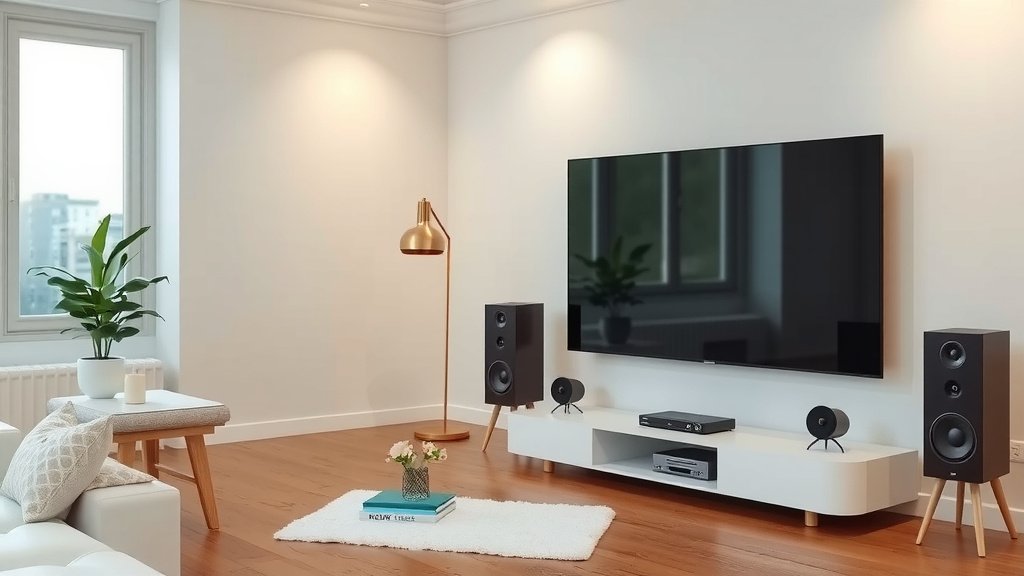
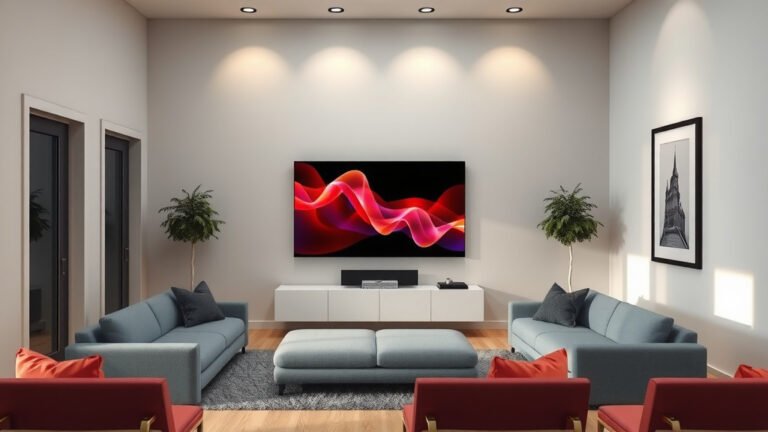
The easiest way to set up a home theater with a TV is to pick the right room, position your TV at eye level, and add a soundbar or speaker system around it. You don’t need a huge budget or a giant space. With a TV, good sound, and smart placement, you can build a home theater in a weekend.
So what actually makes a home theater feel like a real theater? It comes down to three things: a comfortable layout, quality audio, and controlling light and glare. We researched what works in real living rooms and found that most people skip the fancy extras and focus on these basics first.
Here’s the quick version before we dive in:
- Choose a room with low light and enough space for seating.
- Mount or place your TV at eye level from your main seat.
- Add a soundbar or speakers for better audio than TV speakers.
- Keep cables tidy and hide or route them along walls.
- Use blackout curtains or dim lighting to cut screen glare.
Below, we break down everything you need to know about setting up a home theater with a TV, step by step. Grab a coffee, and let’s get your movie nights upgraded.
Building Your TV Home Theater Step by Step
Picking the right room comes first. A room with fewer windows and less foot traffic makes everything else easier. If you have a choice, go with a basement, den, or any space where you can dim the lights.
Not every room is perfect, though. We found that most people just work with what they have, and that’s fine. You can fix a bright living room with curtains and smart TV placement.
Pick the Right Room and Layout
Measure your space before you buy anything. Your TV size should match your seating distance. Sit too close and you’ll see pixels; sit too far and you lose the theater feel.
A simple rule many home theater guides recommend: your seating distance should be roughly 1.5 to 2.5 times the TV’s diagonal size. So a 65-inch TV works well from about 8 to 13 feet away.
TV Size and Seating Distance Guide
| TV Size | Good Seating Distance | Best Room Size |
|---|---|---|
| 55 inches | 7–11 feet | Small den |
| 65 inches | 8–13 feet | Medium living room |
| 75 inches | 9–15 feet | Large living room |
| 85 inches | 10–17 feet | Dedicated theater room |
Seating Placement Tips
Point your main seat straight at the screen. Angled seats work, but the center spot gets the best picture and sound. Many experts say to avoid placing seats right against the back wall, since bass sounds muddy there.
Add a small table for popcorn. Trust us, future you will be grateful.
Position and Mount Your TV
Eye level is the golden rule. When you sit down, the middle of the screen should line up with your eyes. For most people sitting on a couch, that’s around 40 to 42 inches from the floor. Our guide to the ideal TV mounting height covers how seating and room layout change that number.
Mounting a TV too high is one of the most common mistakes we found. It looks fine in photos, but your neck will hate you two hours into a movie marathon. If you must mount higher, tilt the screen down.
Whether you use a wall mount or a stand, make sure the TV can’t tip. Check that your mount is rated for your TV’s weight and size. Wall anchors matter too, since drywall alone won’t hold a big screen.
Get Sound That Matches the Picture
TV speakers point backward or downward, so dialogue sounds thin. A soundbar is the easiest fix, and most connect with a single cable. If you want more of a theater feel, a 5.1 speaker system adds surround effects.
We found that a decent soundbar makes a bigger difference than a bigger TV for most budgets. Sound is half the experience, after all.
Soundbar vs. Speaker System
- Soundbar: Simple setup, one cable, great for small rooms.
- Soundbar with subwoofer: Adds bass for action movies.
- 5.1 speaker system: True surround sound, more wires and setup time.
- Wireless rear speakers: A middle ground with fewer cable runs.
Start small if you’re unsure. You can always add a subwoofer or rear speakers later. Many soundbars support upgrades, so you won’t waste your first purchase.
Connect and Calibrate Everything
Use HDMI cables for video and audio. If your soundbar or receiver supports it, enable ARC or eARC so one HDMI cable sends sound back from the TV. Fewer cables means fewer headaches.
Then spend 15 minutes on settings. Most TVs ship in a bright “store mode” that looks harsh at home. Switch to movie or cinema mode, lower the brightness, and turn off motion smoothing. Many reviewers and TV makers themselves recommend this for film watching.
Control Light and Glare
Glare is the silent movie-ruiner. Bright windows wash out dark scenes and make midday viewing frustrating. Blackout curtains are cheap and work better than most people expect.
Dimmable lamps or bias lighting behind the TV help too. A soft glow behind the screen actually reduces eye strain in dark rooms, which many eye health sources, including the American Optometric Association, suggest for screen comfort.
Manage Cables Like a Pro
Cables are the uninvited guests of every home theater. They show up everywhere and refuse to leave. Here’s how to tame them:
- Use cable ties or velcro straps to bundle wires together.
- Run cables through a raceway along the wall.
- Hide a power strip and cables in an open-back media console.
- Label each cable so future upgrades are painless.
- Leave a little slack so nothing gets pulled tight.
Add Comfort and Finishing Touches
Comfort keeps people in their seats. A throw blanket, dimmable lighting, and a snack station turn a good setup into a great one. We found that small touches matter more than expensive gear.
Consider a universal remote or your TV’s built-in control for other devices. One remote instead of four? That’s a real quality-of-life upgrade.
Your Weekend Setup Checklist
Here’s a quick punch list to keep you on track:
- Measure your room and pick a TV size that fits.
- Mount or place the TV at seated eye level.
- Connect a soundbar or speakers with HDMI ARC.
- Switch the TV to movie mode and adjust brightness.
- Add blackout curtains or dim lighting.
- Bundle and hide all cables before the first movie night.
That’s it. One weekend, a few smart choices, and your living room becomes the best seat in the house.
Conclusion
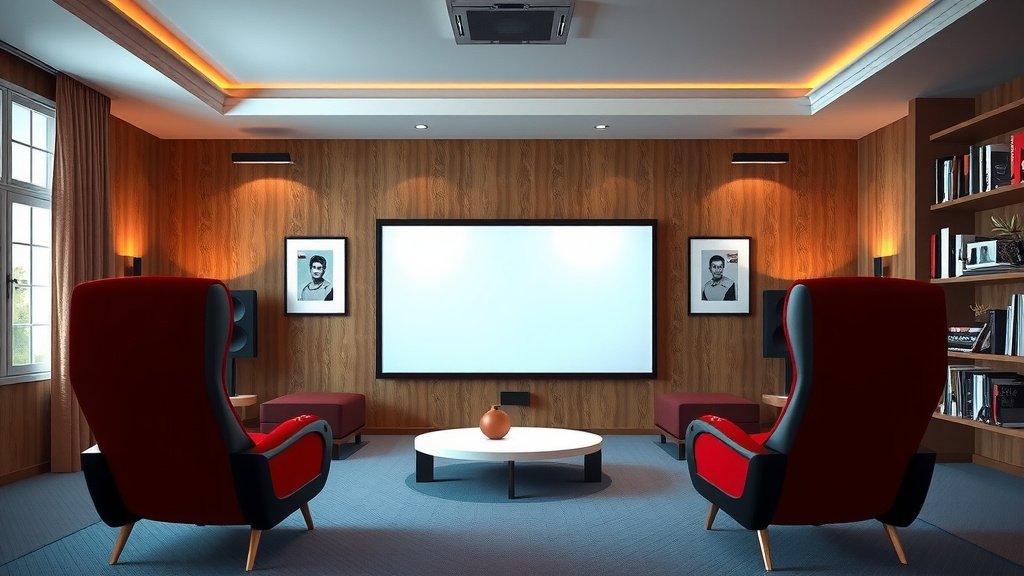
Setting up a home theater with a TV doesn’t require a contractor or a five-figure budget. You need the right room, a TV placed at seated eye level, and sound that matches the picture. From there, it’s the small stuff: dim the glare, tidy the cables, and switch your TV out of that harsh store mode. We found that people who follow the checklist above get a setup that feels intentional, not thrown together. The best part? You can do most of it in a single weekend. So grab your measuring tape, pick your room, and get started. Your next movie night will thank you.
Frequently Asked Questions
Do I need a 4K TV for a home theater?
Not necessarily, but it helps. Most new streaming content and Blu-rays are in 4K, so you’ll get the sharpest picture with one. That said, a well-calibrated 1080p TV with good sound still beats a 4K TV with tinny speakers.
How much does a basic home theater setup cost?
A solid starter setup usually runs between $500 and $1,500, depending on your TV size and audio choice. If you already own a TV, you might only need a soundbar, mounting hardware, and a few accessories. Start small and upgrade over time.
Is it better to wall mount a TV or use a stand?
Both work fine, so it comes down to your room and comfort level. Wall mounting saves space and looks cleaner, but stands are easier and don’t require drilling. If you rent your home, a stand is usually the smarter pick.
Can I set up a home theater in a small apartment?
Absolutely. A 55-inch TV, a soundbar, and a comfortable couch fit in most apartments. Just follow the seating distance rule and prioritize sound quality over screen size. Small rooms actually make speakers sound bigger.
Do I need a receiver for my home theater?
Only if you’re building a full surround system with separate speakers. Soundbars skip the receiver entirely and connect straight to your TV. We found most first-time builders are happier starting without one.
What’s the first thing I should upgrade after the TV?
Sound, without a doubt. TV speakers are the weakest link in almost every setup. A decent soundbar delivers the biggest improvement per dollar, and many support adding a subwoofer or rear speakers later.