What is Ambient Mode on Your TV and How Does It Work
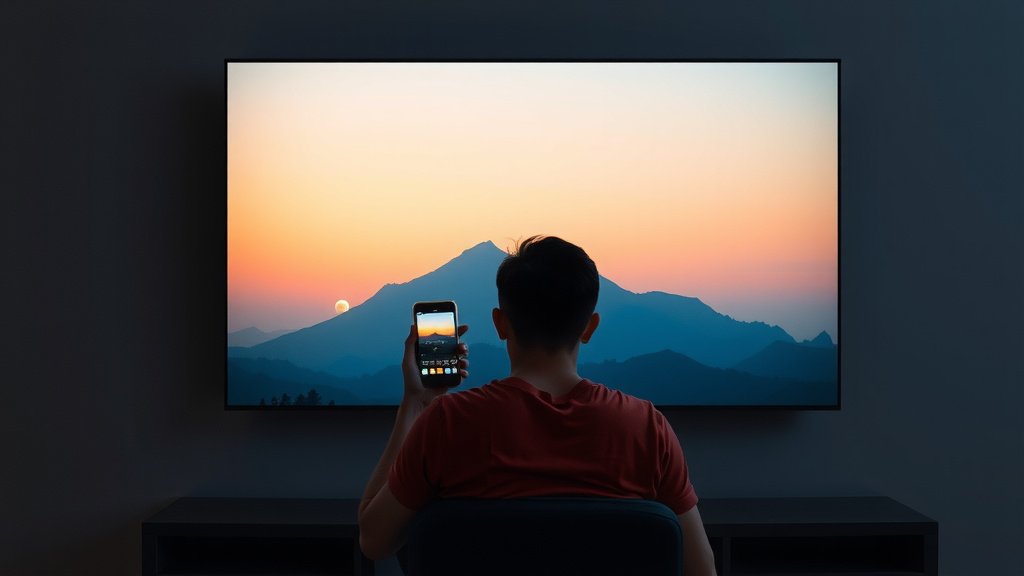
Ambient mode on your TV is a smart display feature. It turns your screen into a digital picture frame when not in use. You can show off photos or art. It makes your TV look like a piece of decor. Ambient mode is designed to be visually pleasing and useful.
Think of it as giving your TV a personality. Many smart TVs offer this cool option. It helps your television blend into your home’s style. Instead of a black, blank screen, you get something much nicer. We found that it’s a great way to add a personal touch to your living space.
- Ambient mode is your TV’s digital art display.
- It works when your TV is on standby.
- You can show personal photos or curated art.
- It helps your TV fit your home’s decor.
- Many smart TVs include this feature.
Let’s dive into what ambient mode is all about and how it can enhance your viewing experience.
Understanding Your TV’s Ambient Mode
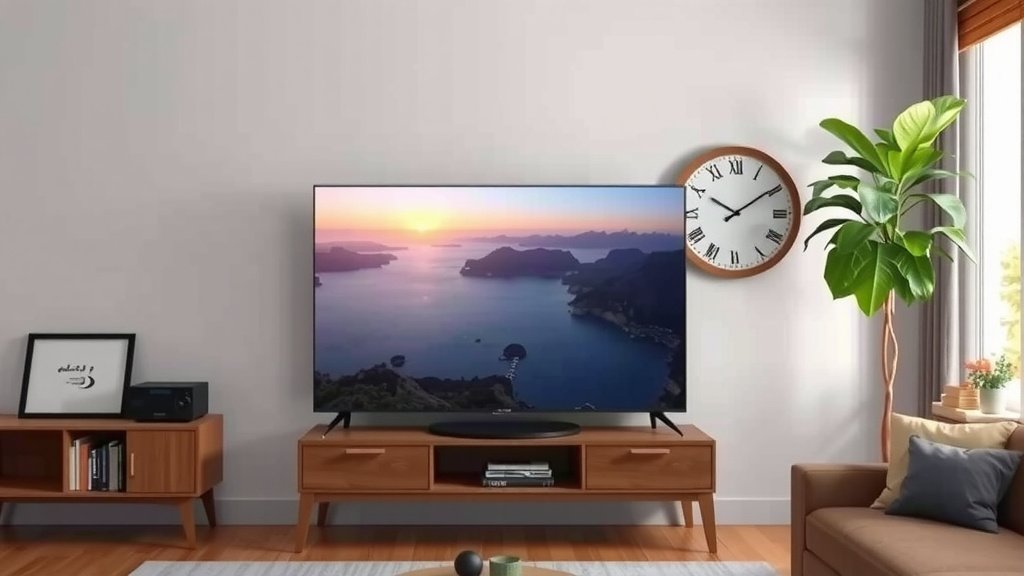
Ambient mode on your smart TV is like giving your television a stylish makeover. When your TV isn’t actively playing a show or movie, this feature transforms the blank screen. It becomes a dynamic display. You can show off personal photos or curated artwork. It helps your TV blend into your room’s decor. Instead of a dark, uninviting rectangle, your screen becomes a focal point. We found that this feature adds a touch of personality to any living space.
Think of it as digital art that’s always on display. It’s a smart way to use your TV’s screen when it would otherwise be inactive. This makes your television more than just an entertainment device. It becomes a decorative element. Many smart TV manufacturers include this as a standard feature. It’s designed to be both beautiful and functional.
How Ambient Mode Works
Ambient mode activates when your TV is in standby or has been idle for a set period. It uses a very low amount of power. This ensures it doesn’t significantly impact your electricity bill. The display will then cycle through your chosen content. This can be anything from a slideshow of your family vacation photos to famous paintings. Some TVs even offer real-time information like weather updates or news headlines. We found this immediate access to information quite handy.
The primary goal is to make the screen visually appealing. It’s not about replacing your phone or tablet for quick checks. It’s about creating a more pleasant visual environment. You set it up through your TV’s settings menu. It usually involves connecting your TV to your home Wi-Fi network. Then, you can select your preferred content sources. It’s a fairly straightforward process.
Content Options for Ambient Mode
The beauty of ambient mode lies in its flexibility. You have several ways to customize what your TV displays.
Personal Photo Galleries
This is one of the most popular uses. You can upload photos from your phone or computer. Your TV then acts as a large digital photo frame. Imagine showcasing your favorite memories on a big screen. It’s a wonderful way to relive happy moments. We found that organizing photos into albums makes it easier to manage. You can often sync these albums directly from cloud storage services. This keeps your display fresh with new pictures.
Curated Art Collections
Don’t have many personal photos to share? No problem! Many ambient modes come with pre-loaded art collections. These can range from classical masterpieces to modern abstract art. Some services offer access to vast libraries of digital art. You can often choose specific styles or themes. This allows you to match your TV’s display to your room’s decor. It’s like having a personal art gallery in your living room.
Lifestyle and Informational Displays
Beyond photos and art, some TVs offer more functional content. You might find options for displaying things like:
- Weather forecasts
- Time and date
- News headlines
- Calender events
Benefits of Using Ambient Mode
Using ambient mode offers several advantages. It goes beyond just making your TV look good.
Aesthetic Enhancement
The most obvious benefit is the aesthetic improvement. A blank black screen can be stark and uninviting. Ambient mode fills that space with something pleasant to look at. It helps your TV feel like a natural part of your home’s design. It can make your living room feel more curated and less dominated by technology. Many people find it reduces the “black mirror” effect of inactive TVs.
Reduced “Black Mirror” Effect
That large black rectangle can sometimes feel imposing. Ambient mode softens this effect. It makes the TV less of an obvious piece of electronics. It integrates more smoothly into your home environment. We found that this makes the room feel more welcoming. It’s a subtle change that can have a big impact on the overall ambiance.
Showcasing Memories and Art
It provides a unique platform for displaying your life’s moments. Your vacation photos, wedding pictures, or even your kids’ artwork can be showcased. It gives these memories a prominent place. Similarly, if you appreciate art, you can surround yourself with beautiful images. It’s a way to personalize your space in a dynamic way. It’s more engaging than static wall art.
Energy Efficiency
While your TV is on and displaying content in ambient mode, it uses very little energy. Manufacturers have designed this feature to be power-conscious. The brightness is typically much lower than when watching content. The processing demands are also minimal. This means you can enjoy the visual benefits without worrying about a huge spike in your energy bill. Research indicates that modern smart TVs are quite efficient in standby modes (Energy Star).
Setting Up and Customizing Your Ambient Mode
Getting ambient mode up and running is usually quite simple. The exact steps can vary slightly depending on your TV brand. However, the general process is consistent.
Navigating Your TV Settings
You’ll typically find the ambient mode settings within your TV’s main menu. Look for options like “Display,” “Picture,” “General,” or a specific “Ambient Mode” or “Art Mode” setting. Once you locate it, you can start customizing.
Connecting to Your Network and Accounts
For many features, like cloud photo storage or art streaming services, your TV needs to be connected to your Wi-Fi. You may also need to log in to specific accounts or apps. Ensure your TV has a stable internet connection for the best experience. We found that a strong Wi-Fi signal is key.
Choosing Your Content and Preferences
Once connected, you can select your content sources. This might involve browsing your phone’s photo library or choosing from art categories. You’ll also want to set preferences like:
- How long before ambient mode activates
- How quickly photos change
- Display brightness
- What information, if any, is shown
Ambient Mode vs. Screen Saver
It’s easy to confuse ambient mode with a traditional screen saver. However, there are key differences. Screen savers were originally designed to prevent burn-in on older CRT monitors. They would display moving patterns or black screens. Ambient mode is about aesthetics and functionality.
| Feature | Ambient Mode | Traditional Screen Saver |
|---|---|---|
| Primary Purpose | Aesthetics, displaying art/photos, information | Prevent screen burn-in (historically) |
| Display Content | Photos, art, weather, time, news | Moving patterns, solid colors, black screen |
| Visual Appeal | High – designed to be decorative | Low – functional, not decorative |
| Power Usage | Low, optimized for constant display | Varies, often designed to turn screen off |
Ambient mode enhances your viewing space. A screen saver simply protects your screen. We found that ambient mode offers a much richer experience.
Is Ambient Mode Worth It? A Checklist
Considering if ambient mode is right for you? Here’s a quick checklist:
- Do you want your TV to look better when it’s off?
- Would you enjoy displaying personal photos on a large screen?
- Are you interested in having art or decorative images visible?
- Do you like the idea of quick info like weather or time on your TV?
- Are you looking for a subtle way to improve your room’s ambiance?
- Do you have a smart TV that supports this feature?
If you answered yes to most of these, ambient mode is likely a feature you’ll appreciate. It transforms your TV from a black box into a dynamic part of your home.
Conclusion
So, you’ve learned that your TV’s ambient mode is more than just a screensaver. It’s a way to turn your dormant TV into a personalized art display or an informational hub. We’ve seen how it can boost your home’s aesthetics and reduce the stark “black mirror” effect. Plus, it does all this while using minimal energy. If you have a smart TV, exploring its ambient mode settings is a simple step. You can easily transform your living space by showcasing your favorite memories or beautiful art. Give it a try and see how much it enhances your home environment!
Frequently Asked Questions
Will ambient mode use a lot of electricity?
No, ambient mode is designed to be very energy efficient. The screen brightness is significantly reduced, and the processing demands are minimal. We found that it uses very little power, so you don’t need to worry about a big increase in your electricity bill.
Can I display my own photos in ambient mode?
Yes, absolutely! Displaying your personal photo galleries is one of the most popular uses for ambient mode. You can often sync photos from your phone, computer, or cloud storage services to show off your favorite memories on the big screen.
What’s the difference between ambient mode and a regular screensaver?
A traditional screensaver was mainly to prevent screen burn-in on older TVs. Ambient mode, on the other hand, is all about aesthetics and functionality. It’s designed to display visually pleasing content like photos, art, or useful information, rather than just moving patterns.
How do I turn on ambient mode on my TV?
You’ll typically find the ambient mode settings within your TV’s main menu. Look for options like “Display,” “Picture,” or a dedicated “Ambient Mode” or “Art Mode” setting. The exact location can vary by brand, but it’s usually straightforward to find and activate.
Can ambient mode show me the weather or news?
Yes, many TVs offer lifestyle and informational displays within their ambient mode. You can often choose to show the current weather forecast, the time and date, or even news headlines. We found these quick info features quite convenient for everyday use.