AI Upscaling Explained: Enhance Your Images Now
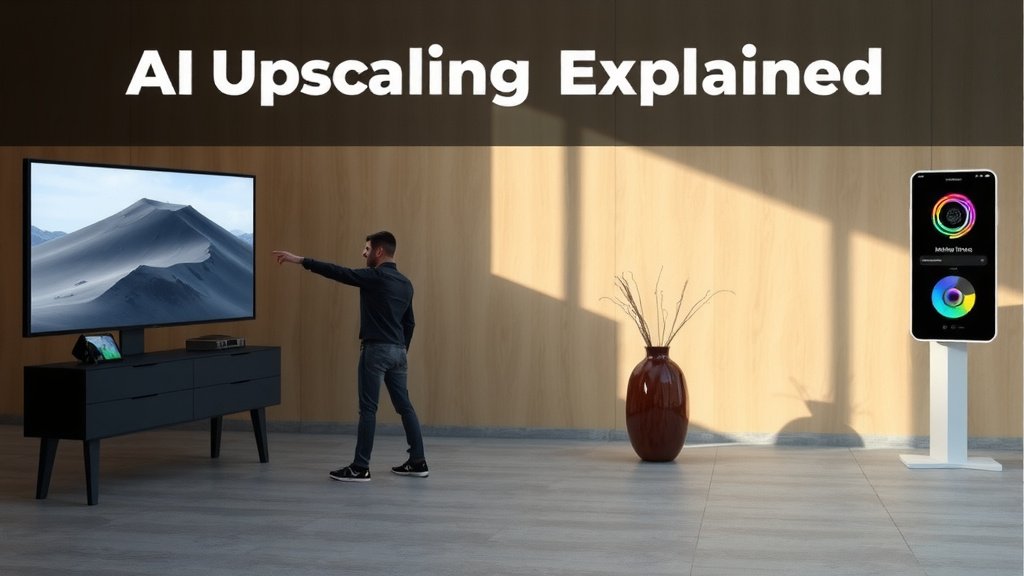
AI upscaling is a technology that makes low-resolution images and videos look better. It uses artificial intelligence to intelligently add detail and clarity. Think of it as a smart enhancement tool for your media. This process can dramatically improve the visual quality of older content or files.
You might be wondering if this is just a fancy filter. In reality, AI upscaling goes much deeper. It analyzes existing pixels and then predicts what missing details should be. This is different from simple zooming, which just stretches out existing pixels and makes things blurry. Many experts say it’s a powerful tool for media restoration.
- AI upscaling intelligently adds detail to low-res images and videos.
- It uses AI to predict and recreate missing information.
- This makes blurry or pixelated content look clearer and sharper.
- It’s a smart way to improve the visual quality of your media.
Ready to see how this magic happens? Let’s walk through what AI upscaling is and why it’s becoming so popular.
Understanding AI Image and Video Enhancement
You’ve probably noticed that some older photos or videos just don’t look as sharp as you’d like. They might appear a bit fuzzy or blocky, especially when you try to view them on a big screen. This is where AI upscaling steps in. It’s a modern technique that uses artificial intelligence to make your low-resolution media look much better. Think of it as a digital artist breathing new life into your visuals.
Unlike simply zooming in, which just stretches pixels and makes things worse, AI upscaling is way smarter. It actually guesses what the missing details should be. This means it can add clarity and sharpness in ways that weren’t possible before. It’s becoming really popular for restoring old movies and improving everyday photos.
How AI Upscaling Works Its Magic
So, how does this “magic” actually happen? It all comes down to machine learning. AI models are trained on massive amounts of high-quality images and videos. They learn to recognize patterns, textures, and edges. When you give an AI upscaler a low-resolution image, it analyzes the existing pixels. Then, it uses its training to predict and fill in the gaps with new, realistic detail. It’s like having a super-powered detective for your pictures.
Learning from the Best: Training the AI
Imagine showing a computer thousands of pictures of dogs. It learns what a dog’s fur looks like, the shape of its nose, and the sparkle in its eye. AI upscaling works similarly. It studies countless examples of sharp, clear images. This allows it to understand how details should naturally appear. When it sees a blurry patch in your photo, it knows what a clear version of that patch should look like.
The Prediction Process: Adding Detail
When the AI predicts missing information, it’s not just guessing randomly. It’s making educated guesses based on what it has learned. For instance, if it sees a blurry edge that looks like it should be a sharp line, it will intelligently render that line. It can even recreate textures, like the grain of wood or the fabric of clothing, which would otherwise be lost in low resolution. This is the core of why AI upscaling is so effective.
Why is AI Upscaling So Important Today?
You might be wondering why this technology is suddenly everywhere. Well, the world is more visual than ever. We share photos and videos constantly. Many of us also have a growing collection of older digital content. This includes everything from vacation photos taken years ago to classic movies digitized from old film. AI upscaling offers a way to make this older content look its best on modern displays.
Reviving Memories: Photo and Video Restoration
Think about those precious family photos or home videos from your childhood. They might be grainy or faded. With AI upscaling, you can bring those memories back to life. Old home movies can become clearer and more watchable. Faded photographs can regain detail and vibrancy. It’s a wonderful way to preserve and enjoy personal history.
Improving Your Existing Media Library
Beyond personal memories, AI upscaling is a boon for media enthusiasts. Many films and TV shows were originally shot in lower resolutions. As viewing technology advanced, these older productions looked increasingly dated. AI upscaling allows these classics to be presented in a way that matches the quality of modern productions. This means you can enjoy your favorite movies and shows with enhanced clarity.
AI Upscaling vs. Traditional Methods
It’s easy to confuse AI upscaling with older methods of image enlargement. However, the difference is quite dramatic. Traditional methods are much simpler. AI upscaling is far more sophisticated and effective. Let’s break down why.
The Limitations of Simple Enlargement
When you simply zoom into a picture or video using basic software, you’re essentially just stretching the pixels that are already there. Imagine taking a small square and pulling its corners to make it bigger. The square itself doesn’t gain any new detail; it just becomes a larger, more noticeable version of the original pixels. This often results in a blurry, pixelated, or “blocky” appearance. It’s like blowing up a tiny postage stamp to poster size – it never looks good.
The Intelligence of AI: A Smart Comparison
AI upscaling, on the other hand, doesn’t just stretch. It rebuilds. Researchers found that AI models can intelligently add details that weren’t originally present. They can sharpen edges, reduce noise, and even add fine textures. This process requires a deep understanding of visual information. Here’s a quick look at the key differences:
| Feature | Traditional Enlargement | AI Upscaling |
|---|---|---|
| Process | Stretches existing pixels | Predicts and adds new detail |
| Result | Blurry, pixelated, blocky | Sharper, clearer, more detailed |
| Intelligence | None | Uses machine learning |
| Best For | Minor adjustments only | Significant quality improvement |
What About Simple Filters?
You might think AI upscaling is just another filter. It’s not. While filters can change the look of an image (like adding a vintage effect), they don’t actually increase resolution or add lost detail. AI upscaling is fundamentally about recreating information. Many visual artists agree that this distinction is key to understanding its power.
Key Benefits You’ll See
Using AI upscaling can bring several noticeable advantages to your media. It’s not just about making things look a little better; it’s about a true transformation.
- Improved Clarity: Your images and videos will look noticeably sharper.
- Reduced Noise: Grainy or fuzzy areas become smoother.
- Enhanced Detail: Fine lines, textures, and small elements become visible.
- Better Viewing Experience: Content looks great on large screens.
- Preservation of Memories: Old files become enjoyable again.
When you see the results, you’ll understand why this technology is so popular. It truly makes your visuals pop.
Getting Started with AI Upscaling
Ready to give it a try? You don’t need to be a tech wizard. There are many user-friendly tools available now. You can find desktop software, online services, and even some mobile apps that offer AI upscaling. Here’s a quick checklist to help you decide:
- Consider if you need it for photos or videos.
- Check if the tool supports your file types.
- Look for user reviews to gauge quality.
- See if there’s a free trial to test it out.
- Ensure the interface is easy for you to use.
- Compare pricing if you plan on frequent use.
Exploring these options will help you find the right tool to enhance your media library.
Conclusion
You now understand that AI upscaling is more than just a simple zoom feature. It’s a powerful technology that intelligently reconstructs detail in your low-resolution media. We’ve seen how it works by learning from vast datasets to predict and add missing information. This makes it a fantastic tool for reviving old memories and improving your entire media library. Ready to see the difference for yourself? Start by trying out a free trial of an AI upscaling tool to enhance a favorite photo or video.
Frequently Asked Questions
Will AI upscaling make my old photos look brand new?
AI upscaling can significantly improve the quality of old photos. It sharpens details and reduces graininess, making them look much better than before. However, it can’t magically recreate details that were completely lost during the original capture.
Can I use AI upscaling on any type of image or video?
Most AI upscaling tools work with common image and video file formats. It’s a good idea to check the specific requirements of the software or service you plan to use. Ensure it supports the files you want to enhance.
Is AI upscaling the same as image compression?
No, AI upscaling is the opposite of image compression. Compression reduces file size by removing data, which often lowers quality. Upscaling increases perceived quality and detail, typically resulting in larger file sizes.
How much improvement can I realistically expect from AI upscaling?
The level of improvement depends on the original quality of your media. Low-resolution or slightly blurry content often sees dramatic improvements. Content that is heavily corrupted or extremely low resolution might see less dramatic but still noticeable enhancements.
Are there free AI upscaling tools available?
Yes, several free AI upscaling tools and services are available. Many offer limited features or watermarks on the output. Paid services often provide higher quality results and more advanced options for professional use.