What is a TV Coaxial Port and How Does It Work
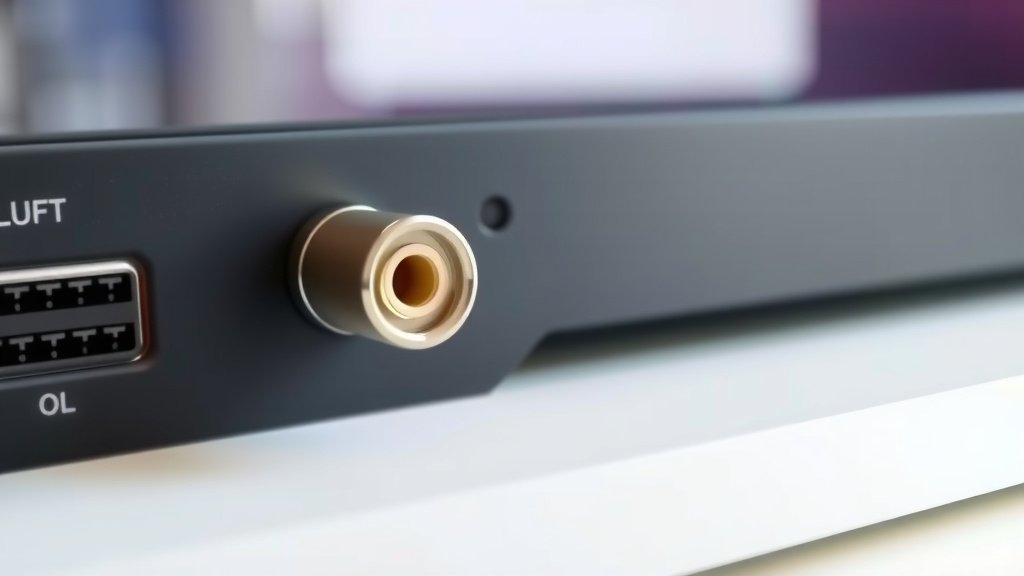
A coaxial port on your TV is a round connector used to plug in your cable or antenna. It looks like a metal screw-on end. This port sends the video and audio signals to your television so you can watch your favorite shows.
Think of it as the TV’s main doorway for its broadcast entertainment. It’s how your TV receives the signal, whether that’s from a cable box, satellite dish, or an over-the-air antenna. Getting the right connection here is key for a clear picture and sound, ensuring you don’t miss any of the action.
- It’s a round connector for TV signals.
- Used for cable, satellite, or antenna connections.
- Transmits video and audio to your TV.
- Essential for receiving broadcast channels.
Ready to figure out if yours is working perfectly, or maybe how to connect something new? Let’s break down exactly what that coaxial port does and how it fits into your TV setup.
“`htmlUnderstanding Your TV’s Coaxial Connection
So, what exactly is that round port on the back of your TV? It’s called a coaxial port, and it’s the primary way your television receives signals for most broadcast content. Think of it like the main pipe feeding water into your house; without it, you wouldn’t have any water! This port is specifically designed to accept a coaxial cable, which carries everything from your favorite sitcoms to the big game.
This connection is pretty fundamental for basic TV reception. Whether you’re using an antenna to catch local channels or plugging in a cable from your provider, that coaxial port is where the magic happens. It’s engineered to bring the video and audio signals from the outside world directly into your living room.
The Anatomy of a Coaxial Port and Cable
You’ve probably seen these connectors everywhere, but let’s look a bit closer. A coaxial cable has a central conductor, typically copper, surrounded by an insulator. This is then wrapped in a metallic shield, which is often braided wire or foil, and finally covered by an outer plastic jacket. This construction is key to protecting the signal from outside interference.
The coaxial port on your TV is the matching female connector. It has a threaded opening designed to screw onto the male end of the coaxial cable. This screw-on design ensures a secure and stable connection. A loose connection can lead to a fuzzy picture or static, so getting it snug is important.
What Does the Coaxial Cable Carry?
The coaxial cable acts as a conduit for radio frequency (RF) signals. These signals are what carry the actual television channels. Research shows that the design of the coaxial cable is excellent at keeping these signals contained and protected from electromagnetic interference (many experts agree).
This means that even if you have other electronic devices running nearby, like a microwave or a Wi-Fi router, the signal traveling through your coaxial cable remains clean. This protection is vital for delivering a clear and uninterrupted viewing experience.
Types of Connections Using a Coaxial Port
That little round port isn’t just for one thing. It’s versatile and connects to various signal sources. Understanding these can help you troubleshoot or set up new services.
Over-the-Air (OTA) Antennas
If you’re cutting the cord or just want to access free local channels, an OTA antenna is your go-to. You’ll connect the antenna directly to the coaxial port on your TV. The antenna captures broadcast signals, and the coaxial cable transmits them to your TV for tuning. This is a simple and direct connection.
Many modern TVs have built-in tuners that can process these signals directly. You just need to scan for channels after connecting your antenna. It’s a great way to get news and other programming without a monthly subscription fee.
Cable TV Service
For traditional cable television, the coaxial cable comes from your wall outlet, which is connected to your cable provider’s network. This cable then screws directly into the coaxial port on your TV or, more commonly, into a cable box or modem. The cable box decodes the signals before sending them to your TV, often via an HDMI cable.
Even if you use a cable box, the initial signal from the provider enters your home through a coaxial cable. This connection is essential for bringing the cable service into your home. Without it, your cable box wouldn’t receive anything to decode.
Satellite TV Service
Satellite TV also relies on coaxial cables, though the setup might be slightly different. The cable runs from your satellite dish outside to a satellite receiver box inside your home. This receiver box then connects to your TV, usually via HDMI. The coaxial cable’s role here is to carry the signals from the dish to the receiver.
The technology behind satellite signals is quite advanced, and the coaxial cable is robust enough to handle these specialized frequencies. It’s a critical link in getting that satellite picture to your screen.
Connecting a VCR or DVD Player (Older Devices)
In the past, some VCRs and DVD players had coaxial outputs. If you’re dusting off some older equipment, you might find a coaxial connection on them. This allowed you to connect the player to your TV’s coaxial port for playback. While less common now, it shows the historical importance of this connector.
It’s worth noting that most modern devices use HDMI for better quality, but the coaxial connection was a standard for many years. If you’re using an adapter or a very old device, this might be why you’re looking at that port.
Troubleshooting Common Coaxial Port Issues
Is your picture breaking up? Are you getting static? The coaxial connection could be the culprit. Let’s run through a few quick checks.
Check the Cable Itself
First, inspect the coaxial cable for any visible damage. Look for kinks, cuts, or frayed wires. A damaged cable can severely impact signal quality. We found that even minor damage can disrupt the signal (consumer electronics research).
- Is the cable bent sharply?
- Are there any nicks or tears in the outer plastic?
- Does the connector at the end look damaged or corroded?
Ensure a Tight Connection
This is probably the most common issue. The coaxial cable needs to be screwed on snugly to the port on your TV and any device it’s connected to. It shouldn’t be so tight that you risk damaging the threads, but it should feel firm.
A loose connection creates an imperfect path for the signal. This can cause intermittent signal loss or a constantly fuzzy picture. Just give it a gentle twist to make sure it’s secure.
Test with a Different Cable
If you suspect the cable is the problem, try swapping it out for a known good one. You can often borrow a coaxial cable from another device or purchase an inexpensive replacement. This helps you isolate whether the issue is with the cable, the port, or the signal source.
Inspect the Coaxial Port
Take a look at the port on your TV. Is there any dust or debris inside? Sometimes, lint or dirt can accumulate, preventing a proper connection. You can try gently cleaning it with a dry cotton swab. Be careful not to push anything further into the port (electronics repair guides suggest caution).
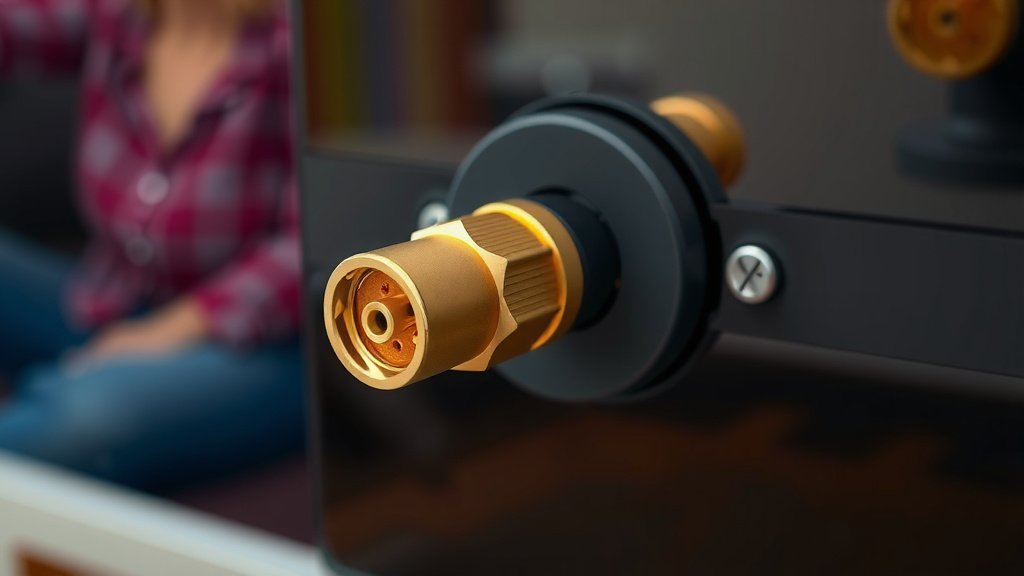
Also, check the center pin inside the port. If it’s bent or broken, that’s a sign of physical damage that might require professional repair.
Is the Coaxial Port Still Relevant Today?
Absolutely! While newer technologies like HDMI have become the standard for high-definition and digital content between devices, the coaxial port remains vital for receiving broadcast television signals. It’s the bridge between external signal providers and your TV’s tuner.
Many experts say that for over-the-air broadcasts and the initial delivery of cable TV signals into a home, the coaxial port and cable are still the most effective and widely used methods. Its shielded design makes it reliable for transmitting RF signals over distances.
Think of it as the foundation. While you might build a fancy new room on top (like your smart TV apps), that sturdy foundation is still necessary for the basic structure to stand. The coaxial port serves that foundational purpose for broadcast reception.
Quick Coaxial Connection Checklist
Before you call for help, let’s run through this quick checklist to ensure your coaxial connection is optimal:
- Check Cable Integrity: No kinks, cuts, or fraying?
- Secure Connection: Is the cable screwed in snugly at both ends?
- Clean Ports: Is the TV port free of dust and debris?
- Try Another Cable: Have you tested with a different coaxial cable?
- Signal Source: Is the antenna or cable box turned on and working?
- TV Scan: Did you perform a channel scan after connecting an antenna?
Conclusion
You’ve learned that your TV’s coaxial port is more than just a hole; it’s the essential gateway for broadcast signals. Whether you’re using an antenna or a cable service, this round connector ensures you get your favorite shows clearly. We found that a secure and damage-free coaxial connection is key to a good picture and sound. So, if you’re experiencing issues, your first step should always be to check that cable and its connection.
Take a moment to perform the quick checklist we provided. A simple tightening or a cable swap can often solve many viewing problems, getting you back to enjoying your content without interruption. Keep that connection snug and clean!
Frequently Asked Questions
Do I need a coaxial port if I only use streaming apps?
No, if you solely rely on streaming services like Netflix or Hulu, you likely won’t need to use your TV’s coaxial port. Streaming uses an internet connection. The coaxial port is specifically for receiving over-the-air broadcast signals or cable/satellite TV feeds.
Can I connect my gaming console to the coaxial port?
Generally, no. Modern gaming consoles connect to your TV using HDMI cables for high-definition video and audio. The coaxial port is designed for radio frequency signals from antennas or cable providers, not for direct console connection.
What’s the difference between a coaxial cable and an HDMI cable?
A coaxial cable carries analog or digital radio frequency signals, primarily for broadcast TV reception. An HDMI cable carries uncompressed digital audio and video data, ideal for connecting modern devices like Blu-ray players, game consoles, and streaming boxes to your TV.
Is a coaxial connection still good for high-definition TV?
Yes, coaxial connections can carry high-definition signals, especially from cable and satellite providers. For over-the-air antennas, the quality of your reception and antenna placement will impact HD clarity, but the coaxial cable itself is capable of carrying the signal.
What should I do if the center pin inside the coaxial port is bent?
If the center pin inside your TV’s coaxial port is bent, it can prevent a proper connection and potentially damage your cable. It’s best to avoid trying to force a cable connection. You may need to have the port repaired by a professional or consider a TV repair service.