Understanding RCA Connections: What They Are & How They Work
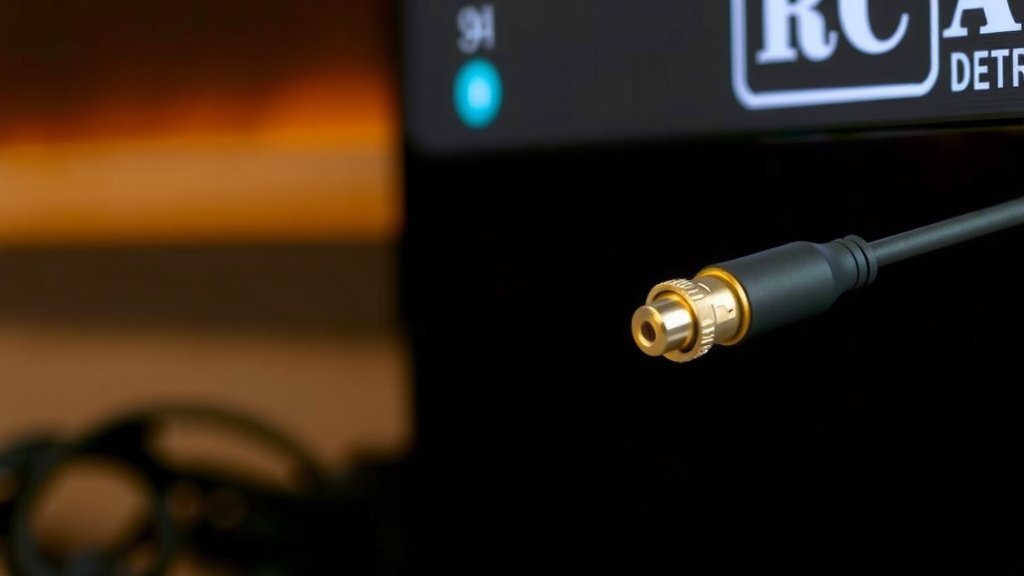
An RCA connection is a type of audio and video cable connector. You’ve likely seen them on older TVs, DVD players, and game consoles. They use colored plugs to send signals. Red is for right audio, white for left audio, and yellow is for composite video.
Think of RCA as the reliable workhorse of home entertainment connections. While newer technologies like HDMI offer digital signals, RCA cables provide a straightforward analog way to hook up your devices. They’re surprisingly still around for many audio systems and some video gear, making them easy to spot and use.
- RCA stands for Radio Corporation of America.
- They connect audio and video devices.
- Color coding helps you plug them in correctly.
- Red = Right audio, White = Left audio, Yellow = Video.
- Still common on many audio devices and older electronics.
Ready to figure out if those colorful plugs are the right choice for your setup? Let’s walk through exactly how these connectors work.
Understanding the RCA Connector: Your Guide to Audio-Visual Hookups
An RCA connector is a common type of audio and video cable connection. You’ve probably seen these colorful plugs on your home entertainment gear. They use simple analog signals to send sound and picture. They are named after the Radio Corporation of America, which introduced them decades ago. Many experts say they are still a practical choice for certain connections.
How RCA Cables Transmit Signals
RCA cables work by sending analog signals. Think of it like a pathway for sound and light information. They don’t process data like modern digital cables. Instead, they carry raw electrical signals. This makes them easy to understand and use. Many people find them straightforward for basic setups.
The Color-Coding System Explained
One of the best things about RCA connectors is their color coding. This system makes it hard to plug things in wrong. Each color has a specific job. This simple visual cue helps everyone connect their devices correctly. You just match the colors on your device to the colors on your cable.
Audio Connections: Left and Right Channels
For audio, RCA cables typically use two plugs. You’ll usually see a white plug and a red plug. The white plug is for the left audio channel. The red plug carries the right audio channel. This is called stereo sound. Having separate channels gives you a richer audio experience. It helps place sounds in different parts of your listening space.
Video Connection: The Yellow Plug
The yellow RCA plug is specifically for video. It carries a composite video signal. This means it combines the color and brightness information into one signal. Many older devices used this yellow plug for standard definition video. You might see it on VCRs, some DVD players, and older game consoles. It’s a reliable way to get a picture on your screen.
Common RCA Cable Configurations
RCA cables come in various combinations. The most common setup is the 3-cable set. This includes the red, white, and yellow plugs. You’ll use this for standard audio and video. Some systems might use multiple sets of red and white cables. This is often for surround sound systems. These extra sets carry signals for different speakers. We found that understanding these sets helps avoid confusion.
| Color | Signal Type | Typical Use |
|---|---|---|
| Yellow | Composite Video | Standard Definition Video (SD) |
| White | Left Audio | Stereo Sound (Left Channel) |
| Red | Right Audio | Stereo Sound (Right Channel) |
| Blue, Green, Red (Component) | Component Video | Higher Quality Video (Component Y, Pb, Pr) |
| Black (often grouped with Red/White) | Mono Audio | Single Channel Audio |
Where You’ll Still Find RCA Connections
Even with newer technology, RCA connections are far from gone. They remain a staple for many audio devices. You’ll see them on amplifiers, speakers, and some turntables. Many home audio receivers still use RCA inputs and outputs. They offer a simple and robust way to connect your sound gear. Many audiophiles even prefer them for certain analog setups.
Connecting Your Devices with RCA
Hooking up your devices with RCA is quite easy. First, identify the input and output ports on your devices. The output port sends the signal. The input port receives it. You then match the colored plugs on your RCA cable to the corresponding colored ports. For example, connect the red plug to the red port. Do this for both the audio and video connections. It’s a step-by-step process that anyone can follow.
Troubleshooting Common RCA Issues
Sometimes, you might run into problems. If you have no sound or picture, check your connections first. Make sure each plug is pushed in firmly. A loose connection is the most common culprit. You should also ensure the input source on your TV or receiver is set correctly. If one channel of audio is missing, try swapping the red and white cables. If the problem follows the cable, the cable might be damaged. Many sources recommend testing with a different cable to rule this out. We found that simply unplugging and replugging can often fix minor glitches.
RCA vs. Other Connection Types
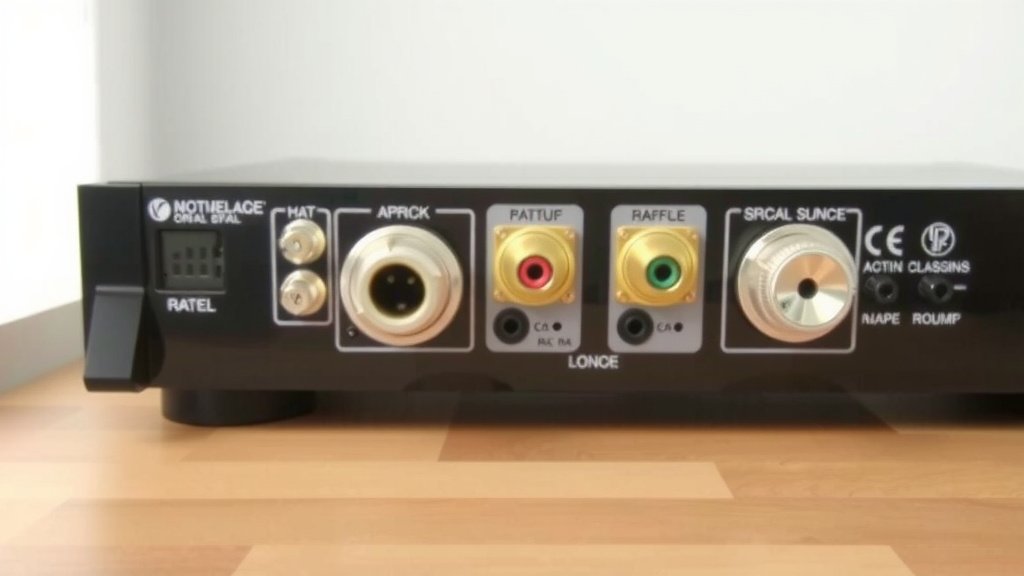
It’s helpful to know how RCA compares to other connectors. HDMI, for instance, is a modern digital standard. It carries both audio and video in a single cable. HDMI offers higher quality and more features. However, RCA’s analog nature has its own charm. It’s less susceptible to certain digital signal issues. For older devices or simpler audio systems, RCA is often the go-to. Many experts suggest using the best connection your devices support.
A Quick Checklist for Your RCA Setup
Here’s a quick rundown to ensure your RCA connections are working smoothly:
- Confirm your devices have the correct RCA ports.
- Match the colored plugs to the corresponding ports.
- Ensure all plugs are fully inserted.
- Check that your TV or receiver is on the correct input.
- If experiencing issues, try a different RCA cable.
- Test by swapping audio cables (red/white) to diagnose sound problems.
Conclusion
You’ve learned that RCA connections are the dependable analog workhorses for many home audio and older video setups. Their straightforward color-coding system makes them easy to use, even for beginners. While HDMI offers higher quality for modern devices, RCA remains a practical choice for connecting turntables, amplifiers, and many sound systems. Don’t let their age fool you; they still provide a reliable link between your gear. Now that you understand RCA, take a moment to check your own devices and see if these colorful connectors can help you get your audio and video humming.
Frequently Asked Questions
Can I use RCA cables for high-definition video?
No, RCA cables are primarily for standard definition (SD) video using the yellow composite connector. For high-definition (HD) video, you’ll need a more modern connection like HDMI or component (which uses three RCA-style plugs but carries different signals).
What happens if I mix up the red and white audio cables?
If you swap the red and white audio cables, your left and right stereo channels will be reversed. This means the sound that should come from your left speaker will come from your right, and vice-versa. Your audio will still work, but the stereo separation will be incorrect.
Are RCA connections still used in professional audio setups?
While professional audio often uses balanced connections like XLR for longer runs and better noise rejection, RCA connections are still found on many consumer-grade and some semi-professional audio equipment, particularly for connecting sources like turntables or CD players to amplifiers.
Why do some RCA cables have more than three plugs?
More than three RCA plugs usually indicate a setup for surround sound or component video. For example, a surround sound system might use multiple sets of red and white cables for different speaker channels, or component video uses red, green, and blue plugs for higher quality video signals.
Is it better to use HDMI or RCA if both are available?
If both HDMI and RCA are available, and your devices support HDMI, it’s generally better to use HDMI. HDMI provides a higher quality digital signal for both audio and video, and it consolidates both into a single cable, simplifying connections.