HDMI Versions Explained: What You Need to Know
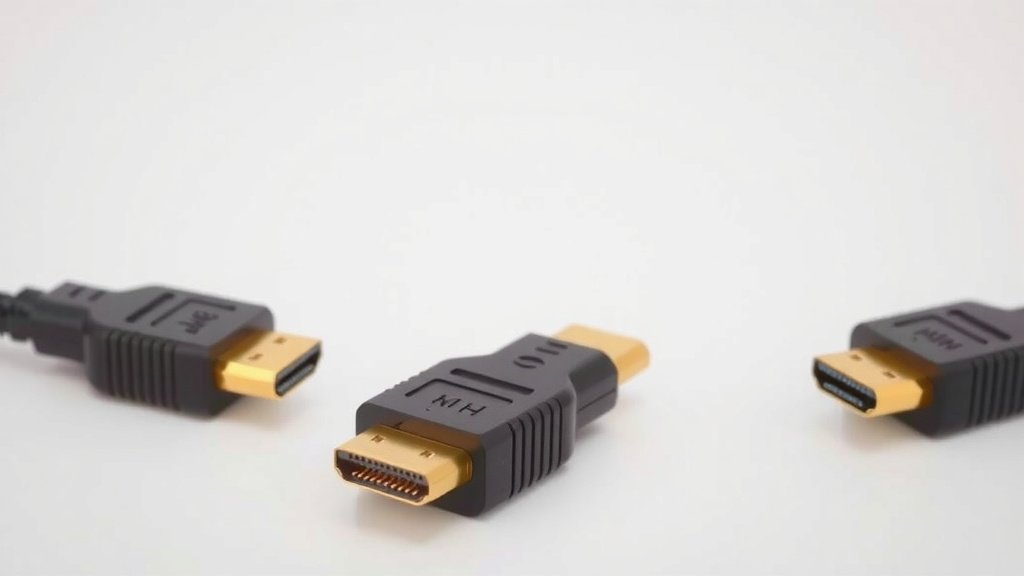
HDMI versions simply describe the capabilities and features a cable or port supports, with newer versions offering faster speeds and better quality. If you’re wondering which HDMI version you have, it’s usually printed on the cable itself or listed in your device’s manual. Knowing the version helps you choose the right cable for your 4K TV, gaming console, or computer.
Think of HDMI versions like upgrades for your movie nights and gaming sessions. Each new version, like HDMI 2.0 or the latest HDMI 2.1, brings improvements in areas such as resolution, refresh rates, and color depth. Many experts say understanding these differences ensures you get the best picture and sound possible from your devices.
- HDMI versions are about speed and features.
- Newer versions support higher resolutions and refresh rates.
- HDMI 2.1 is the latest standard for gaming and high-end TVs.
- Check your cable or device for the version number.
Let’s break down exactly what each HDMI version means for your setup.
Understanding Different HDMI Versions
So, you’ve got a new TV or gaming console, and you’re staring at a bunch of HDMI ports. Which one should you use? The version of HDMI matters. It dictates the speed your signal can travel. This speed directly affects the quality of your picture and sound. Think of it like choosing between a dirt road and a superhighway for your data. Newer versions offer better lanes.
We’re going to walk through the common HDMI versions you’ll encounter. We’ll explain what each one offers. This way, you can make sure your devices are talking to each other at their best. You want to avoid bottlenecks. Let’s make sure your home theater or gaming setup is ready for anything.
A Quick Look at HDMI History
HDMI, or High-Definition Multimedia Interface, has been around for a while. It replaced older analog connections. The goal was always to send both high-definition video and audio over a single cable. Every few years, a new version is released. These updates bring better bandwidth and support for new technologies.
The Early Days: HDMI 1.0 to 1.4
The original HDMI 1.0, released in 2002, was a game-changer. It supported 1080p resolution. Later versions gradually increased capabilities.
- HDMI 1.3 increased bandwidth. It added support for Deep Color. This means millions more colors for a more vibrant picture.
- HDMI 1.4 was a big leap. It introduced 4K resolution at 30Hz. It also brought 3D video support. This version is still common in many devices.
If your devices were made between 2006 and 2010, they likely have HDMI 1.3 or 1.4. These are perfectly fine for standard HD viewing and gaming. But for newer, higher-resolution content, you might want more.
The 4K Era Begins: HDMI 2.0
Released in 2013, HDMI 2.0 really brought 4K into the mainstream. It doubled the bandwidth of HDMI 1.4. This allowed for 4K resolution at 60 frames per second (Hz). That’s a big deal for smooth motion.
What does this mean for you? Smoother gameplay and less motion blur in action movies. You also get support for more audio channels. This can improve your surround sound experience. Many 4K TVs and streaming devices use HDMI 2.0. It’s a solid standard for most modern setups. You’ll often see this version labeled as “Premium High Speed HDMI.”
The Latest and Greatest: HDMI 2.1 Explained
HDMI 2.1 is the newest kid on the block. It arrived in 2017. This version offers a massive boost in bandwidth. We’re talking about 48Gbps, compared to HDMI 2.0’s 18Gbps. This huge increase allows for some incredible features.
What HDMI 2.1 Enables
With HDMI 2.1, you can now get 4K resolution at 120Hz. That’s incredibly smooth. Gamers will especially appreciate this. Fast-paced action looks stunning. You can also get 8K resolution at 60Hz. If you have an 8K TV, this is the port you need.
But it’s not just about resolution and refresh rates. HDMI 2.1 also brings:
- Variable Refresh Rate (VRR): This technology helps sync your display’s refresh rate with your gaming console or PC’s frame rate. It reduces screen tearing and stuttering. Your games will feel more fluid.
- Auto Low Latency Mode (ALLM): When ALLM is enabled, your TV automatically switches to a low-latency mode when it detects a game signal. This minimizes input lag. You get a more responsive gaming experience.
- Enhanced Audio Return Channel (eARC): eARC is an upgrade to ARC. It allows you to send higher-quality audio formats from your TV to your soundbar or receiver. Think Dolby Atmos or DTS:X without compression.
Many experts say HDMI 2.1 is the future of home entertainment. If you’re buying a new high-end TV or a next-generation gaming console, look for HDMI 2.1 support. You’ll need an HDMI 2.1 certified cable too, often labeled “Ultra High Speed HDMI.”
Key Differences at a Glance
To make things super clear, let’s summarize the main differences you’ll care about. These are the features that impact your daily use.
| HDMI Version | Max Resolution/Refresh Rate | Key Features |
|---|---|---|
| HDMI 1.4 | 4K @ 30Hz | 3D Video |
| HDMI 2.0 | 4K @ 60Hz | Increased bandwidth, HDR (High Dynamic Range) |
| HDMI 2.1 | 4K @ 120Hz / 8K @ 60Hz | VRR, ALLM, eARC, Dynamic HDR |
As you can see, the jump to HDMI 2.1 is substantial. It’s designed for the latest in visual and audio technology. If you want the best possible experience with new devices, HDMI 2.1 is what you’re aiming for.
Do You Need the Latest Version?
This is the million-dollar question, right? Not everyone needs the absolute latest. It depends on your devices and what you watch or play.
When HDMI 2.0 is Likely Enough
If you primarily watch standard Blu-rays, stream 4K content at 30Hz or 60Hz, and play games on current-gen consoles (like a PS4 or Xbox One X), HDMI 2.0 is probably perfectly adequate. Many excellent 4K TVs still use HDMI 2.0 ports. You’ll get a great picture and sound. You might not even notice the difference without a side-by-side comparison.
When to Aim for HDMI 2.1
Now, if you’ve invested in a PS5 or Xbox Series X, or a high-end PC for gaming, HDMI 2.1 becomes much more important. These consoles are built to output games at 4K resolution and 120 frames per second. To take full advantage of that, you need a TV with HDMI 2.1 ports and an HDMI 2.1 cable. The VRR and ALLM features are also big wins for gamers.
Also, if you’re planning to buy an 8K TV, HDMI 2.1 is a must. It’s the only standard that supports those higher resolutions and refresh rates. For audiophiles, the eARC feature is a significant upgrade for lossless audio. Many experts note that future-proofing your setup often means looking at the latest standards.
Making Sure You Have the Right Cable
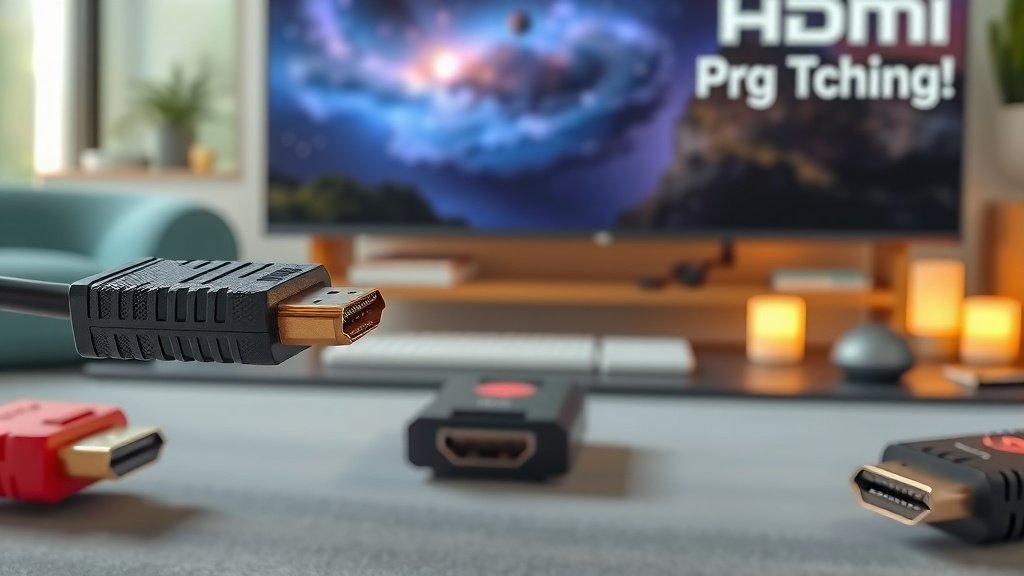
It’s not just about the ports on your devices. Your cable needs to keep up too! A fancy HDMI 2.1 port on your TV won’t do much good with an old HDMI 1.4 cable.
Cables are usually labeled. Look for:
- Standard HDMI: Older cables, for lower resolutions.
- High Speed HDMI: Good for 1080p and basic 4K (up to 30Hz).
- Premium High Speed HDMI: Certified for 4K @ 60Hz, HDR. This is a good general-purpose cable for many setups.
- Ultra High Speed HDMI: Certified for HDMI 2.1 features, including 4K @ 120Hz and 8K. This is what you need for the latest gear.
Don’t stress too much, though. If you’re buying a new cable today, getting an “Ultra High Speed” certified one is usually a safe bet for future-proofing. It will handle whatever your devices can throw at it.
Quick Checklist for Your Setup
Wondering if your current setup is up to snuff? Here’s a quick way to check your understanding:
- Do your devices have HDMI 2.1 ports for 4K @ 120Hz gaming?
- Are you using “Ultra High Speed” certified HDMI cables?
- Is your TV compatible with VRR and ALLM if you’re a gamer?
- Do you need eARC for advanced audio formats from your TV?
- Is your current setup meeting your viewing and gaming needs?
Conclusion
You’ve now got a clear picture of how HDMI versions work and what they mean for your home entertainment. Remember, HDMI 2.0 is great for most 4K viewing and current-gen gaming. But if you’re diving into the latest consoles like the PS5 or Xbox Series X, or eyeing an 8K TV, HDMI 2.1 is your ticket to the smoothest, most immersive experience. Don’t forget that your cable needs to match your ports!
Your next step? Check the ports on your TV, game console, or streaming device, and ensure you have an “Ultra High Speed” HDMI cable if you’re aiming for the best. Enjoy your upgraded setup!
Frequently Asked Questions
What’s the main difference between HDMI 2.0 and HDMI 2.1?
HDMI 2.1 offers much higher bandwidth, allowing for higher resolutions and refresh rates like 4K at 120Hz. It also introduces advanced gaming features like VRR and ALLM, which HDMI 2.0 does not support.
Do I need an HDMI 2.1 cable for my 4K TV even if it only has HDMI 2.0 ports?
If your TV only has HDMI 2.0 ports, a “Premium High Speed” HDMI cable is usually sufficient. An “Ultra High Speed” (HDMI 2.1) cable will still work, but you won’t benefit from its full capabilities without HDMI 2.1 ports on both devices.
My gaming console supports 4K 120Hz, but my TV only supports 4K 60Hz. What should I do?
You’ll be limited to 4K 60Hz. To get 4K 120Hz, you need both your gaming console and your TV to support it, along with an HDMI 2.1 port and cable. You might consider upgrading your TV for the full experience.
Can older HDMI cables work with newer HDMI 2.1 ports?
Yes, older HDMI cables (like “High Speed” or “Premium High Speed”) will usually connect and work with HDMI 2.1 ports. However, they won’t support the advanced features or maximum resolutions/refresh rates that HDMI 2.1 enables.
What is eARC and why is it important for my sound system?
eARC (Enhanced Audio Return Channel) is a feature of HDMI 2.1 that allows for higher quality audio formats, like uncompressed Dolby Atmos or DTS:X, to be sent from your TV to your soundbar or receiver. This means better, more immersive sound for your movies and games.