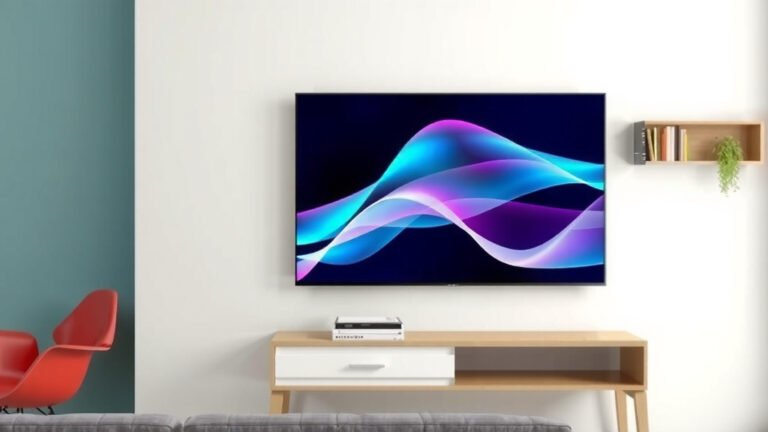
How High to Mount a TV for Perfect Viewing
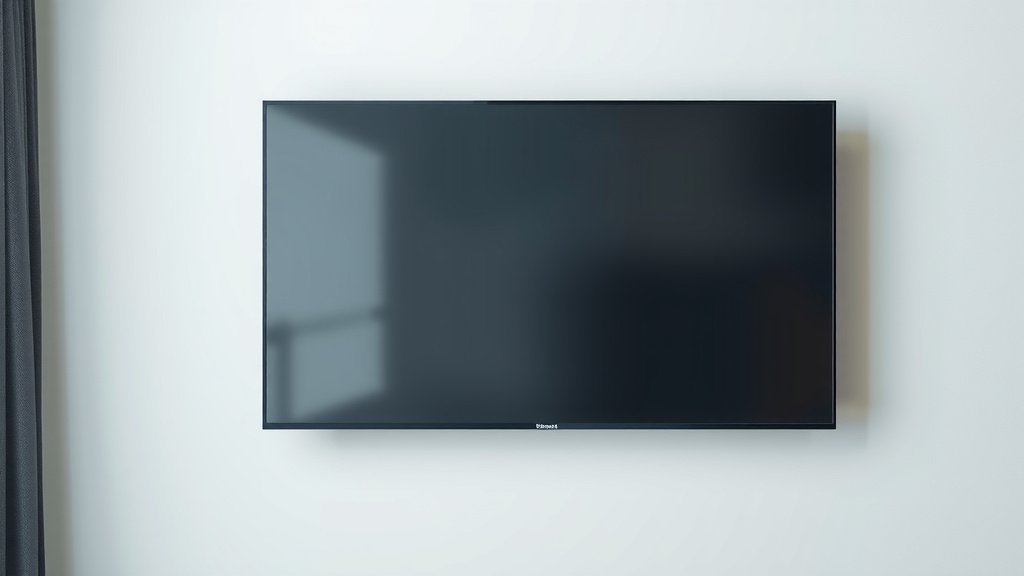
For the most comfortable viewing experience, you should mount your TV so the center of the screen is at your eye level when you’re seated. This means the height will depend on your couch and room. Generally, this puts the bottom of the TV between 28 and 42 inches off the floor. We found that too high can cause neck strain.
Getting the TV height right is more than just avoiding a sore neck. It affects how you enjoy movies and shows. Mounting it too low can make it feel crowded on your wall. Finding that perfect spot ensures your TV becomes the focal point of your room. Many homeowners get this wrong.
- Mount TV so the screen’s center is at eye level while seated.
- Typical bottom height is 28-42 inches, but varies by seating.
- Avoid mounting too high to prevent neck strain and enjoy your picture.
- Consider your furniture and room layout for the best viewing angle.
Let’s walk through exactly how to find that sweet spot for your TV mounting.
Finding the Perfect TV Mounting Height
So, you’re ready to mount your TV? That’s exciting! You want it to look great and feel comfortable. The biggest question many people have is: how high should it be? We found that the sweet spot is all about your comfort and how you watch TV.
Your Seated Eye Level is Key
The golden rule for TV height is simple. You want the center of the screen to be right at your eye level when you’re sitting down. Think about your favorite spot on the couch. Where do your eyes naturally fall?
Many people get this wrong and mount their TV too high. This can lead to serious neck strain. Research and common sense tell us that looking up for extended periods isn’t good for your neck or shoulders (Cleveland Clinic). You want to watch your shows, not get a crick in your neck!
Measuring for the Ideal Height
Let’s get practical. Grab a tape measure, your seating furniture, and a willing helper. First, have someone sit on your couch or favorite chair. Note the height of their eyes. Then, stand back and imagine the TV screen. You want the middle of that imaginary screen to line up with their seated eye level.
This isn’t an exact science, but it’s a great starting point. What feels comfortable for you might be slightly different for someone else in your household. We suggest measuring the eye level of the primary TV watcher.
Where Does the Bottom of the TV Go?
Once you know your eye level, you can figure out where the bottom of the TV should be. Most TVs have their center point roughly one-third of the way down from the top. So, if your eye level is 40 inches, the bottom of the TV might end up around 28-32 inches from the floor. This gives you a general idea, but it’s always best to measure directly.
We found that for most standard couch heights, the bottom of the TV often lands between 28 and 42 inches off the floor. This range is a good benchmark, but your specific furniture will dictate the exact number.
| Seating Type | General Height Range | Notes |
|---|---|---|
| Standard Sofa/Couch | 28 – 42 inches | Most common, consider your specific couch depth. |
| Bar Stools / Counter Height Seating | 45 – 55 inches | Higher viewing angle needed. |
| Floor Seating / Low Ottomans | 20 – 30 inches | Be mindful of glare and obstructions. |
Considering Your Furniture and Room Layout
Your couch isn’t the only factor. Think about the overall room. Is your TV going above a fireplace? This is a common place, but often leads to mounting the TV too high. Fireplaces are usually much higher than ideal viewing height.
You also need to consider the size of your TV. A very large TV mounted too high can feel overwhelming. A smaller TV might get lost if mounted too low. We found that balancing the TV size with your wall space and seating is important for a good look.
TVs Above Fireplaces: A Common Pitfall
Mounting a TV above a fireplace is popular because it saves space and looks sleek. However, fireplaces are often built higher than comfortable viewing height. This forces you to crane your neck upwards. Experts often advise against this placement for ergonomic reasons (Mayo Clinic).
If you must mount above a fireplace, try to find a mount that allows for tilting or lowering the TV. This can help improve the viewing angle, but it won’t completely solve the neck strain issue. It’s a compromise many homeowners make, so weigh the pros and cons carefully.
Different Seating Heights Require Different TV Heights
Not everyone sits on a standard couch. What if you have bar stools at a kitchen island? Or maybe you prefer sitting on cushions on the floor? Your seating choice directly impacts the TV height.
For higher seating, like bar stools, your eye level will be higher. This means the TV needs to be mounted higher. For floor seating, you’ll want the TV much lower. It’s all about bringing that screen center to your natural line of sight.
What About Soundbars and Other Components?
Don’t forget about other items you might place below the TV. If you plan to put a soundbar on the mantle or a media console on the floor, factor that into your calculations. The bottom of the TV should still be at your eye level, but the space below it needs to accommodate these items without obstructing the view.
We found that many people place a soundbar directly below their TV. Ensure there’s enough clearance so the soundbar doesn’t block the bottom portion of the screen. This is especially true if you have a larger TV.
A Quick Checklist for Perfect TV Height
Ready to find your spot? Use this simple checklist to guide you:
- Sit in your usual viewing position.
- Have someone measure your seated eye level.
- Use that measurement as the target for the TV’s center screen.
- Consider your furniture and any items below the TV.
- Test the height with a piece of tape or a cardboard cutout before drilling.
- Don’t be afraid to adjust slightly for maximum comfort.
Conclusion
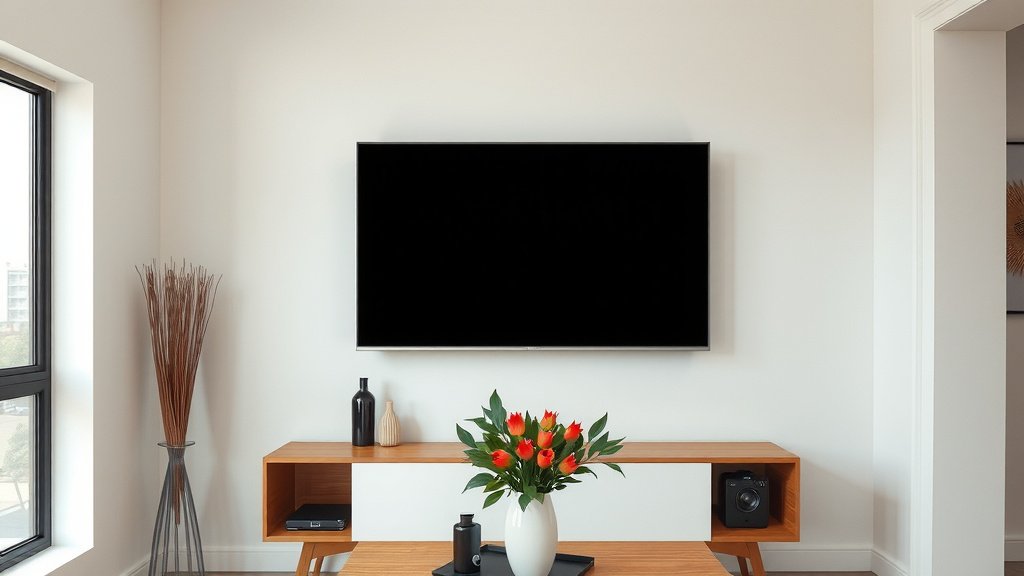
Finding the right TV mounting height is all about your comfort. Remember, the center of your screen should align with your seated eye level. This simple rule prevents neck strain and enhances your viewing pleasure. Consider your couch, room layout, and any items placed below the TV. Don’t rush the process; a little measuring goes a long way. You’ve got this! Now, grab your tape measure and find that perfect viewing spot.
Frequently Asked Questions
What if multiple people watch TV at different heights?
If household members have significantly different seated eye levels, we recommend choosing a height that’s comfortable for the primary TV watchers. You might also consider a tilting mount to adjust the angle slightly for others. It’s a balance to make the most common viewing experience the most comfortable.
How do I account for a TV stand or console?
If you’re placing the TV on a stand or console, the rule still applies to the screen’s center being at eye level. Measure your seated eye level, then figure out how high the stand or console is. Subtract that height from your eye level measurement to find where the bottom of the TV should sit on the unit. This ensures the viewing experience remains optimal.
Is it okay to mount a TV higher if the room has high ceilings?
Even with high ceilings, mounting the TV center at your seated eye level is usually best for comfort. If the TV looks too small on a large wall, consider a larger screen size rather than mounting it too high. A slightly lower mount that’s comfortable for viewing is generally preferred over a visually lost, high-mounted screen.
What’s the main risk of mounting a TV too high?
The primary risk of mounting your TV too high is neck and shoulder strain. Constantly looking upwards for extended periods can lead to discomfort and pain. You might also find yourself squinting or struggling to see the details on the screen clearly, which detracts from your viewing enjoyment.
Should I use a stud finder when mounting a TV?
Absolutely! For secure and safe TV mounting, always use a stud finder to locate wall studs. Mounting a TV directly into drywall without hitting studs can lead to the TV falling and causing damage or injury. Ensuring you’re mounting into a solid support structure is non-negotiable.