How to Choose the Perfect TV Size for Your Room
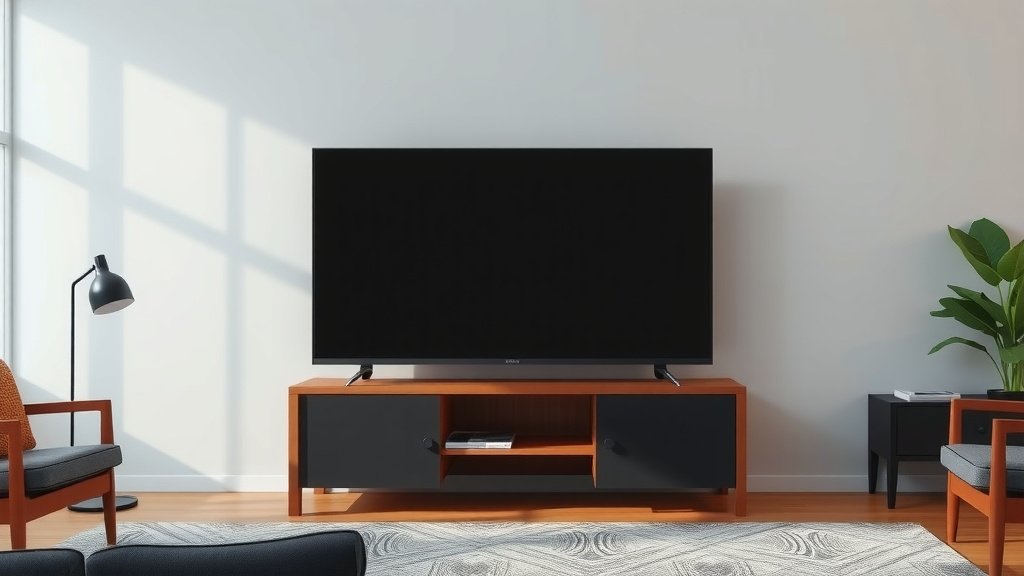
Choosing the right TV size is all about balancing viewing distance and room space. For a truly immersive experience, aim for a screen size that’s about 1.5 to 2.5 times the diagonal measurement of your viewing distance. Think of it this way: you want the picture to fill your vision without being overwhelming.
Getting the TV size right can dramatically change your home theater. Too small, and you might miss details. Too big, and you could feel like you’re at the front row of a concert. We’ve researched common recommendations and found that the ideal TV size isn’t a one-size-fits-all answer; it depends heavily on your specific setup and how you plan to use your TV.
- Consider your viewing distance first.
- Multiply that distance by 1.5 to 2.5 for screen size.
- Measure your wall space too!
- Don’t forget about resolution (4K TVs allow closer viewing).
Below, we’ll help you figure out the perfect TV size for your living room, so you can finally stop stressing and start enjoying your favorite shows.
Finding the Right TV Dimensions for Your Space
So, you’re ready to upgrade your viewing experience, but the sheer number of TV sizes can be a bit overwhelming, right? Don’t worry, we’ve got your back. The key to picking the perfect TV size is understanding how it fits into your room. It’s not just about the inches on the box; it’s about how those inches will look and feel when you’re actually watching. Let’s break down how to make sure you get a TV that’s just right – not too big, not too small.
The Magic Formula: Viewing Distance is Key
Many experts agree that your viewing distance is the most important factor. This is simply how far you’ll be sitting from the screen. Think of it like choosing a comfy chair – it needs to fit the space and your body. We found that a good starting point is to multiply your viewing distance by a factor between 1.5 and 2.5. This range gives you a sweet spot for screen size.
How to Measure Your Viewing Distance
Grab a tape measure and find your favorite spot on the couch. Measure from your eyes to where the TV will be placed. Do this a couple of times to get an average. Some people even use a piece of string if it’s easier. Remember to account for any furniture that might get in the way. It’s all about finding that primary seating position.
Calculating Your Ideal TV Size
Let’s say you measured your viewing distance and it’s 8 feet. In inches, that’s 96 inches (8 feet * 12 inches/foot). Now, apply our factor. For a more cinematic feel, multiply 96 by 2.5, which gives you 240 inches. For a slightly less immersive, but still very comfortable experience, multiply 96 by 1.5, which gives you 144 inches.
These numbers represent the diagonal screen measurement. So, for our 8-foot example, a TV between 144 and 240 inches would be your target range. Of course, you won’t find TVs that big in a standard store! This formula helps you understand the *scale* of TV you should be looking for. For that 8-foot distance, you’re likely looking at TVs in the 65-inch to 85-inch range, and possibly even larger if your budget allows and your room can handle it.
Room Size and Wall Space Considerations
While viewing distance is crucial, you also need to be realistic about your room. A giant TV might technically fit your viewing distance, but if it overwhelms your living room, it won’t feel right. Imagine trying to squeeze a king-size bed into a tiny studio apartment; it just wouldn’t work.
Matching TV Size to Room Dimensions
We looked at several interior design guides. They suggest that for smaller rooms, typically under 10×10 feet, a TV in the 32-inch to 43-inch range is often best. Medium-sized rooms, around 10×12 to 12×15 feet, can comfortably accommodate 50-inch to 65-inch TVs. Larger rooms, anything over 15×20 feet, are where you can really consider those 70-inch, 75-inch, or even larger screens.
Don’t Forget About the Stand or Mount
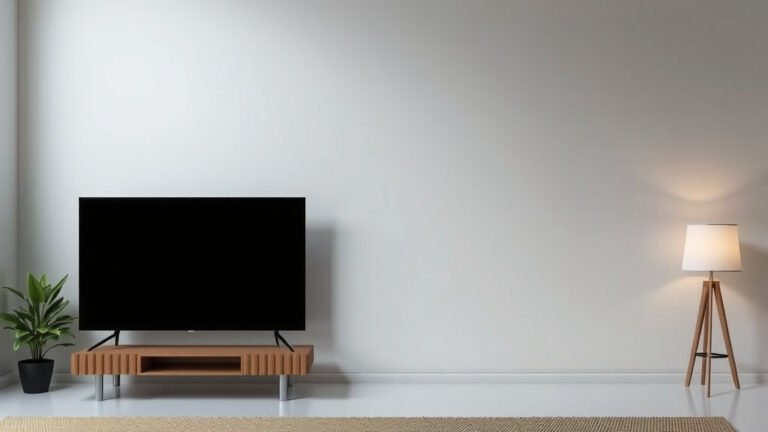
Always consider the physical dimensions of the TV itself, not just the screen size. TVs have bezels (the frame around the screen), and if you’re placing it on a stand, you need to ensure the stand is wide enough. If you’re mounting it, make sure the wall can support the weight and that the mount fits the TV’s VESA pattern. We found that checking the exact width and height, including the stand, is a smart move.
Resolution: How It Affects Your Choice
The resolution of your TV plays a surprisingly big role in how close you can sit without seeing pixels. Think of pixels as tiny dots that make up the picture. The more pixels you have packed into the screen, the sharper the image will be.
The Power of 4K and Beyond
Most modern TVs are 4K, which means they have four times the pixels of older Full HD (1080p) TVs. Because 4K offers such a clear picture, you can actually sit closer to a 4K TV than you could to an older HD TV of the same size. This means if you have a smaller room, a larger 4K TV might still work perfectly fine for you.
For instance, for a 6-foot viewing distance, a 1080p TV might be best around 40 inches. However, with a 4K TV, you could comfortably go up to 55 inches or even 65 inches while maintaining a sharp, clear image (RTINGS.com). So, don’t shy away from a bigger screen just because your room is a bit smaller, especially if you’re eyeing a 4K model.
Making Your Final Decision: A Quick Checklist
To wrap things up and help you make a confident choice, here’s a quick checklist:
- Measure your primary viewing distance accurately.
- Use the 1.5x to 2.5x multiplier for a diagonal screen size range.
- Consider your room’s overall size and furniture placement.
- Check the physical dimensions of the TV and its stand.
- Factor in the TV’s resolution (4K allows closer viewing).
- Think about where you’ll place the TV – stand or wall mount?
By following these steps, you’ll be well on your way to picking a TV size that enhances your home entertainment, rather than detracting from it. Happy viewing!
Conclusion
You’ve learned that choosing the right TV size involves more than just picking a number. It’s a blend of your viewing distance, room dimensions, and even the TV’s resolution. By using our simple multiplier and considering your space, you can find a TV that feels perfectly sized. Avoid the common pitfalls of going too big or too small for your setup. You’re now ready to make an informed decision that will enhance your home viewing experience. Head to the store or browse online with confidence, using your measurements to guide you toward your perfect screen.
Frequently Asked Questions
What if my viewing distance is an odd number?
No problem! If your viewing distance is, say, 7.5 feet, just use that number in our formula. Convert it to inches (7.5 feet * 12 inches/foot = 90 inches) and then apply the 1.5x to 2.5x multiplier. You’ll still get a great range to work with for your ideal TV size.
Can I really put a large TV in a small room?
Yes, with 4K resolution, you often can! Because 4K TVs offer such sharp detail, you can sit closer without noticing individual pixels. This means a larger 4K TV can work well even in smaller spaces, offering a more immersive picture than you might expect.
How do I measure my viewing distance accurately?
Find your favorite spot on the couch where you’ll be sitting most often. Use a tape measure to get the distance from your eyes to where the TV screen will be positioned. It’s helpful to measure a few times to get an average and account for any slight variations in seating.
Does the TV stand affect the TV size I should buy?
Absolutely. While screen size is measured diagonally, the TV itself has physical dimensions. Always check the width and height of the TV, including its stand, to ensure it will fit on your furniture or wall space without looking cramped.
What’s the difference between TV size and screen size?
TV size usually refers to the diagonal measurement of the screen itself, from corner to corner. Screen size is the dimension that’s most often advertised. Keep in mind that the actual TV unit, with its bezels, will be slightly larger than this diagonal screen measurement.