What is TV Color Depth: A Simple Explanation
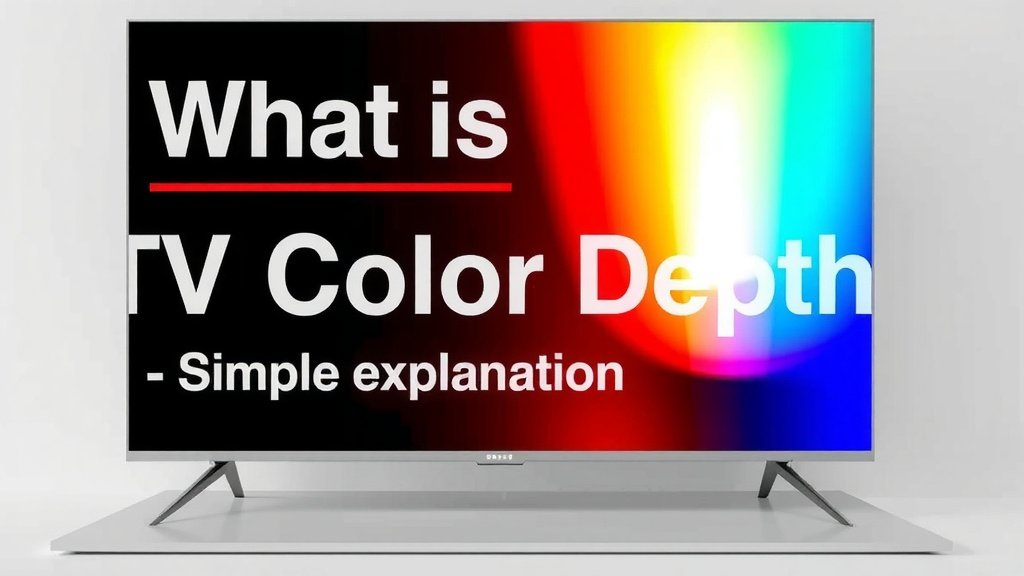
Color depth on a TV refers to the number of bits used to store the color information for each pixel. Higher color depth means more colors can be displayed, resulting in smoother gradients and more realistic images. Your TV’s color depth is a key factor in how vivid and lifelike your pictures appear.
Think of it like a painter’s palette. A TV with low color depth has only a few colors to choose from, making transitions look blocky. But a TV with high color depth has a vast spectrum of shades, allowing for subtle, beautiful color blending. This directly impacts the quality of everything you watch, from vibrant nature documentaries to dramatic films.
- Color depth tells your TV how many colors to show.
- More bits mean more colors and smoother pictures.
- It affects how realistic and vibrant your images look.
- This helps create better gradients and less banding.
Below, we’ll break down what color depth means for your viewing experience and how to understand what your TV offers.
Understanding Your TV’s Color Palette: The Depth of Color
Color depth is all about how many colors your TV can actually show you. It’s measured in bits per color channel. Think of it like the number of crayons in your box. A few crayons mean you can draw simple pictures. Lots of crayons let you create amazing, detailed artwork.
When we talk about color depth, we’re usually referring to the number of bits used for Red, Green, and Blue (RGB) color information. This is why you’ll often see terms like 8-bit, 10-bit, or even 12-bit color. More bits mean a wider range of colors and smoother transitions between them. This is key for making your favorite shows and movies look their absolute best.
Bits and Colors: The Math Behind the Magic
So, how do these bits translate into colors? It’s a simple but powerful calculation. Each bit doubles the number of possible shades your TV can display for each primary color (red, green, blue).
The 8-Bit Standard: A Good Start
Most TVs today start with at least 8-bit color. For each of the three primary colors (Red, Green, Blue), an 8-bit system can show 256 different shades (2 to the power of 8). If you multiply this across all three colors (256 x 256 x 256), you get about 16.7 million possible colors. That sounds like a lot, and for many everyday uses, it is! It’s the standard that’s been around for a while and works well for most general viewing.
Stepping Up: 10-Bit Color and Beyond
When you move to 10-bit color, things get even more detailed. A 10-bit system can display 1,024 shades for each primary color (2 to the power of 10). When you multiply this out (1,024 x 1,024 x 1,024), you get over 1 billion colors! This is a massive leap. You’ll notice this difference most in scenes with subtle color changes, like a sunset or a misty morning.
The Impact of 10-Bit Color
With over a billion colors, your TV can create much smoother gradients. This means you’re far less likely to see “color banding.” Color banding happens when there are visible steps or lines between shades of color, especially in areas like clear skies or smooth surfaces. It makes the image look less realistic. Many experts note that 10-bit color is becoming the new standard for high-quality content and displays (Consumer Reports).
Even More Colors: 12-Bit and HDR
Some high-end TVs and professional displays offer 12-bit color. This allows for 4,096 shades per primary color (2 to the power of 12). That’s over 68 billion colors! While the human eye might struggle to differentiate every single one, this extreme depth is often used in professional video editing and mastering. For us at home, 10-bit color is generally more than enough to provide a stunning visual experience, especially when paired with HDR (High Dynamic Range) content.
What About HDR and Color Depth?
You’ll often hear color depth mentioned alongside HDR. This isn’t a coincidence! High Dynamic Range content is specifically designed to take advantage of deeper color depths.
HDR Needs More Colors
HDR content aims for brighter highlights, darker shadows, and a much wider range of colors than standard content. To truly show off these expanded brightness and contrast levels, you need a TV that can display a wider spectrum of colors. A 10-bit panel is generally considered the minimum requirement for a good HDR experience. It allows the TV to display the subtle shades needed to make HDR pop.
The Difference You Can See
When you watch HDR content on a TV with sufficient color depth (like 10-bit), you’ll notice a big difference. Colors look richer and more lifelike. Subtle details in dark scenes are clearer. Bright flashes are more brilliant without losing detail. It’s not just about more colors; it’s about more *accurate* and *nuanced* colors. Many display technology reviews highlight that HDR performance is heavily reliant on the panel’s color capabilities. When you watch HDR content on a TV with sufficient color depth, you’ll notice richer colors and clearer details.
How to Know Your TV’s Color Depth
Finding out your TV’s color depth isn’t always straightforward. Manufacturers don’t always make it the headline feature. However, there are a few ways you can get a good idea.
Check the Specs
The best place to start is by looking up your TV model online. Go to the manufacturer’s website or search for reviews from reputable tech sites. Look for specifications like “color depth,” “bit depth,” or “display colors.” You’ll often see terms like 8-bit, 10-bit, or 8-bit + FRC.
What is 8-bit + FRC?
You might see “8-bit + FRC” listed. FRC stands for Frame Rate Control. This is a technique where the TV rapidly flashes different shades to *simulate* a higher color depth. While it’s not true 10-bit color, it can help reduce banding and improve the perceived color range on an 8-bit panel. It’s a clever workaround, but true 10-bit or 12-bit is still superior for accuracy.
Look for HDR Support
As we discussed, a good HDR experience generally requires at least 10-bit color. If your TV heavily advertises its HDR capabilities (like HDR10, Dolby Vision, HLG), it’s a strong indicator that it likely supports 10-bit color. While not a 100% guarantee, it’s a very good sign. Many industry standards for HDR content delivery, like those outlined by the UHD Alliance, recommend 10-bit panels.
Content is King
What kind of content are you watching? If you’re mostly watching standard definition broadcasts or older DVDs, the source material might not even have the color information to take advantage of a super-deep color palette. However, if you stream 4K Blu-rays, use modern streaming services with HDR content, or play games on the latest consoles, you’re likely feeding your TV high-quality signals that can really show off its color capabilities.
Is More Color Depth Always Better?
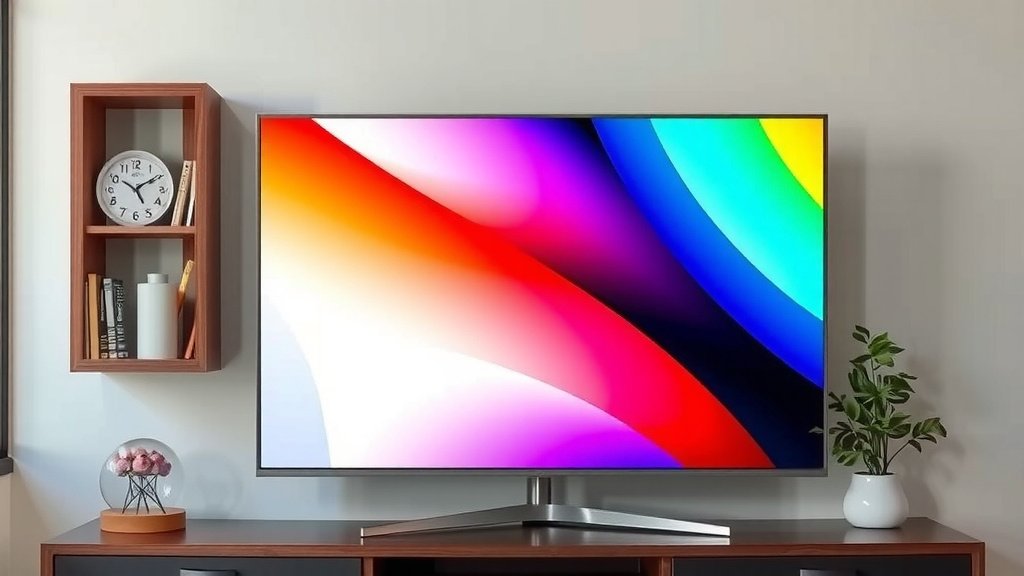
In most cases, yes, deeper color depth leads to a better viewing experience. More colors mean smoother gradients, richer images, and less of those annoying “banding” artifacts. This is why manufacturers continue to push for higher bit depths in their newest models.
Think about it this way: would you rather have a tiny box of crayons or a giant, glorious set? The more colors you have, the more detail and realism you can achieve. This applies directly to what you see on your screen.
Quick Checklist for Your TV’s Color
- Check Your TV’s Model Specs: Look for bit depth (8-bit, 10-bit).
- Understand “8-bit + FRC”: It’s a simulation, not true 10-bit.
- HDR Support is a Clue: Good HDR usually means 10-bit.
- Consider Your Content: Is it 4K HDR or older formats?
- Look for Smooth Gradients: Are there visible bands in skies or smooth areas?
- Aim for 10-bit for HDR: This offers the best balance for most viewers.
Conclusion
You’ve learned that color depth is how your TV shows millions, or even billions, of colors. It directly impacts how realistic and smooth your picture looks. Deeper color depth means better gradients and less annoying color banding. Understanding your TV’s specs, especially if it supports HDR, is key to knowing what you’re getting.
Now that you know what to look for, your next step is to check your TV’s specifications. Armed with this knowledge, you can make sure you’re getting the most vibrant and lifelike viewing experience possible for all your favorite content.
Frequently Asked Questions
Is 8-bit color depth bad for my TV?
8-bit color depth is the standard for many TVs and can still provide a good viewing experience with about 16.7 million colors. However, it may show visible steps in smooth gradients, especially in skies or sunsets. For the best visual experience, especially with HDR content, 10-bit color is generally preferred.
Will I really notice the difference between 10-bit and 12-bit color?
For most home viewers, the difference between 10-bit and 12-bit color is very subtle, if noticeable at all. 10-bit color, offering over a billion colors, provides a fantastic improvement over 8-bit. 12-bit is mainly beneficial for professional color grading and content creation where extreme precision is needed.
What does “8-bit + FRC” mean for my TV’s color?
8-bit + FRC means your TV uses an 8-bit panel but employs a technique called Frame Rate Control to simulate shades from a higher bit depth. It helps reduce color banding and makes the picture look smoother than a standard 8-bit display. While not true 10-bit, it’s an improvement over basic 8-bit.
Does HDR on my TV automatically mean it has high color depth?
While not a 100% guarantee, strong HDR support is a very good indicator that your TV has at least 10-bit color depth. HDR content is designed to showcase a wider range of colors and brightness, and a 10-bit panel is typically needed to display these subtleties effectively.
If my TV is 10-bit, do I need special cables or settings?
To take full advantage of your TV’s 10-bit color depth, you’ll want to ensure you’re using appropriate cables like HDMI 2.0 or higher. You may also need to check your TV’s picture settings and ensure that the input source (like your streaming device or game console) is also configured to output a 10-bit signal if available.