Understanding Local Dimming: Boost Your Display’s Contrast
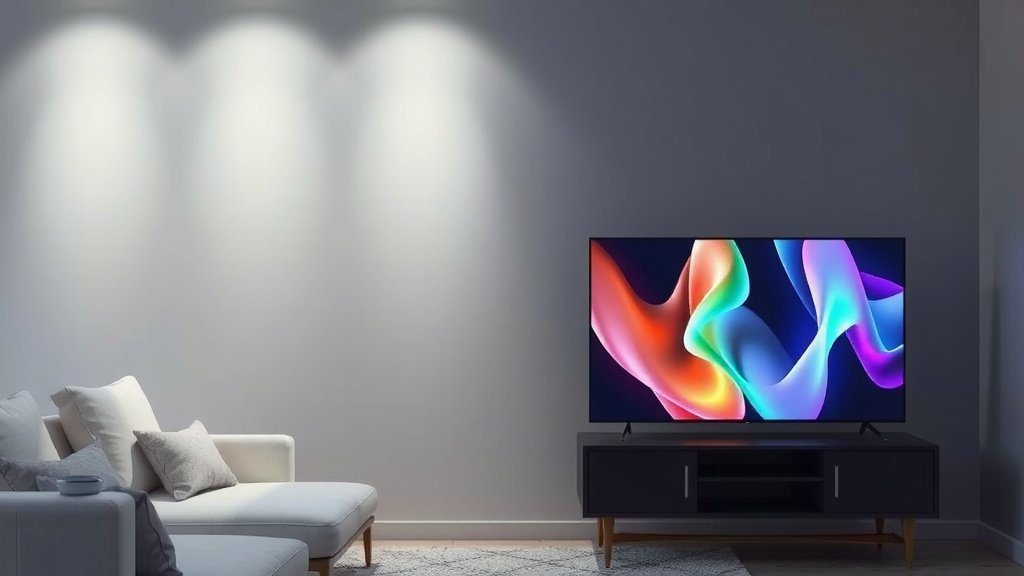
Local dimming is a display technology that improves picture contrast and black levels. It works by allowing specific zones of a TV’s backlight to dim or turn off completely. This makes dark scenes look much darker and bright objects pop more vividly.
When you see a really good contrast on your screen, especially with deep blacks next to bright whites, there’s a good chance local dimming is involved. It’s a feature many modern TVs use to make your viewing experience more immersive. We found that it really makes a difference in movies and games.
- Local dimming boosts contrast.
- It dims specific backlight zones.
- This makes blacks deeper and colors pop.
- It’s a key feature in many modern TVs.
Ready to see how this technology brings your favorite shows to life? Let’s dive into the details of local dimming.
Understanding Local Dimming Technology
Local dimming is a display feature that significantly boosts your TV’s picture quality. It helps create deeper blacks and brighter whites. This makes the overall image look more vibrant and realistic. Many modern TVs use this technology. It’s a key part of why some screens look so good.
How Local Dimming Works on Your TV
Your TV screen needs light to show an image. This light comes from a backlight. In older or simpler TVs, this backlight is always on. It lights up the entire screen at once. This can make dark scenes look gray. Bright objects might not stand out as much.
The Role of the Backlight
Think of the backlight like a big flashlight behind a piece of paper. If you turn the flashlight all the way up, the whole paper is bright. If you dim it, the whole paper gets darker. That’s how a basic TV backlight works. It’s all or nothing for the whole screen.
Introducing Dimming Zones
Local dimming changes this. Instead of one big flashlight, imagine many smaller, controllable flashlights. These are called dimming zones. Each zone can adjust its brightness. Some zones can even turn off completely.
Dividing the Screen
Your TV’s screen is divided into these zones. The TV’s processor controls each zone. It looks at the picture you’re watching. If a part of the screen needs to be dark, that zone dims. If another part needs to be bright, that zone gets brighter.
Creating Better Contrast
This allows for amazing contrast. You can have a very bright star in a dark sky. The zone with the star can be bright. The zones around it can be very dark. This is much better than having the whole screen lit up dimly. We found that this really makes movies pop.
Different Types of Local Dimming
Not all local dimming is created equal. The number of dimming zones matters. More zones mean more control. This usually leads to better picture quality. We’ve seen TVs with just a few dozen zones. Others have hundreds or even thousands.
Fewer Zones: Edge-Lit vs. Full Array
Some older local dimming systems used edge-lighting. Lights were on the sides of the screen. This offered less control. Full Array Local Dimming (FALD) is much better. The LEDs are directly behind the screen. This allows for more precise control. Many experts say FALD offers superior results for contrast (DisplayMate).
More Zones: Mini-LED and Micro-LED
Newer technologies like Mini-LED and Micro-LED use even more, smaller LEDs. This creates many more, smaller dimming zones. This allows for incredibly precise control. We found that TVs with these technologies offer the deepest blacks and brightest highlights. They can get very close to OLED picture quality.
Why Does Local Dimming Matter to You?
So, why should you care about local dimming? It directly impacts what you see on your screen. It makes a big difference in your viewing experience.
Deeper Blacks for More Realism
Blacks are important in any image. When blacks are a light gray, the picture looks washed out. Local dimming can make those black areas truly dark. This is especially noticeable in space scenes or dark movie nights. Research shows that good black levels contribute to perceived picture depth (Society for Information Display).
Brighter Whites and Vibrant Colors
Local dimming also helps bright elements stand out. When dark areas are properly dimmed, bright objects appear more intense. This contrast makes colors look richer. It makes details clearer. You’ll notice this in everything from action movies to sports.
Reduced “Halo” or “Blooming” Effects
Sometimes, with less advanced local dimming, you might see a glow around bright objects. This is called blooming or haloing. It happens when the light from a bright zone spills into dark zones. More advanced local dimming with more zones minimizes this. We found that newer models with many zones handle bright objects much more cleanly.
Local Dimming and Other Display Technologies
Local dimming works hand-in-hand with other TV technologies. Understanding these can help you choose the best TV for your needs.
LED, QLED, and OLED Differences
Local dimming is a feature found in many LED and QLED TVs. These TVs use an LED backlight. Local dimming enhances their performance. OLED TVs are different. Each pixel creates its own light. This means OLEDs can turn off individual pixels completely for perfect blacks. OLEDs don’t strictly need local dimming in the same way.
When to Look for Local Dimming
If you’re looking at an LED or QLED TV, local dimming is a feature to consider. It’s a sign of a better-performing panel. We recommend looking for TVs with Full Array Local Dimming (FALD). Mini-LED TVs offer even more advanced versions of this. Many sources suggest FALD is a good indicator of quality for non-OLED displays.
Key Takeaways for Choosing a TV
When you’re shopping for a new TV, keep these points in mind:
- Local dimming improves contrast and black levels.
- More dimming zones usually mean better picture quality.
- Look for Full Array Local Dimming (FALD) or Mini-LED technology.
- It’s a key feature for enhancing LED and QLED TV performance.
- OLED TVs offer perfect blacks without traditional local dimming.
Conclusion
You now understand how local dimming makes your TV screen pop with vibrant colors and deep blacks. This technology uses dimming zones to control your TV’s backlight, creating incredible contrast. Whether you’re watching movies or playing games, local dimming significantly enhances your viewing experience. When shopping for a new TV, remember that Full Array Local Dimming (FALD) and Mini-LED technologies offer superior performance. If you’re looking for the best contrast on an LED or QLED TV, prioritize models with these advanced local dimming features.
Frequently Asked Questions
Does local dimming affect my TV’s energy consumption?
Yes, local dimming can influence energy use. When zones dim or turn off, they use less power. This means your TV might consume less energy during darker scenes compared to a TV without local dimming. However, the overall impact depends on the specific TV design and how often bright scenes are displayed.
Can local dimming completely replace the need for OLED TVs?
While advanced local dimming, especially with Mini-LED, gets very close, it can’t perfectly replicate OLED. OLEDs turn off individual pixels for true black. Local dimming groups LEDs into zones, so there can still be slight light bleed. For ultimate black levels and contrast, OLED is still the benchmark.
How can I tell if a TV has good local dimming?
Look for specifications like “Full Array Local Dimming” (FALD) and the number of dimming zones. More zones generally mean better control and less blooming. Reading professional reviews that test contrast ratios and black uniformity is also a great way to gauge performance.
What is blooming and how does local dimming reduce it?
Blooming is a halo or glow around bright objects on dark backgrounds. It happens when light from a bright zone spills into adjacent dark zones. TVs with more, smaller dimming zones have finer control, minimizing this light spill and reducing the blooming effect.
Is local dimming important for all types of content?
Local dimming is most noticeable in content with high contrast. This includes movies with dark scenes, space documentaries, or HDR content. For content that is consistently bright or uniformly colored, the benefits might be less apparent, but it still contributes to overall picture depth.