Why Does My TV Glare So Much? Common Causes and Fixes

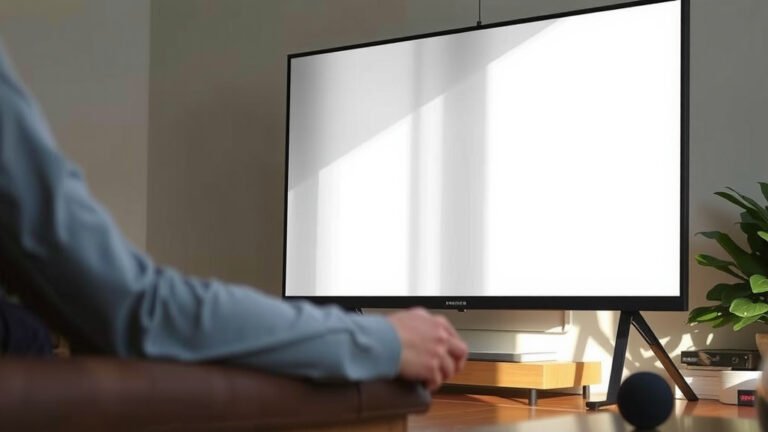
TV glare happens because light bounces off your screen’s glossy surface and reflects back at you — usually from windows, lamps, or even a bright ceiling. That’s why it’s worse during the day or when the sun hits the room at just the wrong angle. And here’s the kicker: glare doesn’t just annoy you, it can wash out colors and strain your eyes too.
Why does your TV seem to glare more than your neighbor’s? Screen type plays a big role — glossy finishes and certain panel types reflect more light than others. Room setup matters a lot as well. We researched what causes glare and found that most fixes are simple changes you can make in a single afternoon, from repositioning your TV to adding anti-glare solutions.
- Light sources like windows and lamps are the main culprit behind glare.
- Glossy screens reflect more light than matte or anti-glare finishes.
- TV placement — where and how you angle it — makes a huge difference.
- Quick fixes include curtains, bias lighting, and anti-glare screen films.
- Brighter TV settings can help fight off daylight glare.
Below, we break down everything you need to know about why your TV glares so much — and exactly what you can do about it. Let’s dive in.
What Makes Your TV Screen So Reflective in the First Place?
Your TV glares because its screen acts like a semi-dark mirror. Any bright light in the room bounces off the glass or plastic surface and straight into your eyes. The darker the movie scene, the more obvious that mirror effect becomes.
Glossy vs. Matte Finishes
Screen finish is the biggest factor here. Glossy screens look sharp and punchy in a dark room, but they reflect everything — windows, lamps, even your own silhouette. Matte screens trade a bit of color pop for a diffused, glare-resistant surface.
We found that most budget and mid-range TVs ship with glossy finishes. That shiny look sells units on a showroom floor. It doesn’t always sell well in a sun-drenched living room, though.
Panel Types Play a Role Too
The panel behind the glass matters as well. Here’s a quick breakdown of how common TV types handle reflections:
| Screen Type | Glare Level | Best Room | Worst Enemy |
|---|---|---|---|
| Glossy LED/LCD | High | Dark, controlled rooms | Windows and lamps |
| Matte LED/LCD | Low to medium | Bright rooms | Direct sunlight |
| OLED (glossy) | Medium to high | Home theaters | Any light source |
| QLED with anti-glare coating | Low | Sunrooms, big windows | Cheap curtains |
Notice a pattern? The more mirror-like the surface, the more you’ll fight glare during daylight hours.
Finding the Source: Where Is All That Glare Coming From?
Before you fix anything, figure out what’s bouncing off your screen. A simple trick: turn on a bright, mostly white scene (a sports broadcast works great), then slowly look around the room. Every bright spot you see is a suspect.
Windows and Natural Sunlight
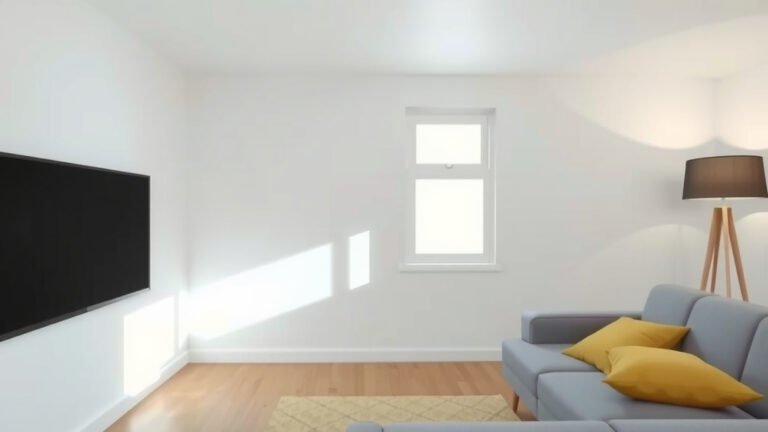
Windows are the usual ringleader. Sunlight is thousands of times brighter than your TV, so even a small window can wash out the picture. Think of it like trying to read a phone screen at the beach — hopeless.
The sun also moves. A window that seems harmless at noon can become a glare cannon by late afternoon. Many experts suggest noting the time of day when glare is worst, since that tells you exactly which window to attack first.
Lamps, Ceiling Lights, and Other Indoor Culprits
Don’t blame the sun alone. Overhead lights are sneaky glare-makers, especially bare bulbs or shiny fixtures positioned behind your couch. Even a bright kitchen light around the corner can reflect off the screen.
Here’s a quick checklist to hunt down your glare sources:
- Turn off every light, then switch them on one at a time.
- Watch for reflections when the TV shows a dark scene.
- Check windows both with curtains open and closed.
- Look for glossy furniture, mirrors, or framed art nearby.
- Stand where you normally sit — glare changes with your viewing spot.
- Note the time of day when the problem peaks.

How to Reduce TV Glare Without Buying a New TV
Good news: you can beat glare with cheap fixes and a free afternoon. We found that most people solve the problem with two or three of the steps below, not all of them.
Move Your TV (and Maybe Your Couch)
Placement is your most powerful tool. If your TV faces a window, every bit of daylight bounces right back at you. Turning the screen away from the brightest window — or placing it on a wall perpendicular to that window — cuts glare dramatically.
Your seating position counts too. If a lamp sits behind your favorite chair, its reflection lands dead-center on the screen. Sometimes moving a lamp three feet is all it takes. Free. Done. Glare gone.
Tame the Light in Your Room
Curtains, Blinds, and Blackout Options
Blackout curtains are the nuclear option, and they work incredibly well. If full blackout feels too cave-like, try light-filtering blinds or top-down shades. They block the sun’s angle without turning your living room into a bunker.
Bias Lighting: A Small Light That Helps
Counterintuitive, right? Adding light to fight glare. But a soft LED strip behind your TV — called bias lighting — reduces eye strain and makes reflections less noticeable by improving contrast around the screen (Cleveland Clinic notes that balanced room lighting can ease digital eye strain). It costs about fifteen bucks and plugs into your TV’s USB port.
Adjust Your TV Settings for Bright Rooms
Most TVs ship in a dim, energy-saving mode that folds like a lawn chair against daylight. Jump into your settings and switch to a bright or “vivid” picture mode during the day. Raise the backlight, not just the brightness — the backlight is the part that fights glare directly.
One warning: cranking brightness too high in a dark room can cause eye fatigue. NIH research on screen viewing suggests matching screen brightness to your room, so treat the daylight setting as a daytime tool and dial it back at night.
Anti-Glare Films and Screen Accessories
Can’t move the TV? Can’t block the window? An anti-glare film might be your answer. These matte stickers adhere to your screen and scatter reflections instead of bouncing them back. The trade-off: a slight softening of the picture, and installation requires patience (and a credit card to smooth out bubbles — trust us on that one).
Other options worth considering:
- Angled TV mounts that let you tilt the screen away from light sources.
- Anti-reflective filters from well-known accessory brands.
- Replacing a shiny TV stand or glossy wall art with something matte.
- A throw blanket or felt strip to cover a reflective surface during movie night.
When Glare Signals a Bigger Problem
Sometimes what feels like “too much glare” is actually eye strain. If your eyes hurt even in a well-controlled room, or glare seems worse than it does for everyone else in the house, it may be time for an eye exam. The CDC recommends regular vision checks, since uncorrected vision problems make screen reflections far more irritating than they should be.
Either way, start with the room, then check your TV, then check yourself. Glare is annoying — but it’s one of the few home theater problems you can actually fix in a weekend.
Conclusion
Glare isn’t a mystery — it’s just light bouncing off your screen, and you now know how to stop it. We researched the causes and found that most people win this fight with placement changes, light control, and a few settings tweaks. You don’t need a new TV or a home theater budget. Start by spotting your worst glare source, then move the TV, dim the window, or add a fifteen-dollar bias light. Pick one fix this weekend and test it. Chances are you’ll be watching your next movie without a single reflection staring back at you.
Frequently Asked Questions
Does TV glare damage your eyes over time?
Glare itself won’t harm your eyes, but it can cause fatigue, headaches, and squinting as your eyes work harder against washed-out images. The discomfort is temporary and usually fades once you fix the reflection. If symptoms stick around even in a controlled room, an eye exam is a smart next move.
Do anti-glare screen protectors actually work on TVs?
Yes, they scatter reflections instead of letting them bounce straight back at you. We found they work best for fixed glare sources you can’t eliminate, like a window behind your couch. The trade-off is a slightly softer picture, so apply it carefully and manage your expectations.
Why does my TV glare more at night than during the day?
Dark scenes and a bright room are a rough combination. A single lamp behind you can reflect off the screen just like the sun does, and it looks worse against a dark picture. Try moving lamps out of the reflection path or switching to a dimmable, warm-toned bulb for evening viewing.
Should I buy a matte TV instead of trying to fix glare?
Only if your room has glare problems you can’t control, like wall-to-wall windows. Matte screens handle bright rooms far better than glossy ones. But if your current setup only needs curtains, a reposition, or a settings change, those fixes cost far less than a replacement.
Does sitting closer to the TV make glare worse?
It can. Your viewing angle determines where reflections land on the screen, and the closer you sit, the more of that bounce-back you catch. Try shifting your seat a few feet left or right — even a small move can slide a reflection out of your line of sight entirely.