What Is Motion Interpolation: A Simple Explanation
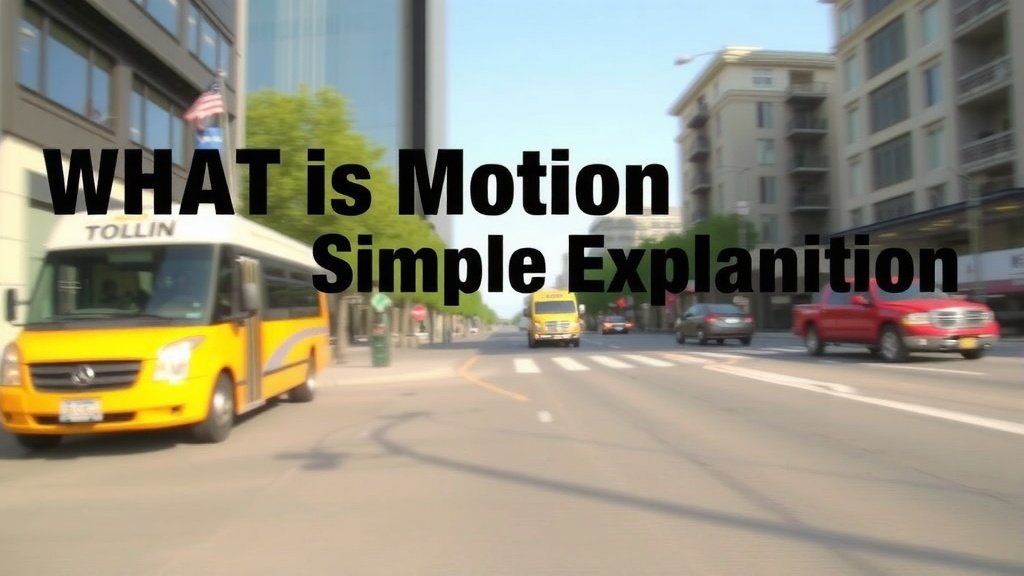
Motion interpolation is a technology that generates **new video frames** between existing ones. It’s used to make videos appear **smoother and more fluid**, especially during fast action. Think of it like an artist adding extra drawings to make a flipbook animation move better.
This technique is often found in modern TVs and video editing software. It aims to reduce motion blur and judder. Many people notice smoother sports or gaming on devices that use motion interpolation, but it can sometimes create odd visual artifacts.
- Motion interpolation creates extra frames for smoother video.
- It’s a key feature in many smart TVs and video players.
- The goal is to reduce blur and make motion look more natural.
- Sometimes it can produce weird visual effects.
Let’s dive into what motion interpolation is and how it works, so you can understand what’s happening on your screen!
You’ve probably seen it without knowing its name. That super-smooth action in a sports broadcast or a fast-paced video game? Motion interpolation is likely behind it. It’s a clever piece of technology designed to make the motion you see on your screen look more natural and pleasing to the eye. Let’s break down exactly how it achieves this!
Understanding How Motion Interpolation Works
Motion interpolation is all about filling in the gaps. When you watch a video, you’re actually seeing a series of still images, called frames, shown very quickly. Our brains then interpret these rapid images as continuous motion. Motion interpolation takes this a step further. It analyzes the frames that are already there and creates new, artificial frames in between them. This makes the movement appear much smoother.
The Basic Idea: Creating New Frames
Think about drawing a flipbook. You draw a character in one position, then draw it slightly moved in the next page, and so on. When you flip through the pages quickly, the character seems to move. Motion interpolation does something similar, but with powerful computer algorithms. It looks at frame A and frame B, and figures out what the character or object should look like at frame A.5. This makes the transition between the original frames less noticeable and much smoother for your eyes.
Why Do We Need It? The Problem with Low Frame Rates
Videos and games often have a limited number of frames per second (FPS). Standard movies are typically 24 FPS, while TV shows might be 30 FPS, and many video games aim for 60 FPS or higher. When there’s a lot of rapid movement on screen, like a football player running or a car speeding by, the jump between these frames can become quite large. This can lead to two common visual problems:
- Motion Blur: When objects move quickly, they can appear blurry because there aren’t enough intermediate frames to show their exact position at every moment.
- Judder: This is a choppy, stuttering motion that happens when the displayed frames don’t smoothly represent the actual movement. It’s like a poorly animated cartoon character.
Motion interpolation aims to combat these issues by increasing the effective frame rate. By adding more frames, it provides more visual information about the movement. This means the steps between each displayed frame are smaller, leading to a much smoother visual experience. Many experts agree that higher frame rates generally lead to a more realistic and immersive viewing experience (NVIDIA).
Different Ways to Create Those Extra Frames
Creating these new frames isn’t a one-size-fits-all process. Different methods exist, each with its own strengths and weaknesses. The goal is always to make the interpolation look as natural as possible. Here are some common approaches:
Frame Averaging
This is one of the simpler methods. It essentially blends parts of two adjacent frames together. If frame A has a ball on the left and frame B has the ball on the right, frame averaging might create a new frame showing the ball somewhere in the middle. It’s straightforward but can sometimes result in a ghosting effect or loss of detail.
Motion Estimation and Compensation
This is a more advanced technique. Algorithms first try to identify how objects are moving from one frame to the next. This is called motion estimation. Once they understand the motion (e.g., “this car is moving left at this speed”), they can predict where that object should be in the next frame. This is motion compensation. This method is generally more accurate and produces better results than simple averaging, as it tries to track objects realistically.
AI and Machine Learning Approaches
The newest and most sophisticated methods use artificial intelligence (AI) and machine learning. These systems are trained on vast amounts of video data. They can learn complex patterns of motion, object appearance, and even things like lighting changes. AI-powered interpolation can often create very realistic intermediate frames, reducing artifacts and making the motion look incredibly smooth. Research shows these AI models are becoming increasingly adept at understanding and replicating complex visual data (Google AI Blog).
Where You’ll Find Motion Interpolation
You might be interacting with motion interpolation more often than you think. It’s become a standard feature in many modern devices and software designed for watching video content.
Smart TVs
This is perhaps the most common place you’ll encounter motion interpolation. Manufacturers often include it as a feature to make sports, action movies, and video games look better on their displays. You might see it advertised under various brand names like “Motionflow,” “TruMotion,” “Clear Motion,” or “Auto Motion Plus.” It’s designed to enhance the viewing experience for fast-moving content.
Video Editing Software
For content creators, motion interpolation is a powerful tool. If you’ve shot footage at a lower frame rate but want it to look smoother, editing software can often apply interpolation effects. This can be useful for achieving a polished look without having to reshoot everything at a higher frame rate.
Video Game Consoles and PCs
While games often aim for high native frame rates, motion interpolation can sometimes be used in game displays or through software solutions. It can help achieve an even smoother visual experience, particularly on displays that might not hit the game’s target FPS consistently.
The Double-Edged Sword: Potential Downsides
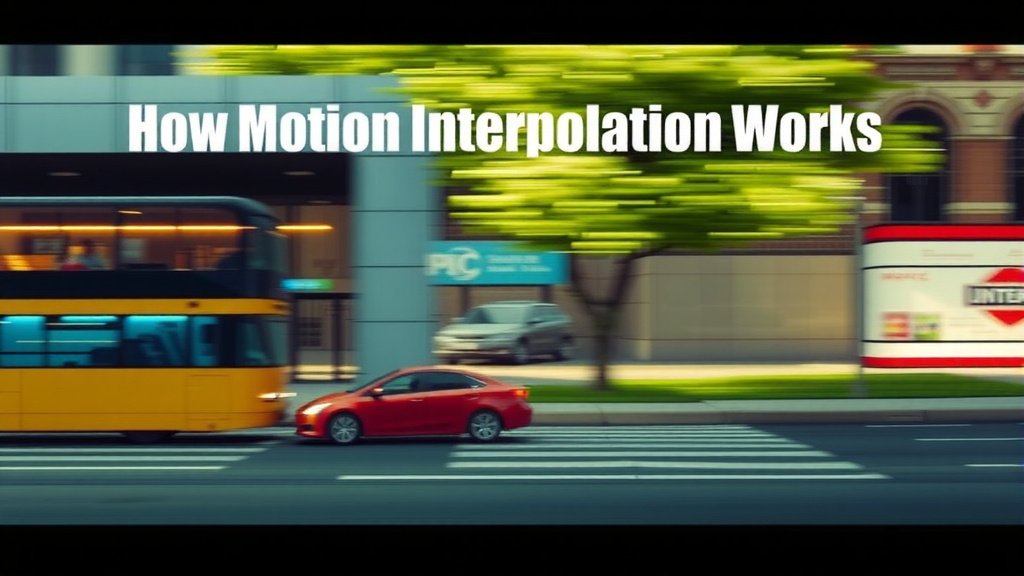
While motion interpolation offers fantastic benefits, it’s not always perfect. Because it’s creating something artificial, it can sometimes introduce visual errors. These can be quite distracting, and many people prefer to turn the feature off.
The “Soap Opera Effect”
This is the most famous complaint. When motion interpolation is set too high, videos can start to look unnaturally smooth, almost like a live TV broadcast or a daytime soap opera. This “soap opera effect” can make films feel less cinematic and more artificial. It’s often a sign that the interpolation is adding too many frames or is overly aggressive in its processing.
Artifacts and Glitches
Besides the soap opera effect, motion interpolation can sometimes create other visual glitches. You might see odd distortions around moving objects, strange trails, or parts of the image that don’t move correctly. These artifacts occur when the interpolation algorithm misinterprets the motion or struggles to accurately predict the next frame. Experts often recommend finding a balance that looks good for your specific content (Rtings.com).
Latency Issues
Adding extra processing steps can sometimes introduce a small delay, known as latency, between when an action happens and when you see it on screen. While often minimal, this can be noticeable in fast-paced video games where split-second reactions are crucial.
What to Look For When Adjusting Settings
Understanding motion interpolation can help you make better choices for your viewing. Here’s a quick checklist to keep in mind:
- Identify the Feature: Know what your TV or software calls motion interpolation.
- Start Low: Begin with the lowest setting or “off” and gradually increase it.
- Test with Various Content: See how it performs with sports, action movies, and slower dramas.
- Watch for Artifacts: Keep an eye out for the “soap opera effect” or other distortions.
- Personal Preference is Key: There’s no single “right” setting; it’s about what looks best to you.
- Consider Gaming: For gaming, latency is critical. You might need to disable it or use a specific “game mode” setting.
By understanding what motion interpolation does and how it works, you can better control your viewing experience. You can choose to embrace the smoothness or opt for a more natural, film-like presentation. It’s all about finding that sweet spot for the content you enjoy!
Conclusion
You’ve learned that motion interpolation is a clever technology that adds frames to make video look smoother. It helps combat blur and judder in fast-moving scenes, often found in your smart TV or editing software. While methods range from simple averaging to advanced AI, the goal is always a more fluid picture. However, you also know it can sometimes create that unwanted “soap opera effect” or visual glitches.
Your next step? Try adjusting the motion interpolation settings on your own devices. Experiment with different content to find what looks best for you, and remember that disabling it is always an option if you prefer a more cinematic feel. It’s your viewing experience, so make it work for you!
Frequently Asked Questions
Does motion interpolation make all videos look better?
Not necessarily. While it shines with fast action, it can make slower content look unnatural, creating the “soap opera effect.” Many people prefer turning it off for movies or shows with less movement. Your personal preference and the type of content are key factors.
Can I turn off motion interpolation on my TV?
Yes, absolutely. Most smart TVs allow you to adjust or completely disable motion interpolation. Look for settings like “Motionflow,” “TruMotion,” or similar brand names and set them to “off” or the lowest available setting. You’ll often find it in the picture or advanced display settings.
Is motion interpolation bad for video games?
It can be. While it might smooth out some visuals, motion interpolation often adds latency, which is a delay between your input and what you see on screen. This lag can be very detrimental in competitive gaming. Many gamers prefer to disable it or use a TV’s “Game Mode” which usually turns off these processing features.
What’s the difference between frame rate and motion interpolation?
Frame rate is the number of frames a video is recorded or displayed per second (e.g., 30 FPS or 60 FPS). Motion interpolation is a process that *creates new frames* between the original ones to increase the *perceived* frame rate, making motion appear smoother without changing the source material’s actual FPS.
Will motion interpolation work on old movies?
It can attempt to, but the results might not be ideal. Older films were often shot at very low frame rates (like 24 FPS) and have a distinct cinematic look. Applying aggressive motion interpolation can sometimes remove this artistic intention or introduce artifacts because the algorithms might struggle with the film’s original grain or motion characteristics.