Understanding the TV Processor: What It Does for You
A TV processor, also known as a SoC (System on a Chip), is essentially the brain of your television. It handles everything from picture processing and motion smoothing to smart TV functions and app performance. Think of it as the engine driving all the visual and interactive elements you experience on your screen.
The quality of this processor directly impacts how clear and smooth your picture looks, especially with fast-moving scenes. It also determines how quickly your smart TV apps load and respond. A better processor means a smoother, more responsive viewing experience for all your entertainment needs.
- TV processors are like the brain of your TV.
- They control picture quality and smart features.
- A good processor means a smoother picture.
- It also makes your smart TV apps run faster.
Let’s dive a little deeper into what makes a TV processor tick and how it affects your daily viewing.
Inside Your TV’s Engine: The Processor Explained
You’re probably wondering what makes your smart TV so smart. It’s not just magic, and it’s not just the screen. The real hero is something called a TV processor, also known as a System on a Chip (SoC). Think of it as your TV’s central nervous system, handling all the heavy lifting.
This little chip is responsible for everything you see and do on your TV. It takes in signals, decodes them, and then makes them look amazing on your screen. It’s also what allows you to navigate menus, run apps, and connect to the internet. Without a good processor, your TV experience would be sluggish and less enjoyable.
What Does a TV Processor Actually Do?
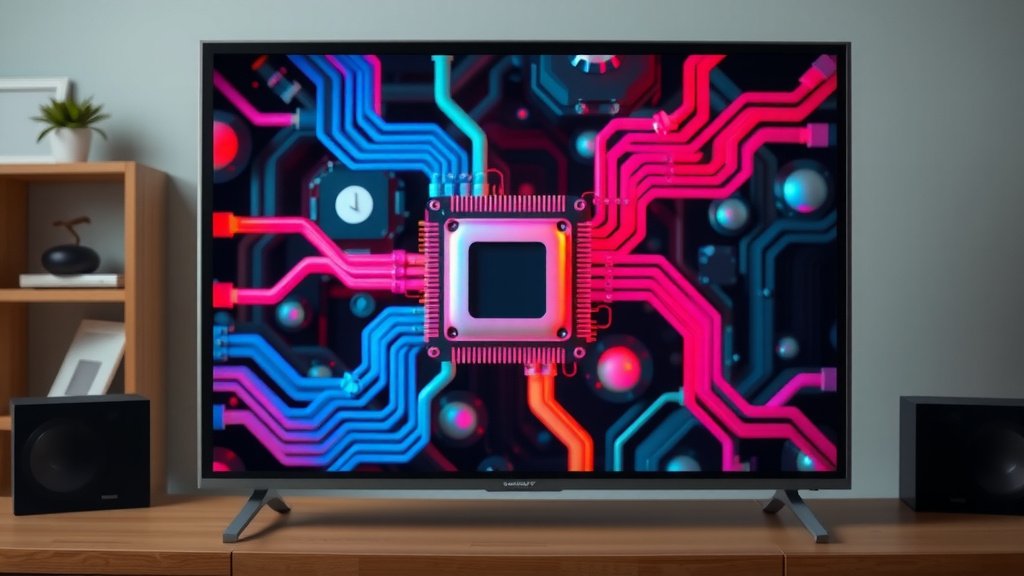
At its core, a TV processor is a miniature computer. It’s packed with different components that work together. Its main job is to manage all the data that goes into and out of your TV. This includes video, audio, and control signals. It’s like the conductor of a large orchestra, making sure every section plays its part perfectly.
Picture Perfect: Image Processing Power
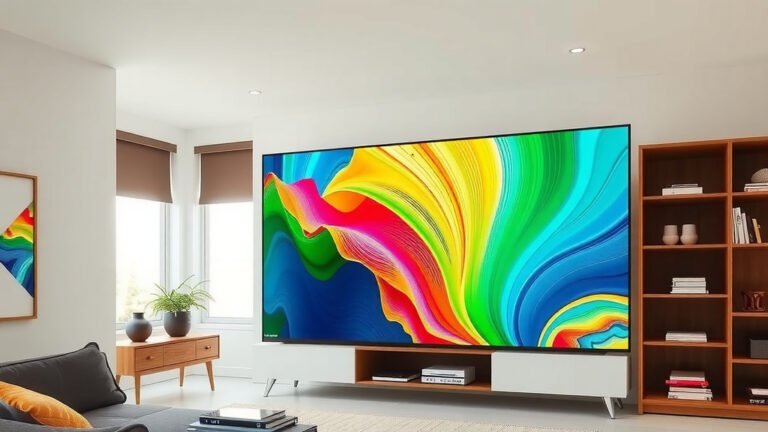
One of the most important jobs of a TV processor is enhancing your picture quality. It analyzes the video signal and makes adjustments on the fly. This can include things like color accuracy, contrast, and brightness. The goal is to make the image as lifelike and vibrant as possible.
You might see terms like “upscaling” or “noise reduction.” That’s the processor at work. Upscaling takes lower-resolution content, like older shows or DVDs, and makes it look better on your high-definition screen. Noise reduction cleans up grainy or fuzzy images. Many experts agree that these processing techniques are key to a truly immersive viewing experience (Society of Motion Picture and Television Engineers).
Keeping Things Smooth: Motion Handling
Ever watched a fast-paced sports game or an action movie and noticed motion blur? A good TV processor can help prevent that. It uses algorithms to predict and insert frames between existing ones. This is often called motion smoothing or motion interpolation. It creates a fluid, clear picture even during rapid movement.
While some viewers enjoy super-smooth motion, others find it looks unnatural, sometimes called the “soap opera effect.” Your TV’s settings usually allow you to adjust this. The processor’s ability to handle motion is a major factor in reducing judder and blur. It’s all about giving you the viewing experience you prefer.
The Smart Side of Things: Running Apps and Features
Modern TVs are more than just screens; they are smart hubs. Your TV processor powers all those smart features. This includes launching streaming apps like Netflix or Hulu, browsing the web, and using voice commands. A faster processor means quicker app loading times and more responsive navigation.
Think about your smartphone. A faster processor makes your phone feel snappier, right? The same applies to your TV. If your smart TV feels slow or laggy, the processor might be the bottleneck. The more powerful the processor, the better it can handle multiple tasks without slowing down. Many reviews highlight processor speed as a key differentiator in smart TV performance.
How Processors Differ: What to Look For
Not all TV processors are created equal. Manufacturers use different chipsets with varying capabilities. The number of cores and the clock speed of these cores are important specifications. More cores and higher clock speeds generally mean better performance.
Cores and Clock Speed: The Technical Bits
TV processors often have multiple cores, similar to computer CPUs. A dual-core processor has two, a quad-core has four, and some high-end TVs even boast hexa-core (six) or octa-core (eight) processors. Each core is like a mini-brain that can handle a specific task. The more cores, the more tasks the processor can manage simultaneously.
Clock speed, measured in Gigahertz (GHz), indicates how fast each core can process information. A higher GHz number means faster processing. So, a quad-core processor running at 2.0 GHz will generally outperform a dual-core processor running at 1.0 GHz. It’s important to consider both the number of cores and their speed when evaluating a TV’s processor.
Specialized Processors: AI and Machine Learning
Some newer TVs come with processors that include dedicated AI (Artificial Intelligence) or machine learning capabilities. These processors can analyze content in real-time and automatically optimize picture and sound settings. They learn from your viewing habits and preferences.
For example, an AI processor might detect that you’re watching a nature documentary and adjust the color saturation to make the greens and blues more vivid. Or it might recognize a sports broadcast and enhance motion clarity. Research suggests AI is improving picture quality significantly (IEEE).
The Impact on Your Viewing Experience
So, how does all this technical stuff translate to your living room? A better processor means a smoother, more vibrant, and more responsive TV. You’ll notice the difference in several key areas.
| Processor Feature | What You’ll Experience | Why It Matters |
|---|---|---|
| Image Enhancement | Sharper details, richer colors, better contrast. | Makes content look more realistic and engaging. |
| Motion Smoothing | Clearer action scenes, less blur in fast movement. | Ideal for sports, action movies, and gaming. |
| Smart TV Performance | Faster app loading, smoother menu navigation. | Less waiting, more enjoying your favorite content. |
| Upscaling Quality | Older or lower-res content looks surprisingly good. | Maximizes the viewing quality of your entire library. |
| AI Optimization | Automatic picture/sound adjustments tailored to content. | Effortless perfection for every scene. |
Is It Worth Upgrading for a Better Processor?
If your current TV feels sluggish, or you’re disappointed with motion blur or picture quality, upgrading to a TV with a more advanced processor can make a big difference. We found that for many users, the upgrade in responsiveness and visual clarity is well worth the investment.
Consider your viewing habits. If you watch a lot of fast-paced content or rely heavily on smart TV apps, a powerful processor will enhance your experience significantly. It’s not just about having more pixels; it’s about how well those pixels are managed. A good processor ensures you’re getting the best possible picture and performance from your television.
Quick Checklist: What Your TV Processor Handles
Here’s a quick rundown of what that powerful chip inside your TV is doing:
- Picture Clarity: Making images sharp and detailed.
- Color & Contrast: Adjusting tones for realism.
- Motion Handling: Reducing blur in fast action.
- App Speed: Loading and running your smart TV programs.
- Upscaling: Improving the look of older content.
- Sound Optimization: Sometimes, it even helps with audio processing.
Conclusion
You now understand that your TV’s processor is the engine driving its entire performance. It’s the secret sauce behind stunning visuals, fluid motion, and snappy smart features. A powerful processor means a more enjoyable viewing experience, from the crispest movie scenes to the quickest app loads. When choosing your next TV, remember to look beyond the screen size. Consider the processor’s power, core count, and clock speed. This will help you find a TV that’s not just a display, but a truly smart and immersive entertainment hub. Invest wisely in your TV’s brain for years of great entertainment.
Frequently Asked Questions
How can I tell if my TV has a good processor?
Look for TVs that advertise their processor specs, like the number of cores (quad-core or octa-core are generally better) and clock speed (higher GHz is faster). Reading professional reviews and user feedback can also give you a good idea of real-world performance and responsiveness.
Does the TV processor affect sound quality?
While primarily focused on video, the TV processor also plays a role in audio processing. It helps manage digital audio signals, apply enhancements like virtual surround sound, and ensure audio stays synced with the picture. A better processor can contribute to a more immersive sound experience.
Can a TV processor be upgraded?
Generally, no, a TV processor is a fixed component soldered onto the main board and cannot be upgraded like a computer. If you feel your TV’s performance is lacking, your best option is to upgrade to a newer model with a more advanced processor.
What is upscaling and how does the processor help?
Upscaling is the processor’s ability to take lower-resolution content (like old DVDs or standard broadcast TV) and intelligently enhance it to look better on your high-definition screen. It adds detail and sharpness, making older content more watchable.
Will a better processor make my old downloaded movies look better?
Yes, a stronger TV processor can significantly improve the visual quality of older or lower-resolution downloaded movies through advanced upscaling and noise reduction techniques. It helps to make your entire media library look its best on your modern display.