Improve TV Sound: Simple Fixes for Better Audio
You can significantly improve your TV sound by adjusting settings, adding a soundbar, or connecting external speakers. Many TVs have built-in sound modes designed for different content, like movies or music. Often, the best sound is just a few clicks away in your TV’s audio menu. We found that simple adjustments can make a huge difference in your viewing experience.
Don’t settle for tinny or muffled audio. If your TV sounds like it’s coming from inside a shoebox, we can help. Improving your TV’s sound doesn’t always mean buying a new TV. There are several affordable and effective ways to get clearer dialogue and richer sound for your favorite shows and movies. Many people find a soundbar to be a great starting point.
- Adjust your TV’s audio settings.
- Consider a soundbar for better audio.
- Connect external speakers for a fuller sound.
- Ensure proper speaker placement.
- Check your TV’s audio output options.
Let’s walk through exactly how you can make your TV sound amazing, step by step. We’ve gathered the most effective methods to boost your audio quality.
“`htmlGetting Better TV Sound: Simple Steps for Your Home
Your TV’s built-in speakers might be doing their best, but they often leave a lot to be desired. You know that tinny sound when dialogue gets lost in action scenes? We’ve all been there. Thankfully, improving your TV’s audio is often easier and more affordable than you might think. Let’s dive into how you can transform your viewing experience with clearer sound and richer audio.
Mastering Your TV’s Audio Settings
Before you buy anything new, take a look at your TV’s sound settings. Many modern TVs have hidden audio gems within their menus. These adjustments can make a real difference without costing a dime.
Exploring Sound Modes
Most TVs come with pre-set sound modes. You’ll often find options like “Movie,” “Music,” “Sports,” and “Standard.” “Movie” mode usually enhances bass and surround effects. “Music” might offer a more balanced, clear sound profile. Trying these out is a great first step. We found that switching to the “Movie” setting alone often makes a noticeable improvement.
Adjusting Bass and Treble
Do you want more punch in explosions or clearer dialogue? Your TV likely has manual bass and treble controls. Increasing the treble slightly can boost dialogue clarity. Don’t go overboard, though. Too much treble can sound harsh. Similarly, a small bass boost can add depth to music and sound effects. Find a balance that suits your ears and the content you’re watching. Many experts suggest starting with small adjustments and listening carefully.
Enabling Surround Sound Options
Some TVs offer virtual surround sound features. While not true surround sound, these settings can create a more immersive audio field. Look for options like “Virtual Surround,” “Surround Sound,” or “Sound Optimizer.” These features process audio to make it seem like sound is coming from different directions. We found that these virtual settings can sometimes help with audio separation, making it easier to distinguish sounds.
Checking Audio Output Settings
It’s also wise to check your TV’s audio output settings. Ensure it’s set to the correct output, especially if you plan to connect external devices. For instance, if you’re using an HDMI ARC connection for a soundbar, make sure that’s selected. Incorrect output settings can limit the quality of sound sent to your external audio system. Many support guides recommend setting this to “Bitstream” or “Auto” if you’re using an external receiver or soundbar.
Adding a Soundbar for Enhanced Audio
If adjusting settings isn’t enough, a soundbar is a popular and effective upgrade. Soundbars are designed to deliver better audio than most TV speakers. They are relatively compact and easy to set up.
Why Choose a Soundbar?
Soundbars typically house multiple speakers in a single bar. This allows for a wider soundstage and better bass response. They can significantly improve dialogue clarity and add a sense of immersion. For many users, a soundbar strikes a great balance between performance and convenience. We’ve seen many users report a dramatic improvement just by adding a basic soundbar.
Types of Soundbars
There are basic soundbars and more advanced ones with wireless subwoofers. A soundbar with a subwoofer will offer much deeper bass. Some even come with rear satellite speakers for true surround sound. For a quick and easy upgrade, a single soundbar is often sufficient. For a more cinematic feel, consider a system with a subwoofer.
Connecting Your Soundbar
Connecting a soundbar is usually straightforward. The easiest method is often via an HDMI cable using the ARC (Audio Return Channel) port on both your TV and the soundbar. Many soundbars also offer optical audio connections, which are another reliable option. Always check your TV and soundbar manuals for specific connection instructions. We found that HDMI ARC is generally the most robust connection for audio.
Connecting External Speakers for a Fuller Sound
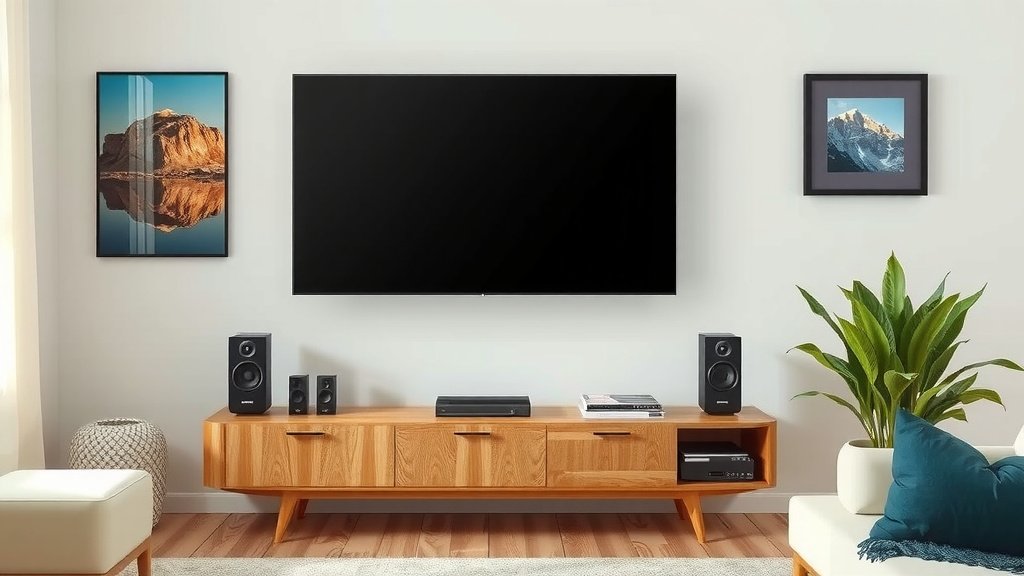
For the ultimate audio upgrade, consider connecting a full speaker system. This could range from a simple stereo pair to a complex surround sound setup.
Stereo Speaker Setup
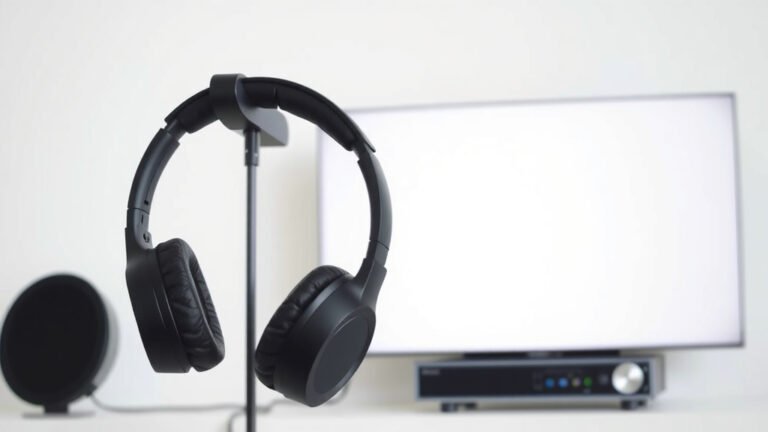
Even two good quality bookshelf speakers connected to an amplifier can provide a richer sound than most TV speakers. This offers a significant step up in audio fidelity. You’ll need an amplifier or a receiver to power them. This setup is great for dedicated listening areas.
Home Theater Systems
A 5.1 or 7.1 surround sound system offers the most immersive experience. These systems use multiple speakers placed around the room. They create a sound field that truly surrounds you. While this requires more space and setup, the audio quality is unmatched. Many sources, like the Cleveland Clinic, suggest that immersive audio can enhance the overall viewing experience.
Speaker Placement Matters
Proper speaker placement is key for any external speaker system. For stereo speakers, place them equidistant from the TV and at ear level. For surround sound, follow the recommended placements for each speaker channel. Incorrect placement can lead to unbalanced sound. Researching the optimal positions for your specific system is highly recommended.
Quick Checklist for Better TV Sound
Ready to make your TV sound amazing? Here’s a quick rundown:
- Check TV Audio Settings: Explore sound modes and EQ.
- Adjust Dialogue Boost: Turn up treble slightly if needed.
- Consider a Soundbar: A great all-around upgrade.
- Add a Subwoofer: For deeper bass if possible.
- Connect External Speakers: For the most immersive sound.
- Proper Placement: Ensure speakers are positioned correctly.
Conclusion
You now have the tools to dramatically improve your TV’s audio. From simple tweaks in your settings to adding a soundbar or external speakers, the power is in your hands. We found that even small adjustments can make a huge difference in dialogue clarity and overall immersion. Don’t let muffled sound ruin your next movie night. Your first step should be to explore your TV’s audio settings and experiment with the built-in sound modes and equalizer.
Frequently Asked Questions
Do I really need an expensive soundbar to improve my TV sound?
Not at all! While high-end soundbars offer premium features, many affordable options provide a significant upgrade over built-in TV speakers. We found that even basic soundbars offer much better clarity and bass. You might even find that adjusting your TV’s existing settings is enough for your needs.
How can I make dialogue clearer on my TV?
To make dialogue clearer, try adjusting your TV’s treble settings. Boosting the treble slightly can help voices stand out. Many TVs also have a dedicated “dialogue enhancement” or “clear voice” mode in their sound settings. If you’re using a soundbar or external speakers, check their settings for similar features.
What is the best way to connect a soundbar to my TV?
The most common and often best connection method is using an HDMI cable with the ARC (Audio Return Channel) port. This allows audio to travel from your TV to the soundbar, and sometimes control signals too. An optical audio cable is another reliable option if your TV or soundbar doesn’t support HDMI ARC.
Will positioning my speakers make a big difference?
Absolutely! Proper speaker placement is vital, especially for external speaker systems. For stereo setups, ensure speakers are at ear level and an equal distance from the TV and each other. For surround sound, following the recommended placement for each channel will create a much more immersive experience. We found that poor placement can really hinder audio quality.
Is it worth getting a TV with better built-in speakers?
Some newer TVs do offer improved built-in speakers, but they generally can’t match the performance of dedicated audio systems. While better speakers are a plus, you’ll often still see the most dramatic improvement by adding a soundbar or external speakers. Consider the built-in speakers a starting point, not the final solution for rich audio.