Optimize TV Placement in Your Living Room
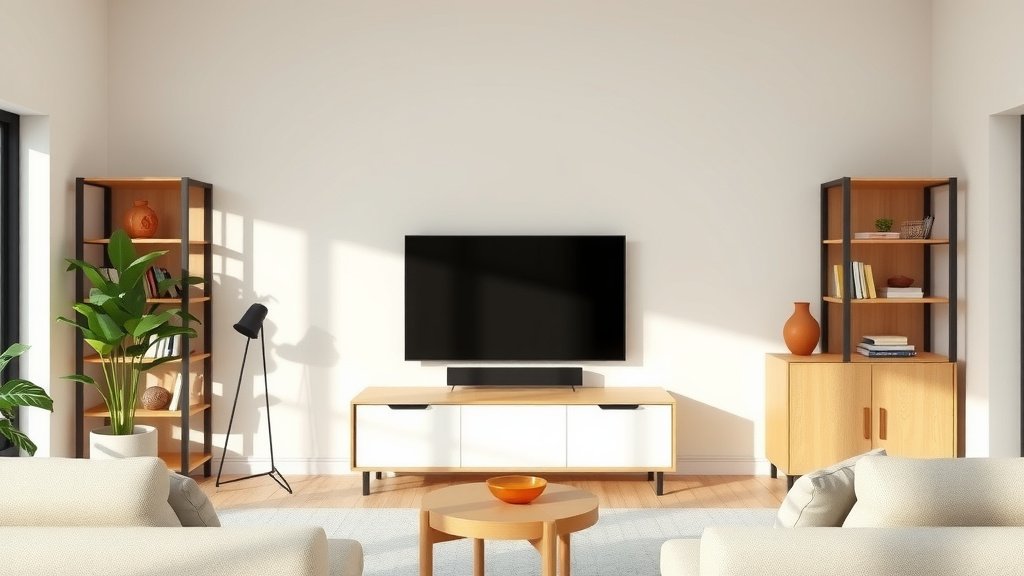
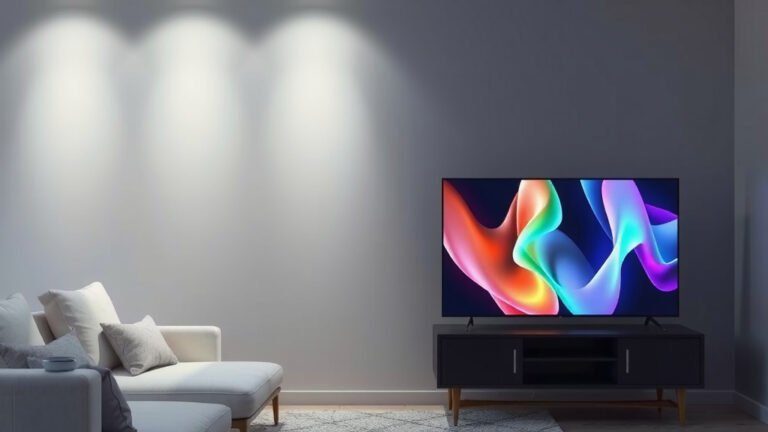
The best place for your TV in a living room is typically centered on the longest wall, at a height where the middle of the screen is at eye level when you’re seated. This spot offers the most comfortable viewing angles and avoids glare from windows or lights. Getting this Our guide to calculate TV viewing distance helps you find comfortable viewing angles for your setup.placement right is key to a cozy and functional living space.
When deciding where your TV will live, think about more than just the wall. Consider your existing furniture layout and how you use your living room. You’ll want to ensure it doesn’t block pathways or feel like the room is just a giant black box. Many people overlook the impact of natural light and seating arrangement.
- Eye Level is Best: Mount or place your TV so the middle is at seated eye level.
- Avoid Glare: Position it away from direct sunlight or bright lamps.
- Center Stage: Often, the longest wall works best for optimal viewing.
- Furniture Flow: Ensure TV placement doesn’t disrupt traffic or seating.
Below, we’ll guide you through the most common and effective TV placement strategies to help you find the perfect spot in your living room.
“`htmlFinding the Best Spot for Your TV in the Living Room
Figuring out the perfect place for your television is a big step. It impacts how you watch shows and how the room feels. Let’s walk through some smart ways to position your TV.
Understanding Viewing Angles and Distance
The sweet spot for TV placement is all about comfort and clarity. You want everyone to see without straining their eyes or necks.
Optimal Height for Seated Viewers
Most experts agree that the middle of the TV screen should be at eye level when you’re sitting down. This means if your couch is about 10 feet from the TV, the screen’s center should be roughly 42 inches from the floor. This setup prevents you from tilting your head up or down too much, which can cause discomfort during longer viewing sessions.
Finding the Right Viewing Distance
The distance from your couch to the TV is just as important as the height. Too close, and you might miss details or feel overwhelmed. Too far, and everything can look too small to enjoy.
- For a 55-inch TV, aim for a distance of 5.5 to 8.25 feet.
- For a 65-inch TV, try a distance of 6.5 to 9.75 feet.
- For a 75-inch TV, a good range is 7.5 to 11.25 feet.
These distances help you appreciate the picture quality without eye strain. The American Optometric Association suggests that a good rule of thumb is a distance that is 1.5 to 2.5 times the diagonal screen size (American Optometric Association).
Considering Light and Glare
Nothing ruins a good movie night like a blinding reflection on your screen. Light management is key to a pleasant viewing experience.
Window Placement and Sunlight
Direct sunlight is your TV’s worst enemy for viewing. If a large window faces your TV, you’ll get annoying glare. Try to position your TV on a wall perpendicular to the window. This way, the sun’s rays hit the side of the screen, not the front. Blackout curtains or blinds can also be a lifesaver for daytime viewing.
Artificial Lighting Strategies
Bright overhead lights can also cause reflections. It’s often best to avoid placing your TV directly opposite strong lamps or ceiling fixtures. Consider using dimmer switches or lamps that provide indirect lighting. This creates a softer ambiance and reduces glare bouncing off the screen.
Integrating TV Placement with Furniture Layout
Your TV shouldn’t be an island; it needs to play nicely with your other furniture. Think about how your room flows and where people will be sitting.
The Longest Wall Advantage
Many living rooms have a longest wall that naturally becomes the focal point. Placing your TV here often provides the most balanced setup. It usually allows for the best viewing angles from various seating positions. This wall can also accommodate larger entertainment centers or shelving units.
Avoiding Obstructions and Traffic Flow
You don’t want your TV to block doorways or main walking paths. This makes the room feel cramped and can be a tripping hazard. Measure your room carefully. Ensure there’s enough space for people to move around comfortably, even when the TV is in place.
Seating Arrangement Considerations
Before you mount that TV, arrange your main seating. Does the couch face the wall you’re considering? Are there accent chairs that will also have a good view? Aim for a layout where the majority of seats have a clear line of sight to the screen without awkward angles.
Exploring Different TV Placement Options
Not every living room is the same. Here are a few common scenarios and how to handle them.
The Corner Conundrum
Placing a TV in a corner can sometimes feel like the only option. While it might save wall space, it often leads to off-center viewing angles for many seats. If you must go with a corner, consider using a corner TV stand or a swivel mount. This allows you to adjust the TV’s position for better viewing. Be mindful of how much space it takes up.
Above a Fireplace: Pros and Cons
Many people love the idea of mounting a TV above a fireplace. It can look sleek and use often-unused vertical space. However, experts often advise against it (Cleveland Clinic). The main issues are the height and potential heat.
- Height: TVs above fireplaces are often too high. This means you’re craning your neck.
- Heat: Modern fireplaces are generally safe, but older ones or those with direct heat output can potentially damage your TV over time.
- Glare: Fireplaces are often in central areas, making glare a common problem.
If you decide to go this route, use a recessed fireplace or consider a TV lift mechanism to bring the screen down to a comfortable level when in use. A mantel mount can also help adjust the height.
Wall Mounting vs. TV Stand
Deciding whether to mount your TV or use a stand is a big choice. Both have their advantages.
| Feature | Wall Mounting | TV Stand/Console |
|---|---|---|
| Space Saving | Excellent. Frees up floor space. | Takes up floor space. |
| Aesthetics | Sleek, modern look. Hides wires well. | Can store media components. Offers shelf space. |
| Flexibility | Fixed or adjustable mounts offer some tilt/swivel. | Easy to move or reposition the TV. |
| Installation | Requires drilling into walls. Professional help may be needed. | No installation needed. Simply place the TV on top. |
| Viewing Height | Can be precisely set at eye level. | Height is limited by the stand’s dimensions. |
Wall mounting offers a clean look and can be set perfectly at eye level. However, it’s a more permanent decision. A TV stand provides flexibility and storage for your gaming consoles or soundbar. It’s also simpler to set up.
Checklist for Perfect TV Placement
Ready to find your TV’s new home? Use this quick checklist:
- Measure Twice: Confirm viewing distance and height from your main seating.
- Map the Light: Identify windows and bright lights to avoid glare.
- Consider Flow: Ensure the spot doesn’t block pathways.
- Visualize Seating: Imagine where everyone will sit and if they can see well.
- Test It Out: If possible, temporarily place the TV or a placeholder to see how it feels.
- Plan for Wires: Think about how you’ll manage cables for a tidy look.
Conclusion
You’ve now got the roadmap to finding the perfect spot for your TV. Remember, the best placement balances comfortable viewing angles, minimizes glare, and integrates smoothly with your living room’s flow and furniture. It’s about creating an enjoyable space for everyone. Now, take these tips and apply them to your room. You’ll soon be enjoying your favorite shows and movies without any visual distractions or discomfort. Go measure, visualize, and make that ideal TV spot a reality!
Frequently Asked Questions
What’s the most common mistake people make when placing their TV?
A very common mistake is placing the TV too high, often above a fireplace. This forces you to crane your neck, leading to discomfort during long viewing sessions. Many people also overlook glare from windows or lights, which can significantly impact the viewing experience.
Can I put my TV in a corner if my room is small?
While a corner placement might seem space-saving, it often results in poor viewing angles for most seats. If this is your only option, consider using a TV mount with swivel capabilities. This allows you to angle the screen towards your main seating area.
How do I deal with sunlight glare on my TV during the day?
The best approach is to position your TV on a wall perpendicular to windows, so sunlight hits the side, not the screen. If that’s not possible, using blackout curtains or blinds is highly effective. You can also try strategically placing lamps to create a softer ambiance.
Is mounting a TV always better than using a stand?
Not necessarily. Wall mounting offers a sleek look and can save floor space, but it’s a more permanent solution. A TV stand provides flexibility, can offer extra storage for media components, and is simpler to set up. Your choice depends on your room’s layout and aesthetic preferences.
How do I know the right distance to place my TV from the couch?
The ideal viewing distance depends on your TV’s screen size. As a general guideline, for a comfortable experience, you want to be about 1.5 to 2.5 times the diagonal screen size away from the TV. For instance, with a 65-inch TV, aim for a distance between 6.5 and 9.75 feet.