How to Remove Scratches from Your TV Screen
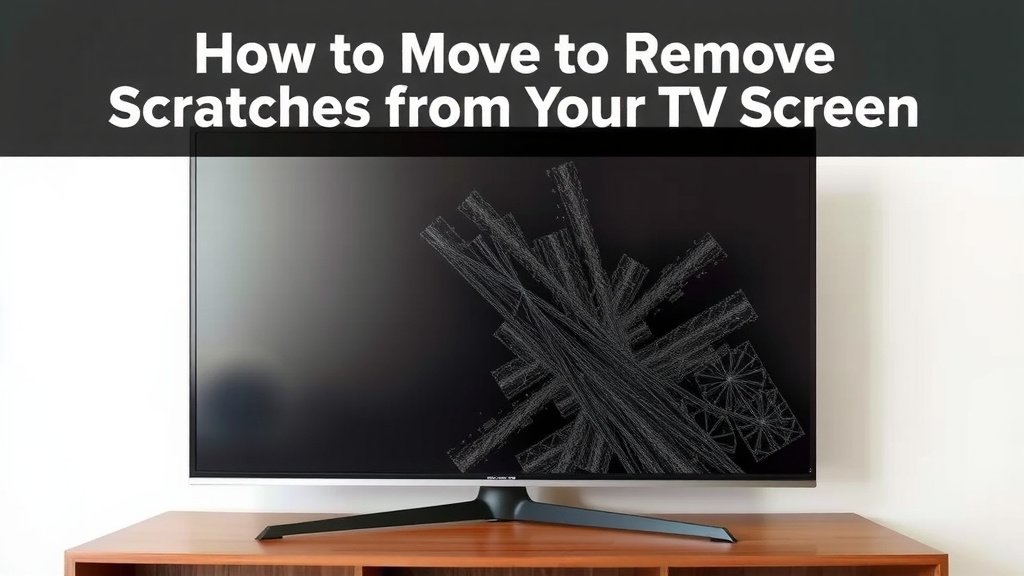
You can often remove scratches from a TV screen using gentle, common household items. For minor surface marks, a soft microfiber cloth lightly dampened with distilled water can work wonders. If that doesn’t do the trick, a paste made from baking soda and water is a surprisingly effective solution for deeper scuffs. Always remember to be extremely gentle to avoid causing more damage.
It’s easy to feel a pang of panic when you spot a scratch on your TV. Whether it’s from a rogue cleaning attempt or something else, a scratched screen can be an eyesore. Fortunately, research and found methods suggest you don’t always need a professional to fix it. Many common household items can help you safely buff out these frustrating marks.
- Microfiber cloths are your best friend for gentle cleaning.
- Distilled water is safe for most screen types.
- A baking soda paste can tackle tougher scratches.
- Always work gently and test in an inconspicuous spot first.
Let’s walk through the easiest and most effective ways to tackle those TV screen scratches together, so you can get back to enjoying your favorite shows without distraction.
Tackling Scratches on Your TV Screen
You’ve probably experienced that sinking feeling. A scratch appears on your TV screen, and you immediately think the worst. It’s an unwelcome guest on your viewing experience. But before you resign yourself to watching through a hazy line, know that there are often simple, DIY solutions. We’ve researched various methods that can help you gently buff out minor imperfections.
The key is always to start with the least aggressive approach. Like tending to a delicate piece of art, you want to be incredibly careful. Damage can happen if you’re too rough or use the wrong materials. So, let’s look at what you can do at home.
Understanding Screen Types and What to Avoid
Before you grab any cleaning supplies, it’s vital to know what kind of screen you have. Most modern TVs are either LCD, LED, or OLED. Older models might be plasma. Each type can react differently to cleaning agents and physical contact. For instance, many newer screens have anti-glare coatings that can be easily damaged.
Common Screen Materials and Their Sensitivities
Many TV screens are made of glass or plastic. Plastic screens, often found on smaller or older models, can be more prone to scratching. Glass screens are generally more durable but can still show marks. It’s also important to remember that many screens have special coatings. These can include anti-reflective or anti-glare layers. Using the wrong cleaner can strip these coatings, leaving your screen looking worse than before.
What NOT to Use on Your TV Screen
This is where many people make mistakes. You might think a common cleaner will work, but it can cause harm. Aggressive chemicals are a big no-no. Things like:
- Window cleaners: These often contain ammonia or alcohol, which can damage coatings.
- Household cleaners: Bleach, Windex, and general-purpose sprays are too harsh.
- Abrasive cloths or paper towels: These can create micro-scratches, making the problem worse.
- Excessive water: Letting liquid seep into the TV can cause electrical damage.
Research consistently shows that using harsh chemicals or abrasive materials is a leading cause of screen damage (Consumer Reports).
Gentle Solutions for Minor Scratches
For those faint lines you can barely see unless the light hits them just right, simple methods often suffice. Think of it like polishing a delicate surface. The goal is to lift the blemish without pressing too hard.
The Microfiber Cloth Method
This is your first line of defense. A clean, soft microfiber cloth is designed to trap dust and dirt without scratching. You probably already have one for your eyeglasses or camera lenses.
First, ensure your TV screen is powered off and cool to the touch. This helps you see the scratch better and prevents potential electrical issues. Gently dust the screen with a dry microfiber cloth. Then, slightly dampen a clean section of the cloth with distilled water. Never spray water directly onto the screen. Lightly wipe the scratched area in a circular motion. Don’t apply much pressure. You’re just aiming to lift any surface debris that might be contributing to the visible scratch.
What if Distilled Water Isn’t Enough?
If the scratch is still visible after the microfiber and distilled water, you might need a slightly more potent, yet still gentle, solution. Many experts suggest a mild cleaning solution. For some screens, a mixture of a tiny amount of mild dish soap (like Dawn) with distilled water can be effective. Use only a drop or two of soap in a cup of distilled water. Again, dampen a microfiber cloth with this solution, wring it out thoroughly so it’s barely moist, and gently wipe the area.
Addressing Deeper Scratches with Household Items
When the scratch is more pronounced, you might need something with a bit more buffing power. Don’t worry; we’re still talking about gentle, common items. The goal is to fill in or smooth out the imperfection without damaging the surrounding screen.
The Baking Soda Paste Solution
Baking soda is a mild abrasive, making it surprisingly effective for buffing. Research and user reports indicate it can help smooth out deeper scratches. You’ll need to create a paste.
Mix equal parts baking soda and distilled water. You want a consistency like toothpaste – not too runny and not too thick. Apply a small amount of this paste to a clean microfiber cloth. Gently rub the paste over the scratch using a circular motion. Use minimal pressure; let the paste do the work. After a minute or two of gentle rubbing, use a separate, clean, slightly damp microfiber cloth to wipe away the paste. Finally, dry the area with a dry microfiber cloth.
Remember to test this in an inconspicuous area first, if possible, like a corner of the screen. This ensures it doesn’t affect your specific screen’s coating.
Eraser-Like Solutions (Use with Extreme Caution)
Some guides mention using items like pencil erasers or even certain types of car wax. We found that these methods carry a higher risk. A pencil eraser, even a soft one, can still leave its own marks. Car wax contains chemicals that might not be safe for your TV screen. These are generally considered last resorts and are not recommended by most screen manufacturers.
If you decide to try something like this, do so with extreme caution. Always test in a tiny, hidden spot first. And use the absolute gentlest touch imaginable.
Preventing Future Scratches
Once you’ve hopefully fixed those annoying marks, you’ll want to keep your screen pristine. Prevention is always better than cure, right?
Proper Cleaning Habits
Make microfiber cloths your go-to. Always turn off the TV and ensure the screen is cool. Use only distilled water or a screen-specific cleaner. Never spray directly onto the screen. Wipe gently. Avoid pressing hard.
Protecting Your Screen
Consider a screen protector, especially if you have kids or pets. These are thin films that adhere to your screen and can be replaced if scratched. They offer an extra layer of defense against accidental marks.
Safe Placement and Handling
Ensure your TV is placed where it’s least likely to be bumped or touched by foreign objects. Keep remotes, gaming controllers, and other small items away from the screen surface. When moving the TV, handle it by the frame, not the screen itself.
Quick Checklist for Scratch Removal
Here’s a quick rundown to help you tackle those scratches:
- Power off and cool the screen.
- Start with a dry microfiber cloth.
- Try a distilled water-dampened microfiber cloth next.
- For tougher spots, use a gentle baking soda paste.
- Always wipe with minimal pressure.
- Consider a screen protector for future safety.
Conclusion
You’ve learned that those frustrating TV screen scratches don’t always require professional help. We’ve shown you that with careful attention and common household items like microfiber cloths and baking soda, you can often restore your screen’s clarity. Remember to always start with the gentlest methods and be mindful of your screen type. By following these steps, you can get back to enjoying your favorite shows without distraction. Your next step is to assess the scratch and grab the right gentle tool from your cleaning cabinet!
Frequently Asked Questions
Can I use toothpaste to remove scratches from my TV screen?
While some people suggest toothpaste, it’s generally not recommended for TV screens. Toothpaste contains abrasive particles that can create even more micro-scratches on your delicate screen surface. It’s best to stick with the gentler methods like microfiber cloths and baking soda paste that we discussed.
How often should I clean my TV screen to prevent scratches?
Regular, gentle cleaning can prevent dust buildup that might lead to scratches during more vigorous cleaning attempts. Aim to dust your screen with a dry microfiber cloth at least once a week. This keeps the surface clear and makes any deeper cleaning less likely to cause damage.
Is it safe to use screen cleaners bought from a store?
Some commercially available screen cleaners are safe if they are specifically designed for TV screens and are ammonia-free and alcohol-free. Always check the product label carefully to ensure it’s suitable for your TV’s screen type. When in doubt, sticking to distilled water or a very mild soap solution is the safest bet.
What if a scratch is very deep and I can feel it with my fingernail?
If a scratch is deep enough that you can feel it with your fingernail, it may have damaged the actual screen material or protective coating. While the baking soda paste method might slightly reduce its visibility, it’s unlikely to completely remove it. For very deep scratches, professional repair or screen replacement might be your only options.
My TV has an anti-glare coating. Can I still use baking soda paste?
You should proceed with extreme caution if your TV has an anti-glare coating. The mild abrasiveness of baking soda, even when mixed with water, could potentially damage or wear down this coating. It’s highly recommended to test the baking soda paste in a tiny, inconspicuous corner of the screen first and use the absolute lightest touch possible.